Thanks for the quick response, @cathy_0927.
Now, enable the option, and click Ok. And then try converting emails again.
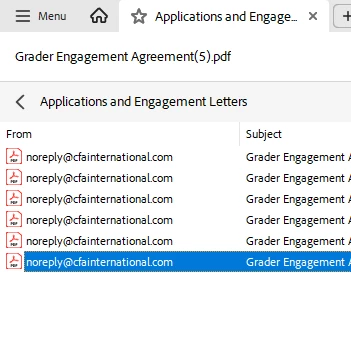
Take a screenshot of the converted document without revealing confidential information, especially on the left side portion of the file.
You should be able to see the results like this. Double-click on the second item on the list "ahm.....(1)", of course, this will be different for you. Then the inbox will come up, and double-click on that, and you should be able to see all of your emails. Let me know how it works

Best regards,
Tariq | Adobe Community Team
That seems to have worked! Perhaps I wasn't drilling into that folder previously or something was reset when removal of this function and re-enabling again. I will try with a larger batch of 450+ .msg files now. Thanks very much!



 AdChoices