

Exit
  • Global community
    • Language:
      • Deutsch
      • English
      • Español
      • Français
      • Português
  • 日本語コミュニティ
  • 한국 커뮤니티
0

Acrobat Pro organize pages: colorful thumbnails?

Explorer ,
Oct 09, 2022 Oct 09, 2022

Hello,

I would like to know if there's a way to mark different pages of a PDF file in the Organize Pages view of Acrobat Pro; something similar to when a page is selected, but permanent, and in diferent colors:
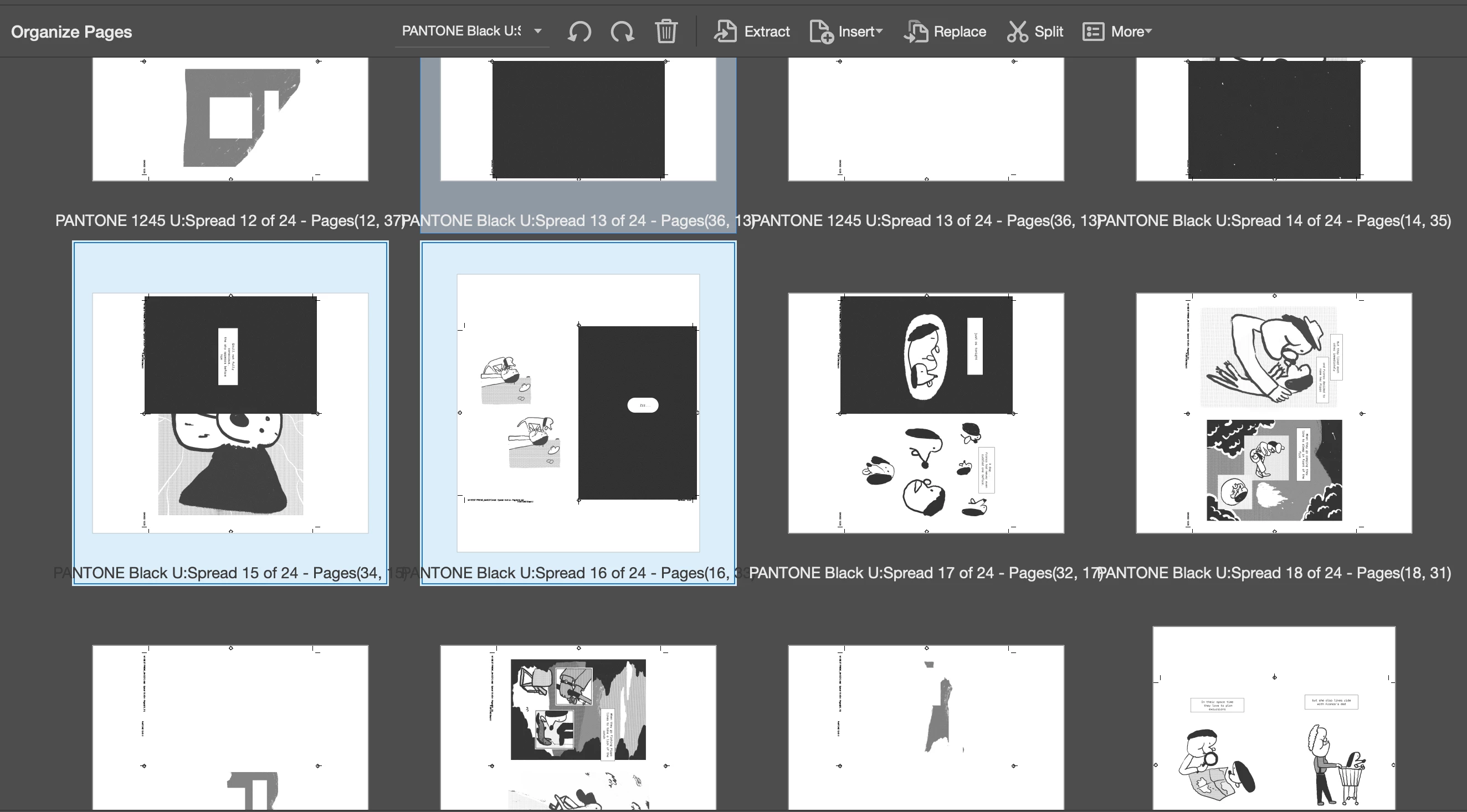
 

Screenshot 2022-10-09 at 22.58.05.png


I need to be able to label and distinguish at a glance various groups of pages, to avoid mistakes in the printing sequence. A bit like it happens in Bridge, for example:
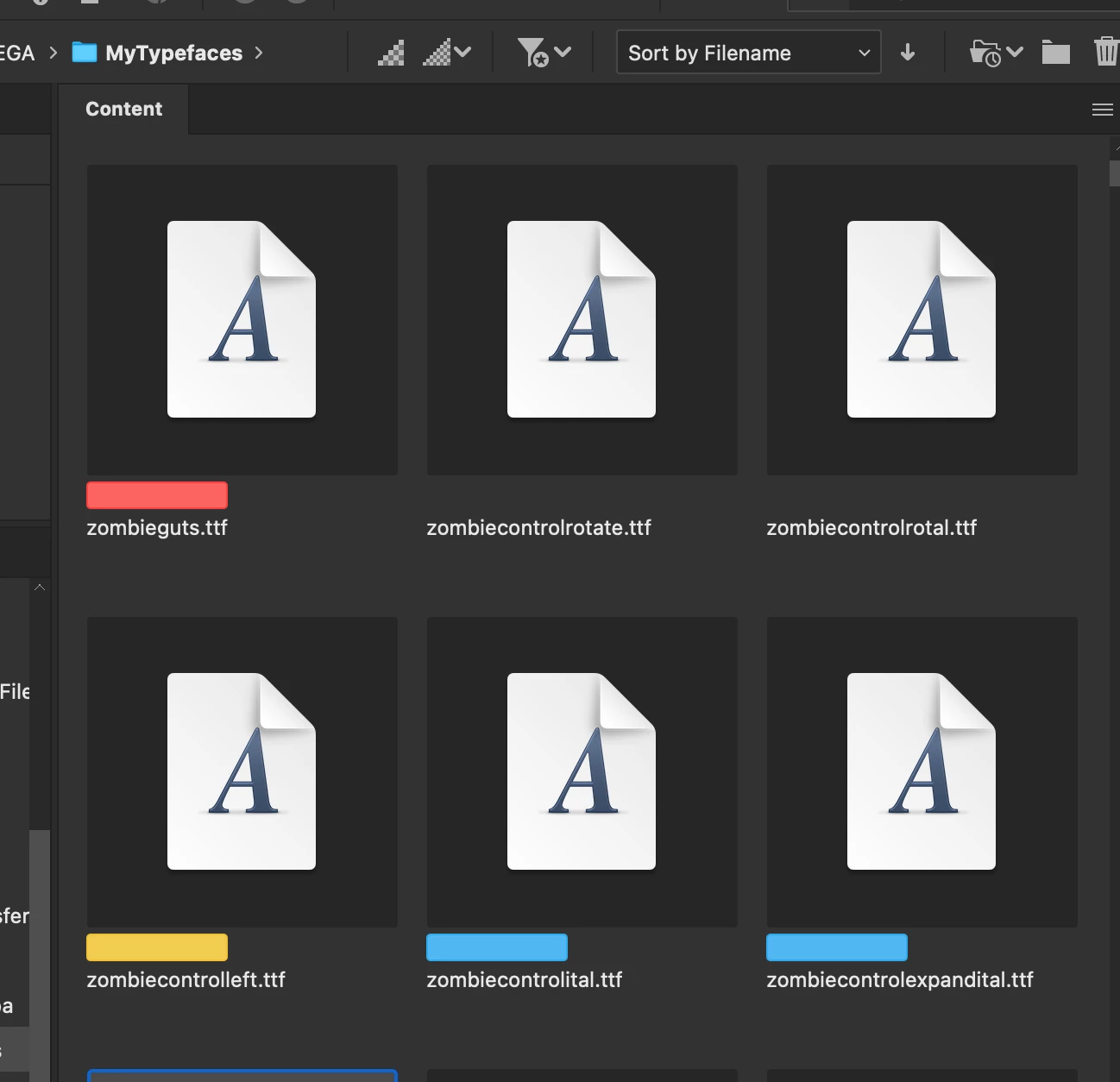
 

Screenshot 2022-10-09 at 23.07.35.png


Is there any way?

Thank you

TOPICS
Edit and convert PDFs , How to , Standards and accessibility
247
Translate
Report
Community guidelines
Be kind and respectful, give credit to the original source of content, and search for duplicates before posting. Learn more
community guidelines
Community Expert ,
Oct 09, 2022 Oct 09, 2022
LATEST

There's no such option currently in Acrobat, but you can suggest adding it here:

https://acrobat.uservoice.com/forums/590923-acrobat-for-windows-and-mac


Translate
Report
Community guidelines
Be kind and respectful, give credit to the original source of content, and search for duplicates before posting. Learn more
community guidelines