
Acrobat Pro toolbars invisible & crashing in Windows 10
I have Acrobat Continuous Release 2022.003.20322 64-bit on a Lenovo P710 workstation with an Nvidia NVS 315 graphics card, running Windows 10 Pro 22H2.
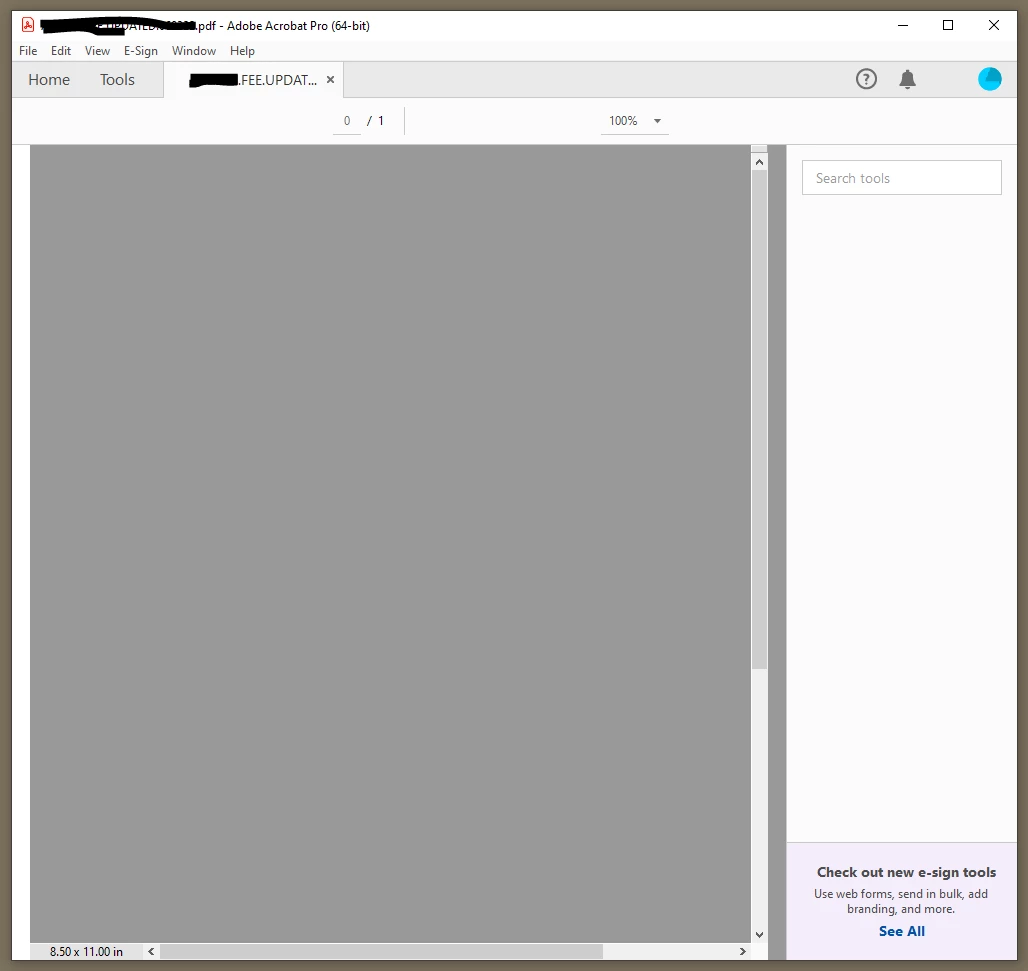
Since a recent update, Acrobat Pro is unusable because the toolbars at top and right are blank not showing most of the buttons (see attached image), and not working. Acrobat also crashes at basically any attempt to use it.
I have read forums that suggested clicking on the window title, pressing ALT, then SPACE to "Restore" the window, but this didn't help either. I have also read that there is a Graphics Card driver setting that can be adjusted to improve it, but my graphics card does not have a control panel from which I can adjust any settings (I've tried to install one).
Please let me know if there is any workaround for this problem, or what can be done. I'm about ready to ask for a refund on my subscription.
Many thanks,
MJ
 AdChoices