Participant
April 20, 2025
Question

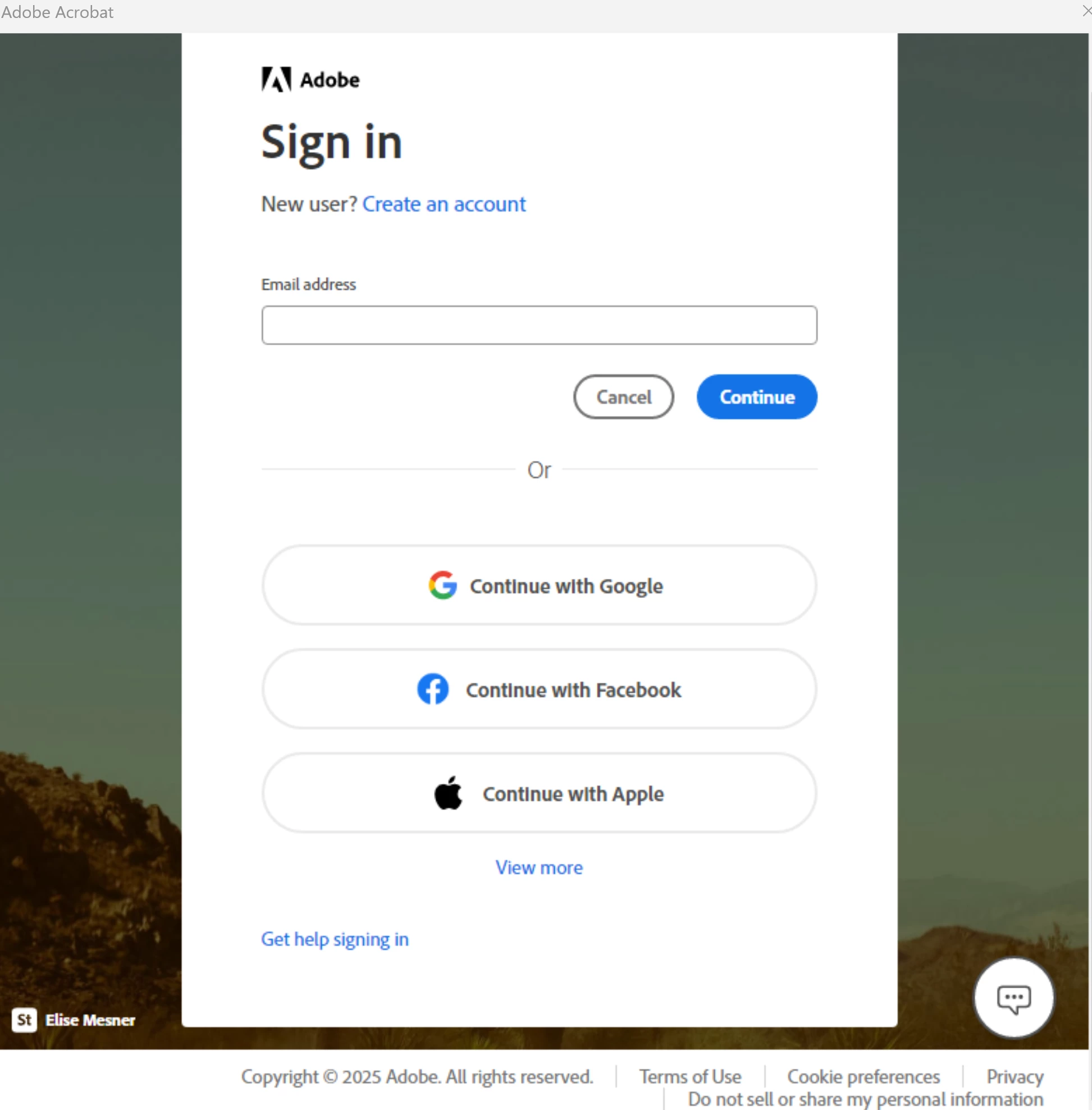
Acrobat Sign in prompt when opening PDFs
  • April 20, 2025
  • 3 replies
  • 1402 views

Can anybody understand what is this and why is poping up when I open a PDF document. Hi I have a licensed software. If I close this crap the original document is closed as well. 

3 replies

AnandSri
Community Manager
Community Manager
April 21, 2025

Hello!


I hope you are doing well, and thanks for sharing all the details.


Did you try the suggestions shared by our community product experts? I verified the Adobe ID (email) you used to sign in to the community and see an active subscription to Acrobat Pro. Please ensure you have the latest version of Acrobat installed on the machine: 25.001.20458 Planned update, Apr 15, 2025. Check for any pending updates from the Menu > help > check for updates, install the updates, restart the app and the machine, and check. For more information, see this: https://adobe.ly/4jFzXuf.


If you try to sign in and the app crashes, then please reboot the machine once, and ensure you have all the latest and mandatory updates of the operating system installed. Restart the machine after installing any open updates. Launch Acrobat, sign out and sign back in with the Adobe ID (email). 

Do you get the sign in prompt with all the PDFs, or is it with a specific PDF?


If the issue persists, please use the Acrobat Cleaner tool to remove the installed app, restart the machine, and install Acrobat


Let us know how it goes.

Thanks,

Anand Sri.

[Edited response: Title renamed]

Randy Hagan
Community Expert
Community Expert
April 20, 2025

Have you ever signed in to Adobe Acrobat before? If you haven't that will pop up every time you open a PDF. Is Adobe Acrobat set up to open all PDFs on your system?


That option can be set while installing the software, so Windows 11 can be directed to open any PDF file in Adobe Acrobat even if you've never opened a PDF in Acrobat before. You can change that setting, if you choose by going to the Settings in Windows 11 and going to Apps> Default Apps to change what program you use to open PDF files.


You may have your Windows 11 operating system hacked, but that's probably not the case here. Certainly not because of Acrobat. And you're going to have to register your licensed software, or  you're going to be putting up with the same result — if you close that (without signing in with your official Adobe ID and password, it will close the document as well. Until you either change which application opens PDFs in Windows 11 or sign in to Acrobat.


Those are your options. Hope this helps,


Randy

Dave Creamer of IDEAS
Community Expert
Community Expert
April 20, 2025

A few users have reported this problem. First thing I would do is long into Adobe's website (in a browser) and see if your subscription is listed properly.


Also, what has your title got to do with your problem? 


David Creamer: Community Expert (ACI and ACE 1995-2023)
TrumplerAuthor
Participant
April 20, 2025
Yes,

It does because that I click on that image thinking is something is a message from Adobe and the computer shut off. I realized the program was hacked or something.
I had to delete the entire program and reinstall it. This happened two times already.
What you will think the today web environment.
Dave Creamer of IDEAS
Community Expert
Community Expert
April 20, 2025

Sounds like more of a compatibility or permissions issue. And it would be your computer that is hacked, not specifically Acrobat. 


David Creamer: Community Expert (ACI and ACE 1995-2023)