
alexandern17478559
Participant
October 22, 2019
Question

Adobe Acrobat 2017 Pro Mac OS 10.15 - can‘t install!

  • October 22, 2019
  • 1 reply
  • 10155 views

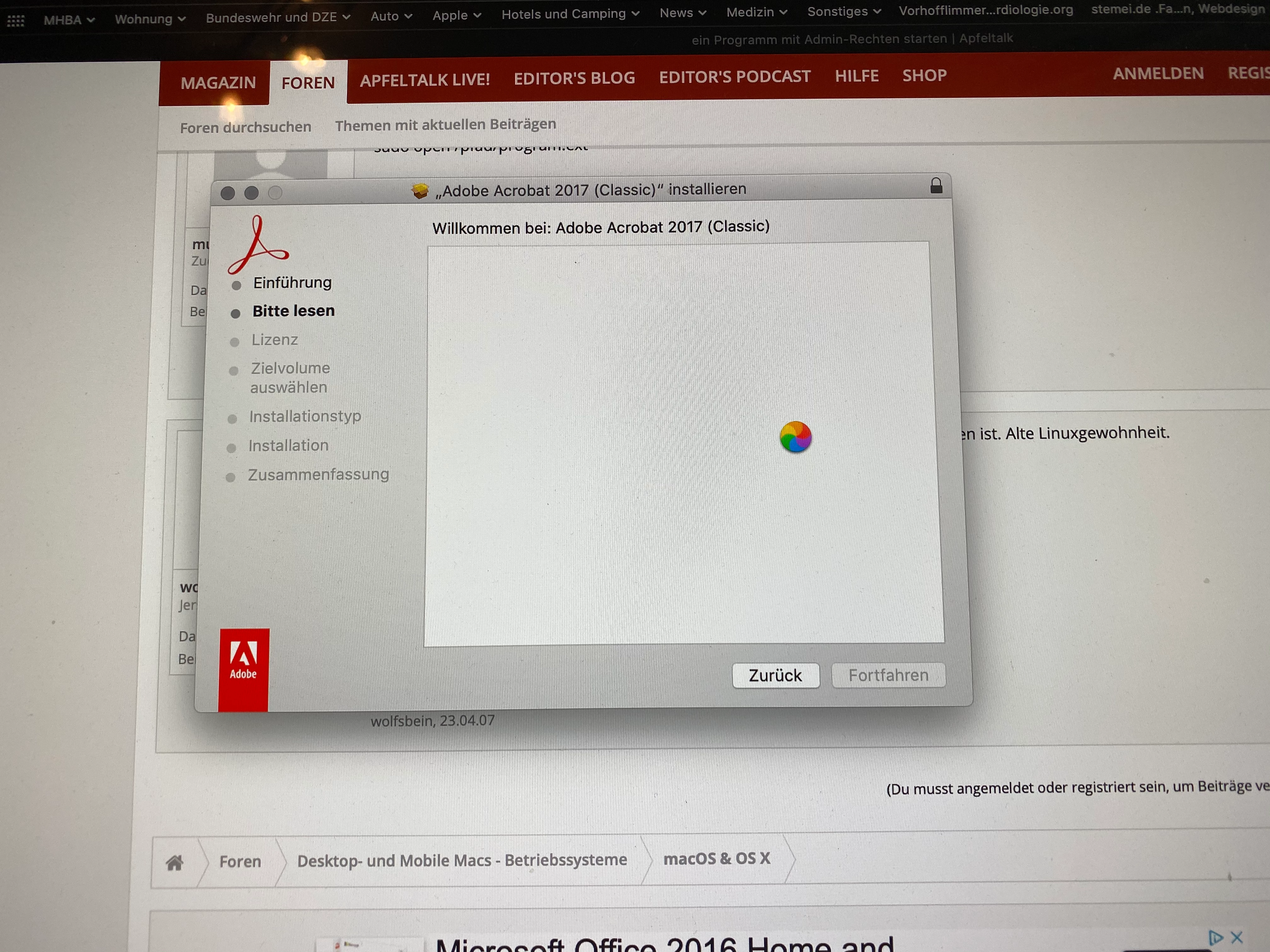
I bought a Student and Teacher version of Acrobat Pro 2017 as download Version from a reseller to install on my new iMac running Catalina because my old Pro X isn't compatible with the 64 GB Apple requirement.  I open the installer.pkg and press continue on the message about determining if the software can be installed.  I then see the introduction and press continue taking me to the Read Me, and it gets hung there.  Spinning beachball.  No text populates the installer window and the go back button doesn't work.  Even waiting 12hours didnt help. Have to force quit.  Any known fixes? I didnt get a 19 numbers Product Number to install the Download Version of Acrobat. So I need help!
 

This topic has been closed for replies.

1 reply

alexandern17478559
Participant
October 22, 2019

By the way: I tried to install the Download Version of Acrobat. Installation works BUT when I start Adobe Acrobat 2017 pro, the program wants to enter the log-in data of Acrobat. Then I get the picture shown below.... The Acrobat Licensing App crashs...


Adobe Employee
October 23, 2019

Hi,


Thanks for reporting this to Adobe. I think you have an older version of Acrobat 2017 which is not compatible with Catalina.

Can you please confirm the acrobat 2017 version you are trying to install.


In the meantime can you please download the Acrobat 2017 installer from here and give it a try.

Participant
December 18, 2019

Seems like there is permission issue while storing the tokens, can you please try the below, I hope it will solve your case:

  1. Delete the OOBE directory found at the location:/Library/Application Support/Adobe
  2. Launch the Adobe Acrobat
  3. Sign In again


Let me if you still face the issue.


I tried the OOBE solution suggested above for Catalina, and I'm trying the latest version from the downloads page, but I'm still having the problem where it's hanging at the "Adobe Licensing Application" window, so Acrobat Pro 2017 is currently unusable for us. We are trying to do a company wide install with 17 licenses - all on brand new Macs with Catalina - and are unable to proceed. Hopefully Adobe is aware of the problem and will provide a fix soon!