Exit
  • Global community
    • Language:
      • Deutsch
      • English
      • Español
      • Français
      • Português
  • 日本語コミュニティ
  • 한국 커뮤니티
0

Adobe Acrobat 2017 Standard - Disable prompt to make acrobat my default application

Guest
Jul 08, 2020 Jul 08, 2020
Hi teams,


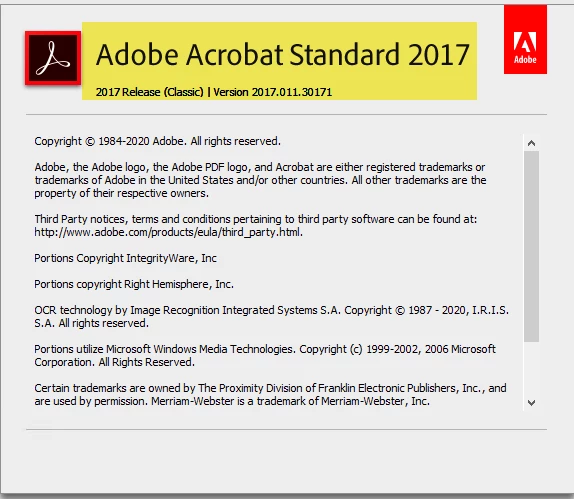
please i have an issue when packaging Adobe Acrobat 2017 Standards in windows 10 environment.

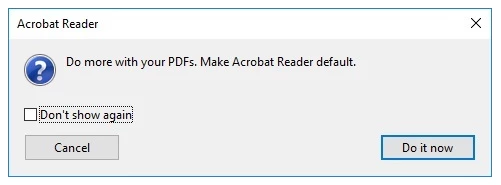
how to disable this popup.

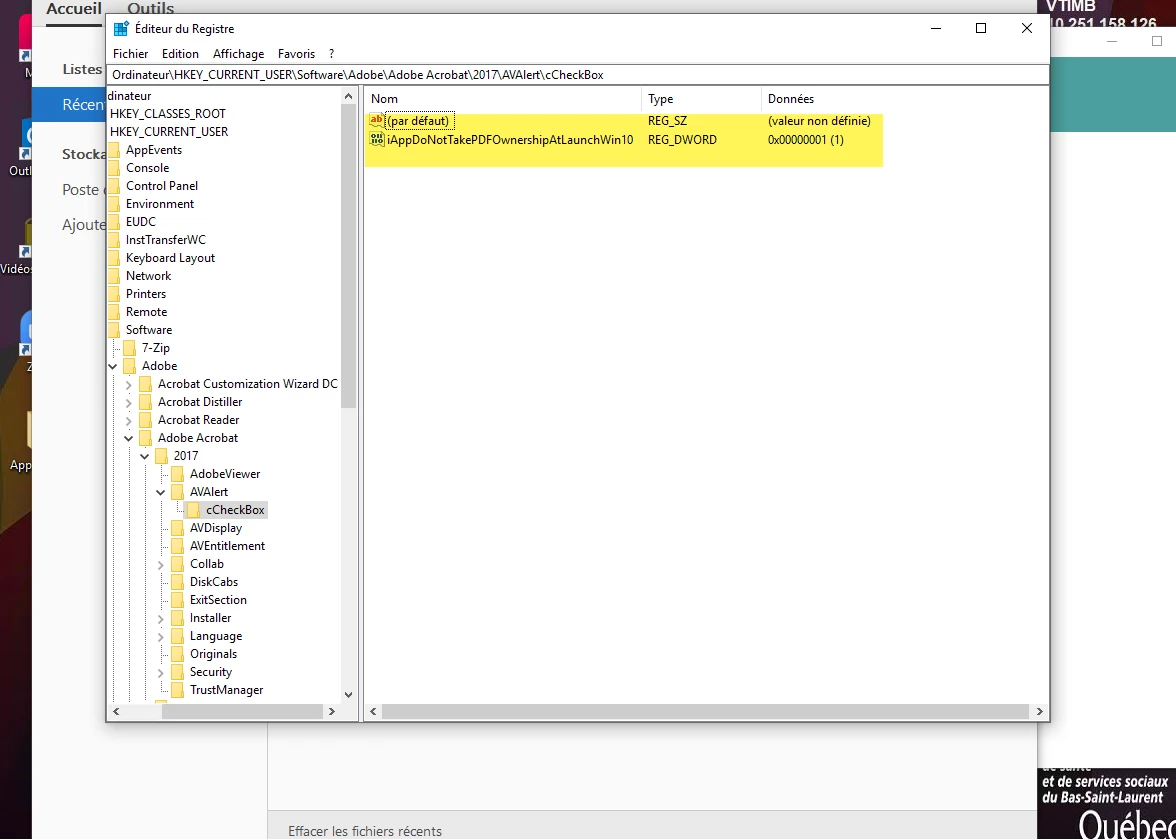
i changed the reg key 

Ordinateur\HKEY_CURRENT_USER\Software\Adobe\Adobe Acrobat\2017\AVAlert\cCheckBox 

"iAppDoNotTakePDFOwnershipAtLaunchWin10"=dword:00000001


but nothing changed.
 

shix88_5-1594211270191.png


shix88_6-1594211316930.png


shix88_7-1594211363825.png


for Adobe Acrobat DC it work but not for Acrobat 2017.

TOPICS
General troubleshooting , How to , Standards and accessibility
491
Translate
Report
Community guidelines
Be kind and respectful, give credit to the original source of content, and search for duplicates before posting. Learn more
community guidelines
Community Expert ,
Jul 08, 2020 Jul 08, 2020

The prompt is from Acrobat Reader, not Adobe Acrobat.

Translate
Report
Community guidelines
Be kind and respectful, give credit to the original source of content, and search for duplicates before posting. Learn more
community guidelines
Guest
Jul 08, 2020 Jul 08, 2020
LATEST

in the home page it's Acrobat !!

Translate
Report
Community guidelines
Be kind and respectful, give credit to the original source of content, and search for duplicates before posting. Learn more
community guidelines