Participant
March 16, 2021
Question

Adobe Acrobat DC not responding

  • March 16, 2021
  • 1 reply
  • 1266 views

Good day everyone,

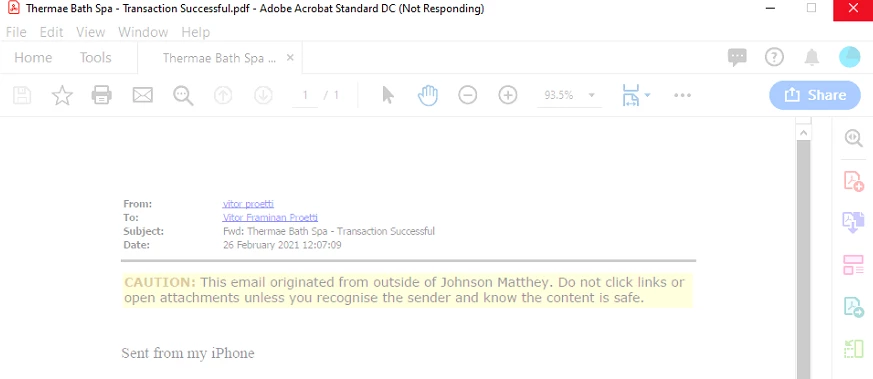
I have a user who has an issue whereby whenever he opens a PDF file with Adobe Acrobat Standard DC, it keeps having the same "not responding" issue after perhaps a few seconds to a minute after opening it. And it will be "not responding" forever. 

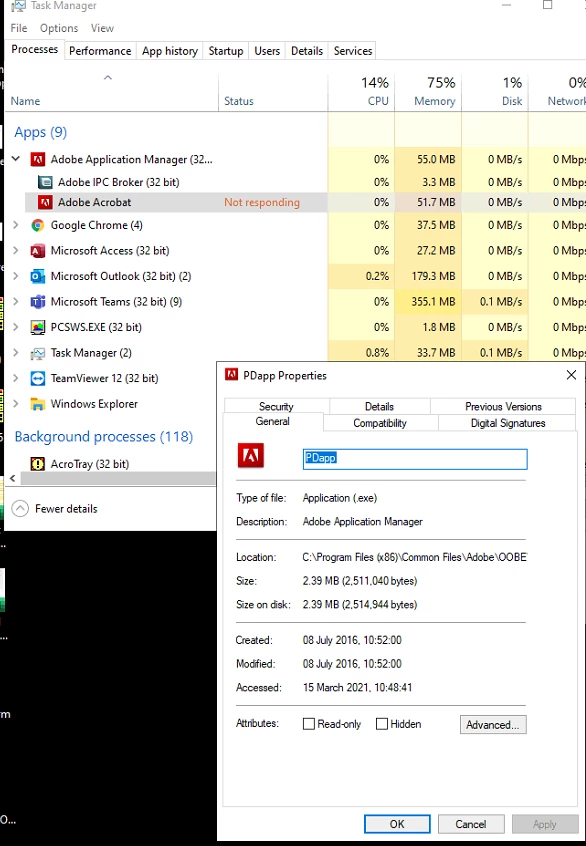
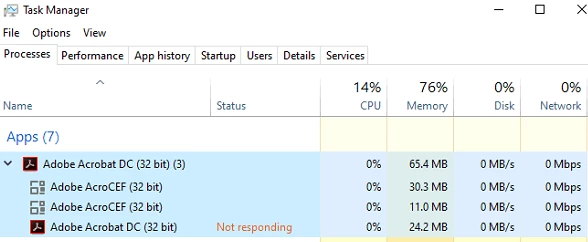
Have to close the task manually via the Task Manager always.

Have tried the following but it is still the same;

1. Reinstalled fully.

2. Performed the repair function.

3. Turn off the protected mode and uncheck the enhanced security.

4. Distiller DC is activated.

5. Tried to install Adobe optional update but it shows error and could not install.


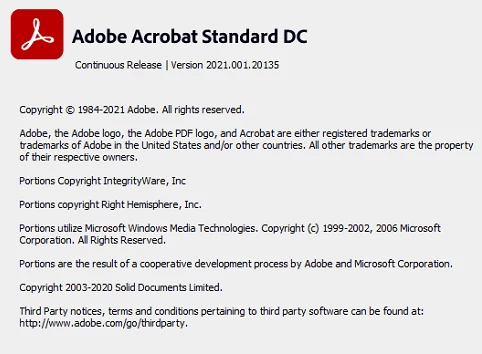
Is there any other solutions to this? I have also attached some imanges for references purposes.
This topic has been closed for replies.

1 reply

Abambo
Community Expert
Community Expert
March 16, 2021

Are there multiple users and only one has the problem?

ABAMBO | Hard- and Software Engineer | Photographer
Participant
March 16, 2021

There has been a few more users reported this same issue as well.

Abambo
Community Expert
Community Expert
March 16, 2021

I had kind of the same problem each time when I started Acrobat. I suspected firewall and proxy settings on our corporate network as Acrobat does communicate with its home base (checking the licence, accessing the document cloud).


As our IT security guys are a little secretive I've never figured out what the problem was, but as all works now fine I suppose they fixed some parameters.

ABAMBO | Hard- and Software Engineer | Photographer