This topic has been closed for replies.

1 reply

AkanchhaS8194121
Legend
September 20, 2022

Hi @RamiNoufal 


Sorry to hear about the trouble caused.

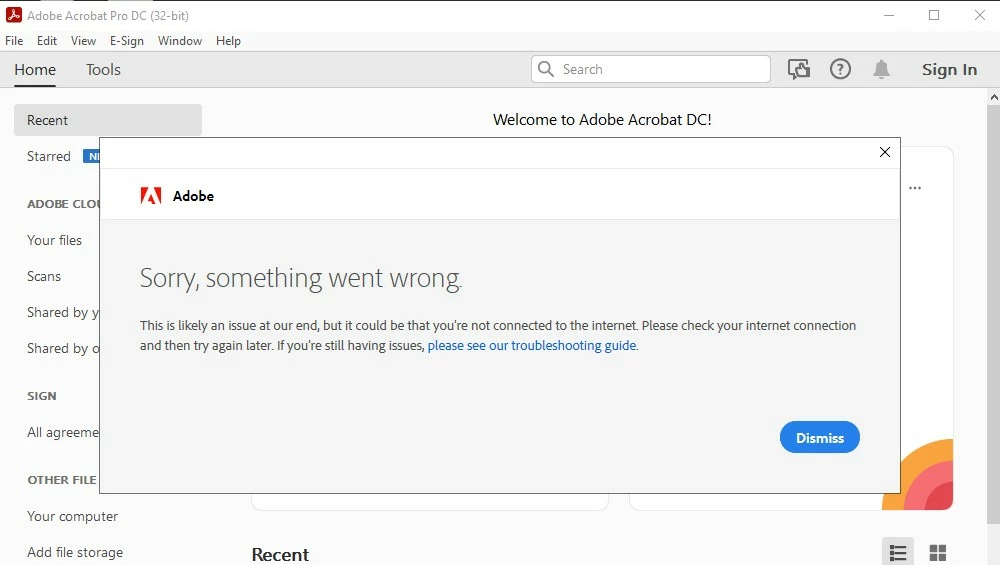
For the error message shared above "Sorry, something went wrong" Try the following steps and see if that helps:

1- Restart your computer

2- If you have any antivirus installed, disable it for a while and try signing into Acrobat. 

3- If it still doesn't work, then 

Run this cleaner tool to remove the existing installer and application’s files traces:

https://www.adobe.com/devnet-docs/acrobatetk/tools/Labs/cleaner.html

Download the Acrobat installer from here:

https://helpx.adobe.com/acrobat/kb/acrobat-dc-downloads.html

4- Even after reinstalling the application, if you cannot sign in and activate it then.

Refer to this discussion and try the suggestion given here in the correct answer for Windows: 

https://community.adobe.com/t5/acrobat-discussions/quot-something-went-wrong-quot-error-preventing-acrobat-dc-startup/m-p/11501984 


Thanks,

Akanchha