Answered
Adobe Acrobat DC Radio buttons
I am making radio buttons and getting a hairline outline of each field which prints as well as previews.
I have the outline set to none.
How can I turn this off so only the check mark appears.
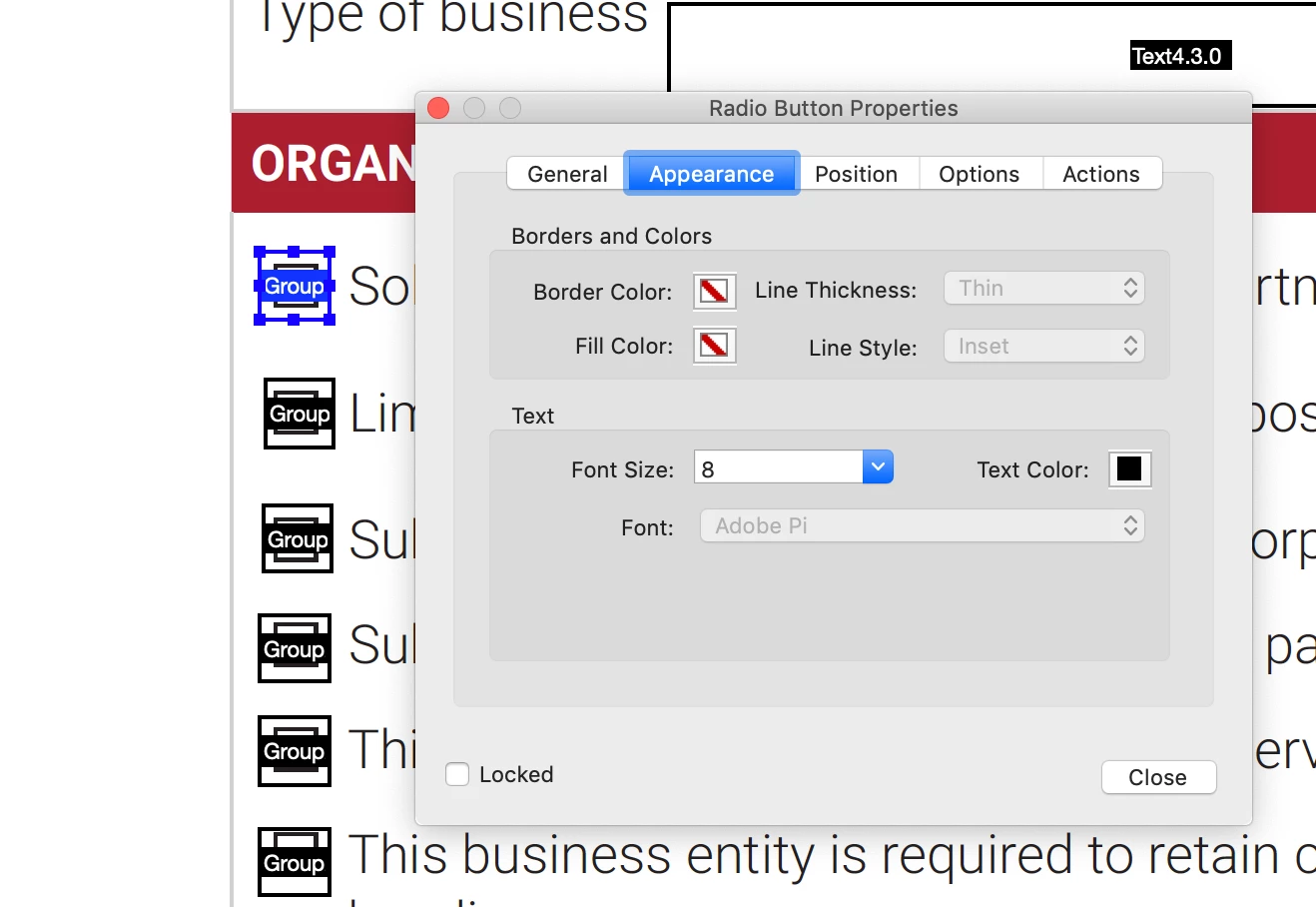
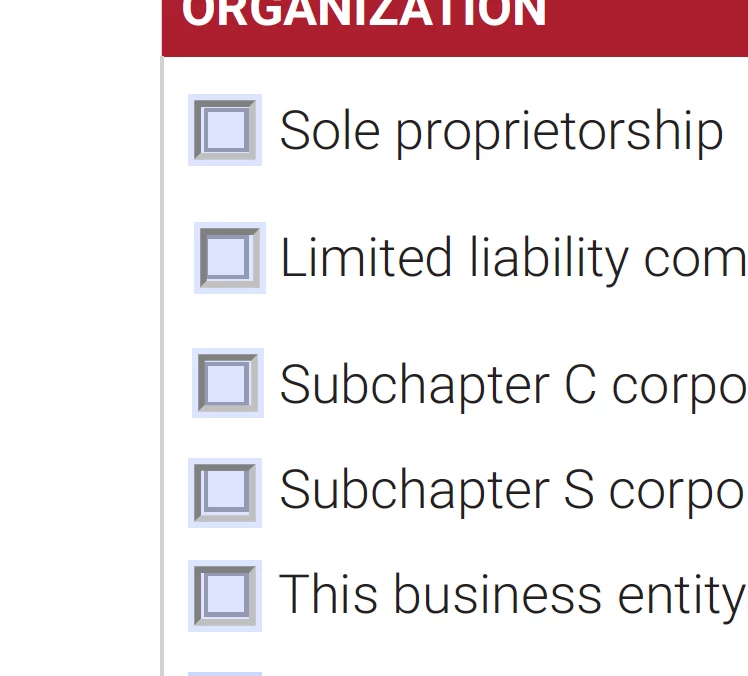

I am making radio buttons and getting a hairline outline of each field which prints as well as previews.
I have the outline set to none.
How can I turn this off so only the check mark appears.
Yes, they are set to transparent
Set the border color to something, then change the "line style" to Solid, and then set the border color back to transparent.
Already have an account? Login
Enter your E-mail address. We'll send you an e-mail with instructions to reset your password.
 AdChoices