
Adobe Acrobat Error when Checking for New Comments on SharePoint Shared Review Server
We’ve run into a new problem (September 2024) with Adobe Acrobat Pro (64-bit; 24.003.20112) when attempting to connect to the SharePoint server to publish or get comments from Shared Review PDFs.
Note: We have tried basic troubleshooting (restarting app, restarting system, reinstalling app, however the problem persists). There was a solution we posted for a similar problem here (full reinstall + registry purge) that also does not work. The older workaround for this issue (resetting internet explorer) does not work. This problem appears for *any* shared review PDF the user attempts to open (even Shared Review PDFs the user created).
Problem Summary:
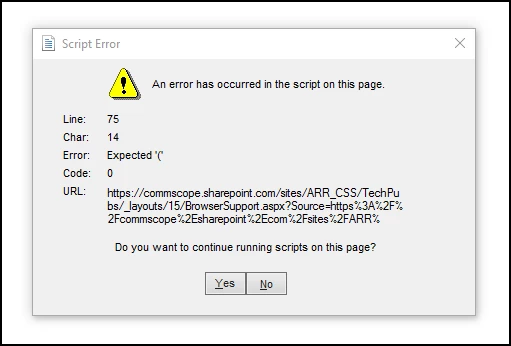
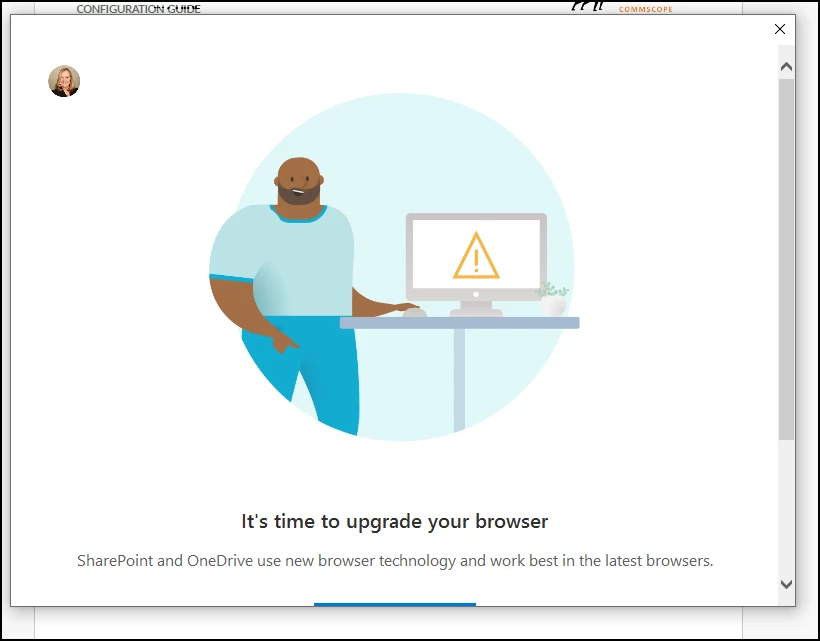
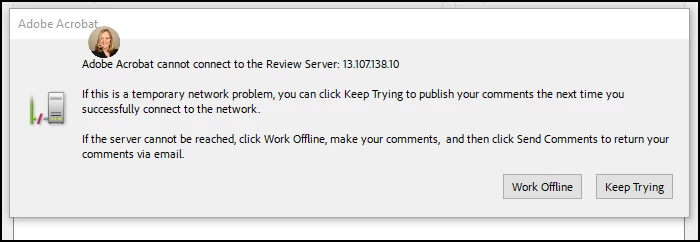
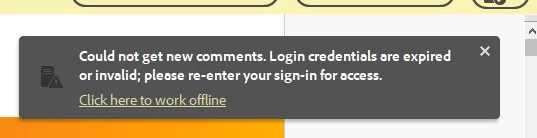
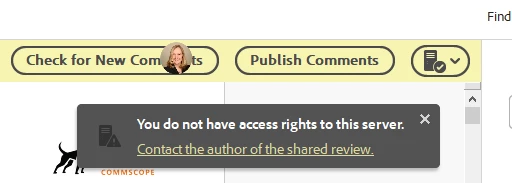
When attempting to Check for new Comments on a SharePoint hosted Shared Review the user sees a Script Error message “An error has occurred in the script on this page…” The error message ends with “Do you want to continue running scripts on this page?”. If the user selects yes or no the well known “It’s time to upgrade your browser” window pops up (an artifact of SharePoint/Microsoft). Then the user see the Adobe Acrobat message “Adobe Acrobat cannot connect to the Review Server”, and finally after selecting Keep Trying the user will see the error message Cannot get new comments. Login credentials are expired or invalid” and/or “You do not have access rights to this server”. From this point the user cannot get or publish comments.
Here are examples of screens you may see when using Adobe Acrobat to open a Shared Review PDF demonstrating the problem.
Any workarounds or suggestions for resolving this issue?
Example: This is Acrobat’s Script Error message that appears shortly after selecting Check for New Comments in the Shared Review PDF hosted on SharePoint. The subsequent screens then appear after clicking yes or no to continue script. Ultimately resulting in Adobe Acrobat error messages saying you have no access rights or login credentials are invalid when attempting to get/publish comments on the Adobe Shared Review PDF hosted on SharePoint.
 AdChoices