



Question
Adobe Acrobat extension for Google Chrome
Adobe Acrobat extension for Google Chrome
Getting started with Acrobat Viewer in Google Chrome
If you have installed Acrobat Reader, you'll receive the new viewer option the next time you open a PDF in Chrome. To get started with Acrobat in Chrome, do the following:
- Click to open a sample PDF: Sample PDF
- Click Set as default, and the new Acrobat experience will be enabled for you in Chrome.
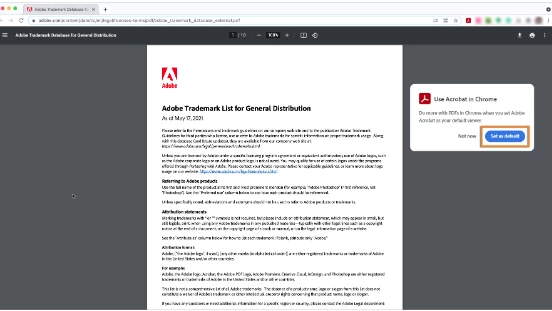
Work with Acrobat Reader from within Google Chrome
With this all-new Google Chrome extension, you can:
- Open your PDFs in Acrobat online to add comments and share them for review.
- Quickly fill in forms and add your signature with the Fill & Sign tool.
- Quickly switch from viewing PDFs in Chrome to opening them in Acrobat Reader on your desktop.
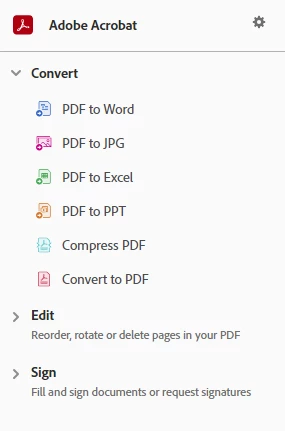
- Try converting to PDF services for free using the Adobe Acrobat widget shown directly in the Google search window.
- Subscribe to Adobe Acrobat PDF services to convert and combine files in your browser.
Note: To improve product features, the extension sends Adobe information about how you use it. You can opt-out at any time from the Options for the extension. Learn more ›
 AdChoices