
Participant
March 18, 2024
Answered

Adobe Acrobat not starting on new M3 MacBook with Sonoma

  • March 18, 2024
  • 1 reply
  • 3591 views

Hi,

I have recently transitioned to a new MacBook Pro equipped with the M3 Max chip, on which I performed a clean installation of the operating system.

My issue arises with Adobe Acrobat, installed via the Creative Cloud Installer. Unfortunately, I encounter a persistent failure to launch the software. Despite multiple uninstallation and reinstallation attempts, including trying Acrobat Reader, the problem persists with the same error each time.

It is worth noting that on my previous MacBook Pro, which features an M2 chip and runs the identical version of the OS, Adobe Acrobat operates without issue.


Could you please provide guidance on resolving this error? I am eager to ensure a smooth transition to my new MacBook and continue my work without interruption.


Thank you in advance for your time and assistance.


Best regards,


Michael
This topic has been closed for replies.
Correct answer Taraeli

Hi Amal,

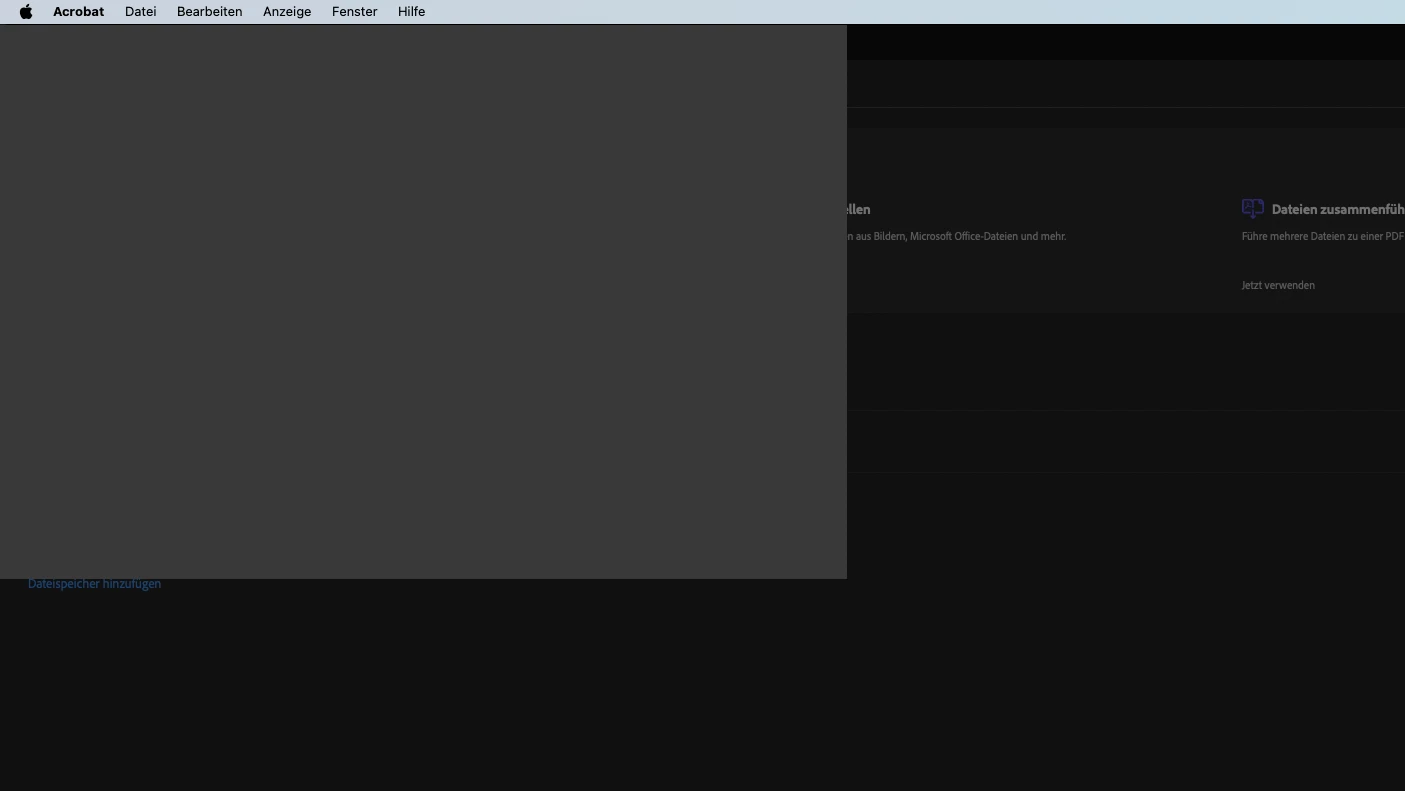
did all the steps and good news is, Acrobat is now starting, but as soon as the start screen is displayed and the question is answered, if I want to make the app new standard app for PDF, it crashes. Tried both ways, clicked yes/no, but crashes anyway and looks like this:

At the first crash I was asked if I want to send a report to Adobe, which I did.


Never mind, did all the steps again and now it works. Thanks! 🙂

1 reply

Amal.
Community Manager
Community Manager
March 18, 2024

Hi @Taraeli 


Hope you are doing well and sorry for the trouble.


Would you mind sharing the screenshot of the error message you get while opening the application for more clarity?


As the application is failing to launch, you may try to remove the application using the Acrobat cleaner tool https://www.adobe.com/devnet-docs/acrobatetk/tools/Labs/cleaner.html , reboot the computer and reinstall the application using the direct link https://helpx.adobe.com/acrobat/kb/acrobat-dc-downloads.html and see if that works.


Let us know if you experience any trouble and need more help.


~Amal


Got your issue resolved? Please label the response as 'Correct Answer' to help your fellow community members find a solution to similar problems.


TaraeliAuthor
Participant
March 19, 2024

Hi Amal,


did every step as suggested, but in ends in the same error unfortunately.


("Acrobat quit unexpectedly. Click "Reopen" to open the program again. Click "Report" to show more information and send a report to Apple.)

The full report of the error report can be found here: https://pastebin.com/8yuCgKpE


Any other idea on how to solve this?


Best,


Michael

TaraeliAuthor
Participant
March 20, 2024

Hi there


We are sorry to hear that the issue still persists, please go through the help page: https://helpx.adobe.com/acrobat/kb/error-acrobat-pro-dc-quit-unexpectedly-when-trying-to-open-acrobat-on-mac.html  and see if that works.


Let us know how it goes.


~Amal


Hi Amal,

did all the steps and good news is, Acrobat is now starting, but as soon as the start screen is displayed and the question is answered, if I want to make the app new standard app for PDF, it crashes. Tried both ways, clicked yes/no, but crashes anyway and looks like this:

At the first crash I was asked if I want to send a report to Adobe, which I did.