pamelap23463581
Participant
April 25, 2018
Answered

Adobe Acrobat Pro DC - How do you put colored dots on Plat Map?

  • April 25, 2018
  • 2 replies
  • 7080 views

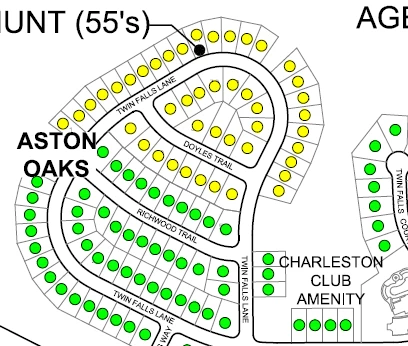
Monthly I need to update a plat map with 4 different colored dots.  I know that Bluebeam, a PDF editor, can do it but I was hoping to do it with just using Adobe.  I have Adobe Acrobat Pro DC with Windows 7.  See what I need below:
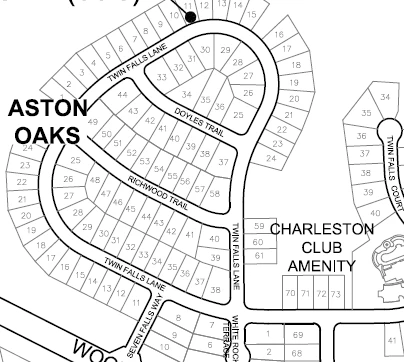
I tried using paint but the circles came out blurry.  I was hoping to find a way to make them clear like above.  The dots side is with Bluebeam.

Thanks,

Correct answer harshas13

Hi Pamelap23463581,

Acrobat Pro DC does not have an option to create colored dots, but you draw circles using the drawing tools option under the Comment tool as below.

-Harsha

2 replies

Amy M Ins Broker
Participant
March 23, 2023

Hey Pamela! Adobe acrobat Pro actually DOES have an option to create colored dots!! If you click on the fill and sign on the right side under request signature, there will be a few things that come up on the very top. When you click on that, you can choose what color you want the dots and even the size!! Hope this helps 🙂 

harshas13
Adobe Employee
harshas13Correct answer
Adobe Employee
May 2, 2018

Hi Pamelap23463581,

Acrobat Pro DC does not have an option to create colored dots, but you draw circles using the drawing tools option under the Comment tool as below.

-Harsha