
Participant
August 28, 2024
Question

Adobe Acrobat Pro DC Sign in Problem

  • August 28, 2024
  • 1 reply
  • 426 views

Hello, when we want to sign in for Adobe Acrobat Pro DC, which we use in our institution, we receive the following error. Could the IPs of the license server have changed? How can we obtain detailed information?
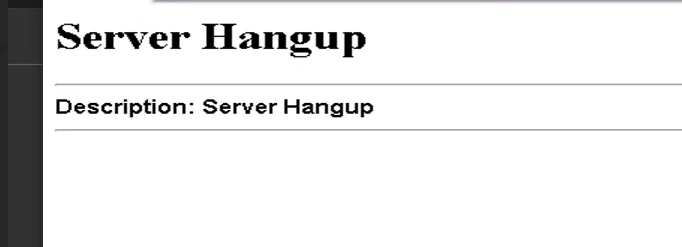


This topic has been closed for replies.

1 reply

Participant
August 28, 2024

When attempting to sign in to Adobe Acrobat Pro DC used in your institution, and you receive an error, it could be related to a change in the IP addresses of the license server. This type of error can occur if the network settings or the IP addresses that the server relies on have changed without updating them in the institution’s network settings.

To obtain detailed information about the issue, you can follow these steps:

  1. Check Network Settings: Ensure that the IP address being accessed is still correct. You may need to contact your IT department to verify that no changes have been made to the internal network.

  2. Contact Adobe Support: If there’s a suspicion that the IP addresses of the license server have changed, you can contact Adobe Support to get an updated list of IP addresses that should be allowed through your institution’s firewall.

  3. Review Official Documentation: Visit the Adobe Support Center or your institution's site for information on the IP addresses used by the license servers.

  4. Update the Software: In some cases, updating the software to the latest version may help resolve licensing issues.

If the problem persists after following these steps, it may be necessary to reset network settings or explore alternative solutions in collaboration with Adobe. 

for more details click here