
Participant
April 26, 2024
Question

Adobe Acrobat Pro Highlight Properties Thickness

  • April 26, 2024
  • 1 reply
  • 2366 views

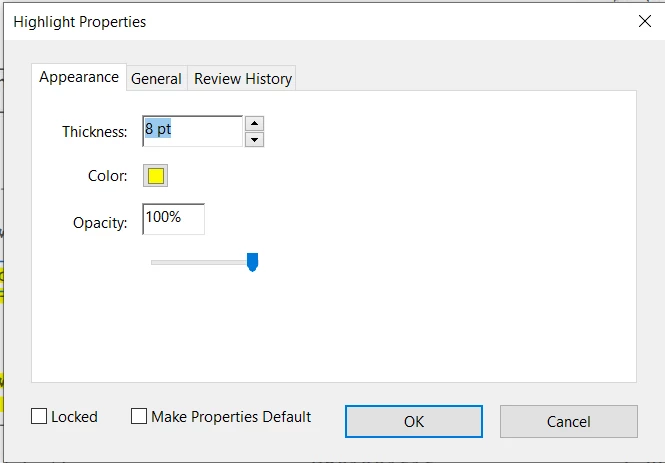
In a document where text has been highlighted using previous versions of Adobe Pro, the thickness option appeared in the highlight properties.(see below)
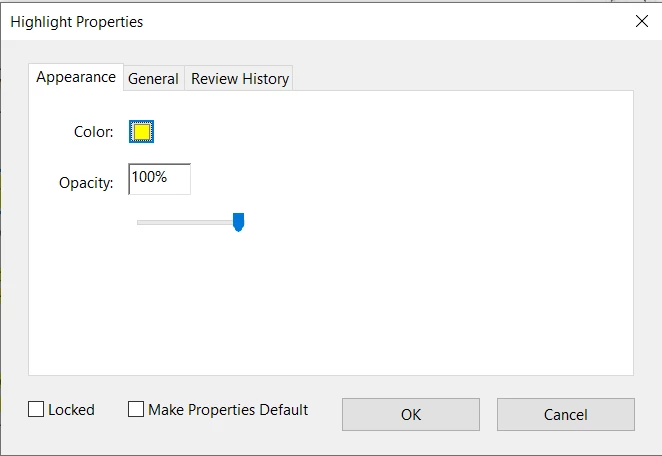
In the same document, with my current version of Adobe Pro, when new highlights are adaded to text the thickness option no longer appears.(see image below) note, both screen shots were taken today.
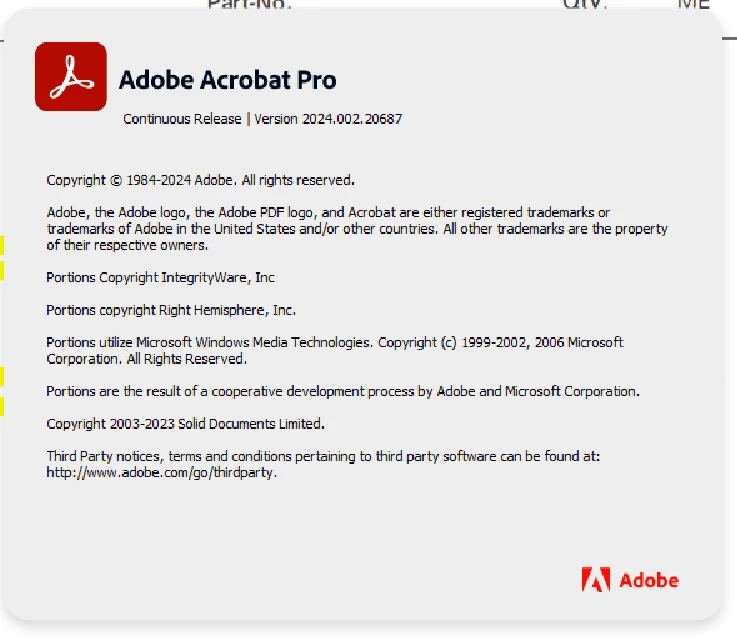
Current Adobe Pro version is 2024.002.20687
How do I get this thickness option back within highlight properties?

Thank you for your reply.

This topic has been closed for replies.

1 reply

Document Geek
Community Expert
Community Expert
April 26, 2024

You said the highlight thickness was available in "previous versions." I'm running 2023.006.20320 and I do not have that thickness option. In fact, I've never before seen a thickness option.


What is the version of Acrobat that you have that shows the highlight thickness option?

try67
Community Expert
Community Expert
April 26, 2024

I went back to Acrobat XI and didn't see it there, either. Also, thickness of what, exactly? This property doesn't really make much sense for a Highlight annotation.

Participant
April 26, 2024

Thanks. There are a lot of strange things going on with these comments... The only way I found to change the width of the border is to edit the actual area defined by the comment, using the quads property, but that's not so simple to do. If you're interested in a tool that will allow you to increase or decrease the area around each comment I could probably create it for you, for a small fee. If you're interested feel free to contact me privately (via a PM) to discuss it further.


I figured it out.  Highlight tool when used on text that is not recognized has the thickness option.  When highlighting text the software recognizes as text, the thickness option is not available in Highlight Properties.