
Question
Adobe Acrobat standard printing and print image in landscape when default is portrait
So I have run into an issue with one of my end users where the pdf she is trying to print is trying to print in landscape through acrobat standard. I have check that the printing preferences are defaulted into portrait mode and printing from other sources prints fine however printing from adobe it wants to print into landscape the only work around I have found so far is to go into paper size and manually change it to letter size and portrait. Is there a way to default this into portraid inside of adobe. I have attached an image for reference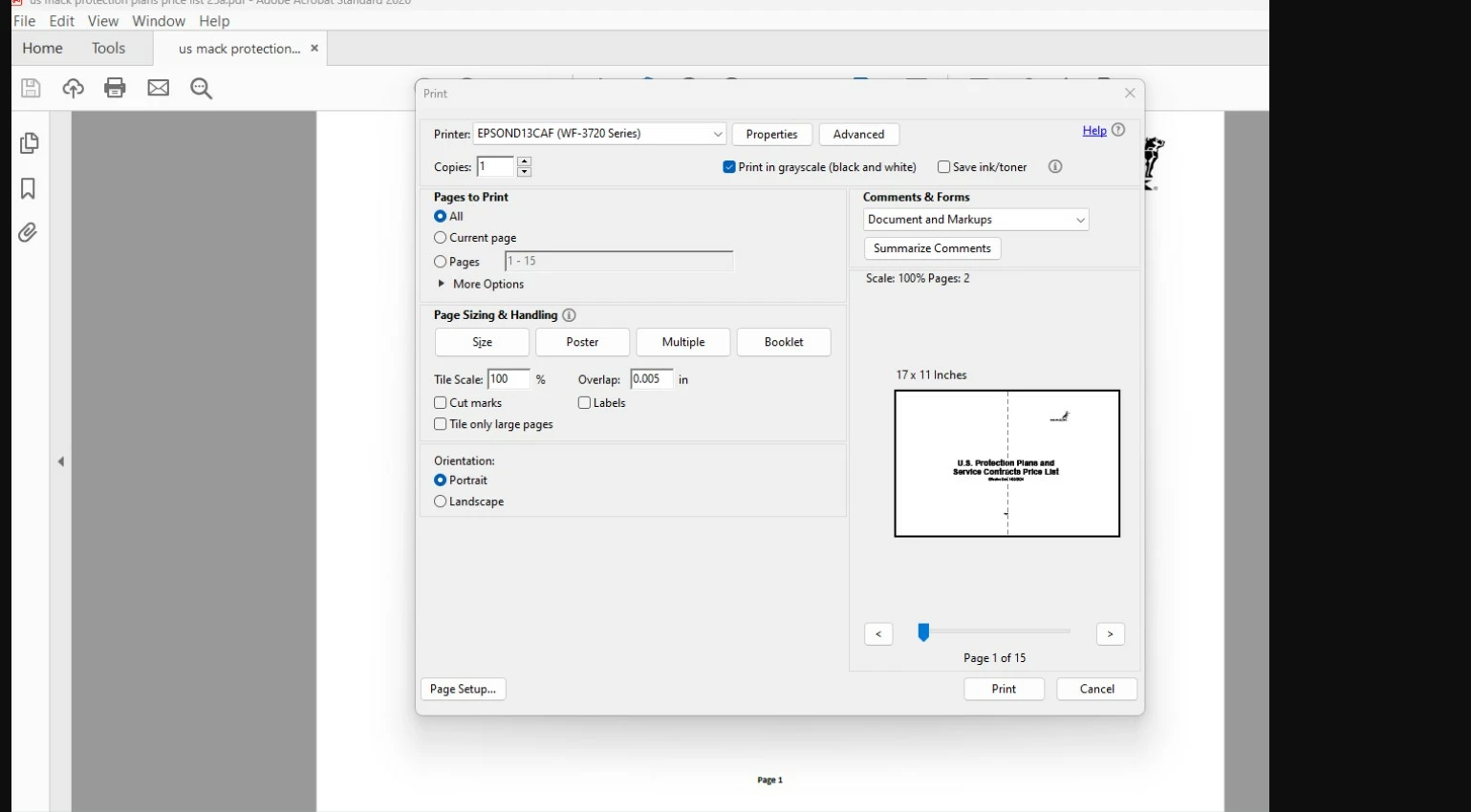
 AdChoices