
Participant
June 6, 2023
Question

Adobe Acrobat: Submit button - sending data to a server.

  • June 6, 2023
  • 2 replies
  • 467 views

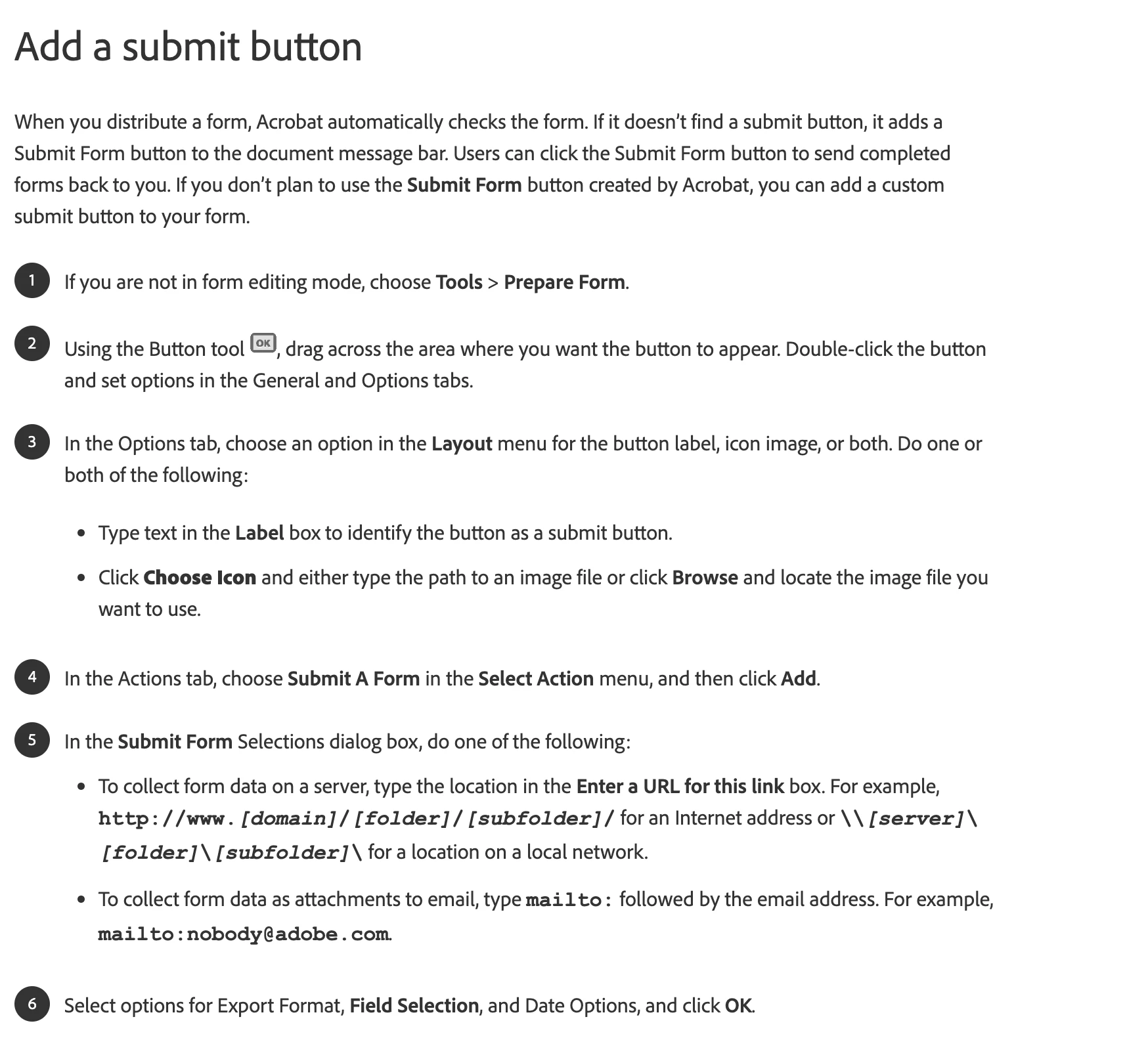
I am trying to create a web-hosted PDF that include a short form within it. After users fill out the form and hit "submit" button I would like the data to be sent to a server.  However, I am not sure how I can archive that. The below instructions for Adobe Acrobat say that I can collect form data on a server. The below instructions for Adobe Acrobat say that I can collect form data on a server.  I don't know what I put as URL here or I am not even sure where I can get a server to store the data, to begin with. 


Any help is appreciated.

Thank you!

    This topic has been closed for replies.

    2 replies

    Legend
    June 6, 2023

    This is how all web forms work. Data is sent to a server, using a URL (web address).

    The URL is not a regular web page, but a program (called, variously, web app, web script, CGI, PHP, ASP, other names). The program is written by a professional specialist and runs on a web server (computer).

    The program reads the information sent to it and does something with it. For example, it might check it, put it in a database, send an email. It then writes HTML (web page stuff) to show the person who submitted it. 

    So this is the missing link for you: a professionally created web script, ready to handle the info in your form.

    kglad
    Community Expert
    Community Expert
    June 6, 2023

    in the future, to find the best place to post your message, use the list here, https://community.adobe.com/


    p.s. i don't think the adobe website, and forums in particular, are easy to navigate, so don't spend a lot of time searching that forum list. do your best and we'll move the post if it helps you get responses.


    <moved from using the community>