
Participant
January 13, 2019
Answered

Adobe Acrobat will not open

  • January 13, 2019
  • 1 reply
  • 5992 views

Hi,

I have been trying to open Acrobat which at the end of last year just stopped opening.

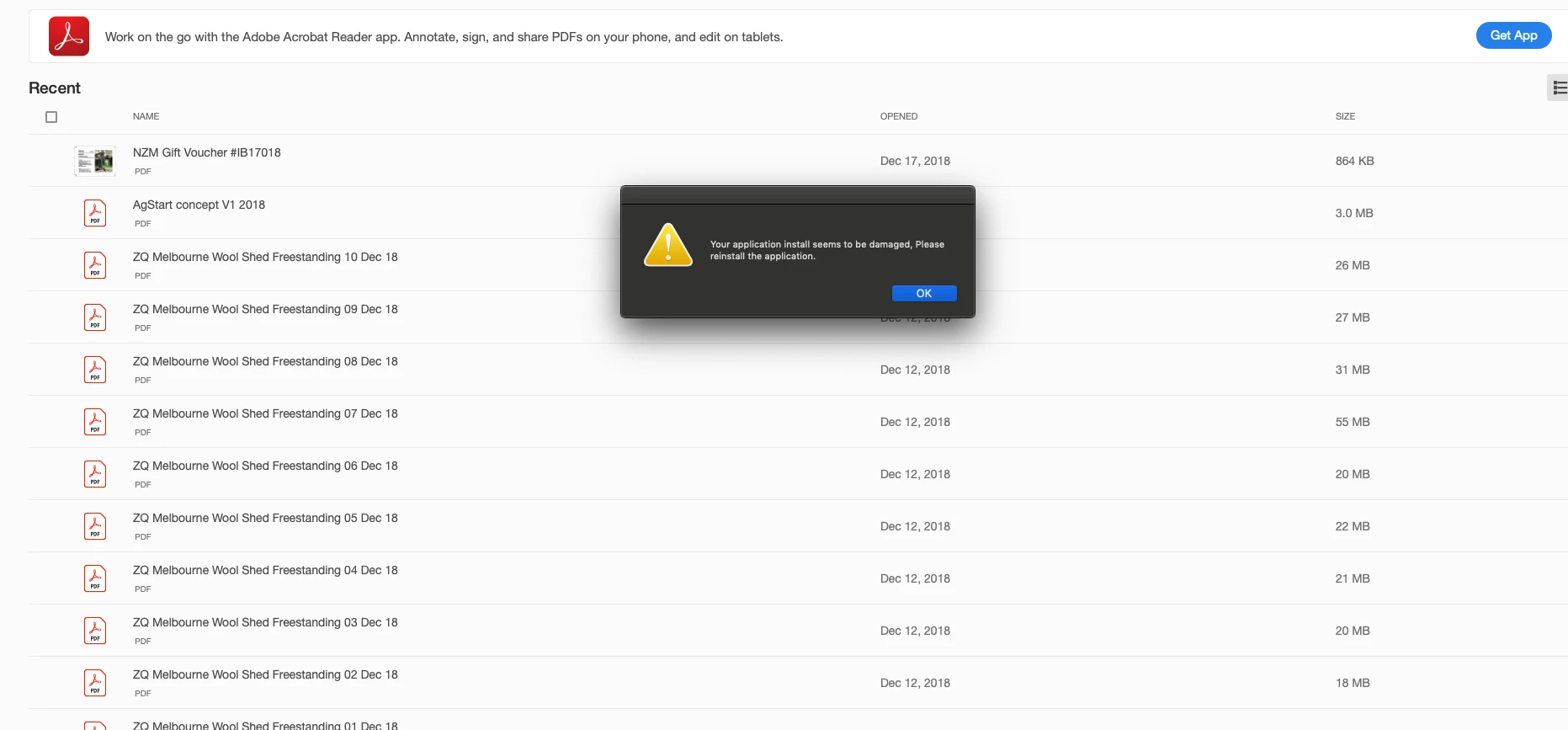
I uninstalled and reinstalled however I get a pop up window every time saying...

"your application install seems to be damaged, please reinstall the application".

I have done all updates, shut down the computer and restarted it. Attempted again to uninstall and reinstall Adobe Acrobat and still the same messages pops up.

What can you suggest.

Thanks.
This topic has been closed for replies.
Correct answer Adorobat

Hi Kate,

Could you try following troubleshooting steps:

1- Download and run cleaner tool on the machine to uninstall Acrobat: Download Adobe Reader and Acrobat Cleaner Tool - Adobe Labs

2- Then download and install Acrobat from here and check: Download and install Acrobat DC subscription

Let us know how it goes.

Shivam

1 reply

Adorobat
Community Manager
Community Manager
January 14, 2019

Hi kateb,

Qs per the description above you are getting an error that the application install seems to be damaged, reinstall the application, Is that correct?

please use Acrobat cleaner tool to remove Acrobat Download Adobe Reader and Acrobat Cleaner Tool - Adobe Labs   Reboot the machine and install Acrobat from Download Pro or Standard versions of Acrobat DC | Non-subscription

You may also refer to the following forum threads discussing the similar issue:

Application install seems to be damaged

Your application install seems to be damaged, Please reinstall the application.

Let us know if you need any help.

Shivam

Participant
January 15, 2019

Hi Shivam,

I appreciate your advice on resolving my troubles with opening and uninstalling and installing again the adobe acrobat.

Unfortunately none of the suggestions made resolved the issue.

I called adobe help as suggested after my last attempt to reinstall and I was on hold for quite literally 3 hours before I left work and hung up. See photo attached. This is quite unacceptable.

I hope to get this matter resolved tomorrow and would appreciate better service to do so. I am patient, but 3 hours on hold without a call back option isn’t good service.

Thank you for trying with suggestions received even though unsuccessful.

Kate

Get Outlook for iOS<https://aka.ms/o0ukef>

Adorobat
Community Manager
AdorobatCommunity ManagerCorrect answer
Community Manager
January 15, 2019

Hi Kate,

Could you try following troubleshooting steps:

1- Download and run cleaner tool on the machine to uninstall Acrobat: Download Adobe Reader and Acrobat Cleaner Tool - Adobe Labs

2- Then download and install Acrobat from here and check: Download and install Acrobat DC subscription

Let us know how it goes.

Shivam