
Answered
Adobe Acrobat X Document Resolution/Clarity Issue
Hello,
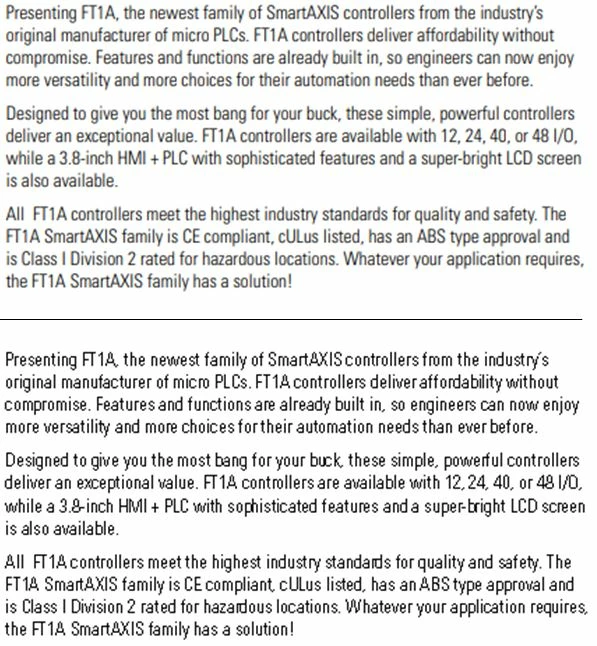
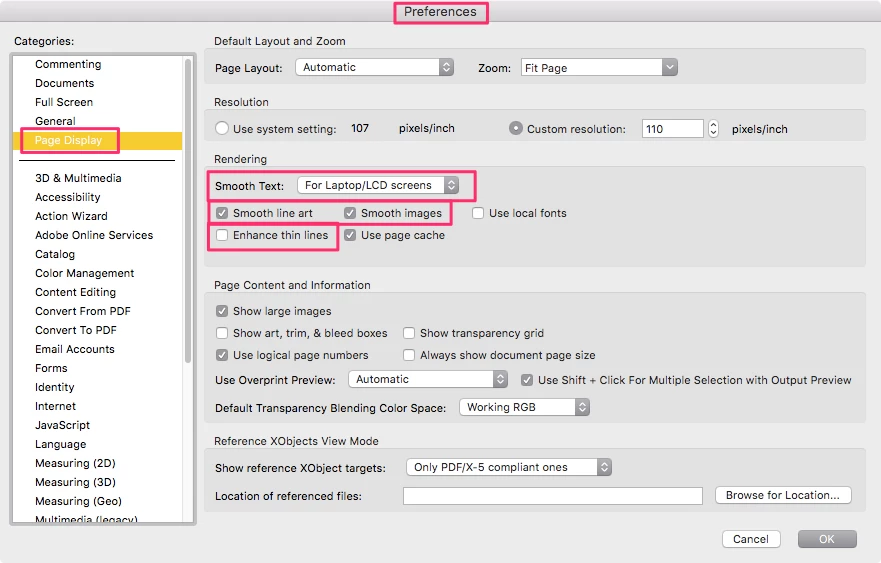
I have Adobe Acrobat X (Version 10.1.16) software on my computer. If I open a pdf file on a website, I see the document in what I consider to be good resolution (upper text in image). If I download the document that is open in my web browser on my computer, then exit the internet and open the downloaded document, I see the document in what I consider to be poor resolution (lower text in image). I've inserted an image showing what I mean. How do I get better quality when I open a pdf file I've downloaded? Thanks for your help.
 AdChoices