
Question
Adobe Fill and Sign missing from free DC version on MacBook Pro M1
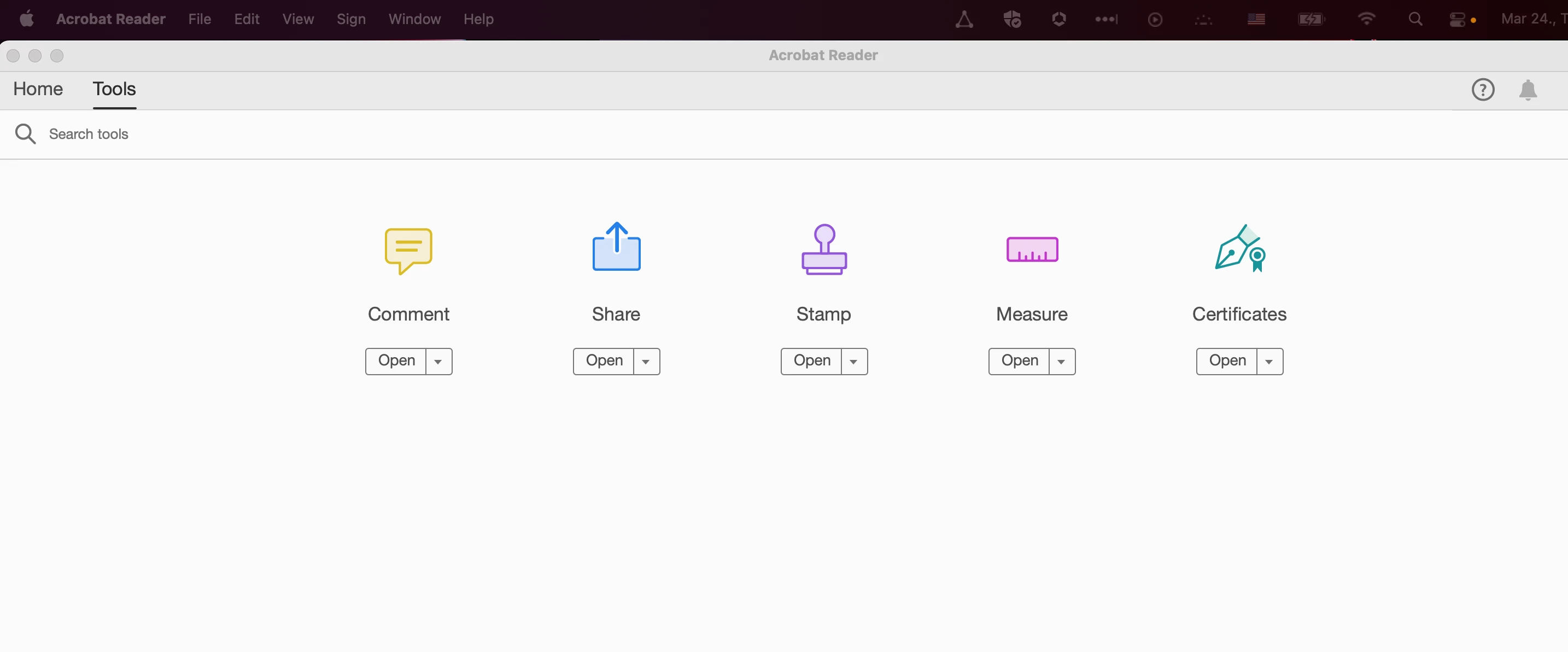
I recently updated to a MacBook Pro M1 (2021 version), and downloaded Acrobat Reader DC (free version). Since this, I'm unable to use Fill and Sign, as it's completely missing from the Tools menu:
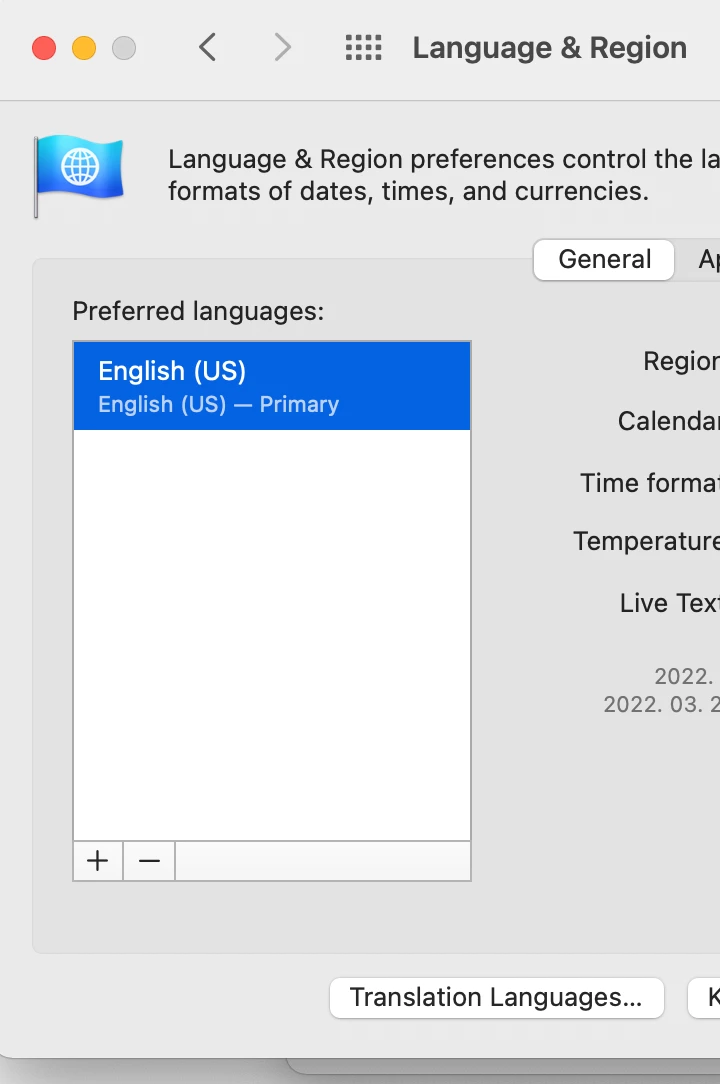
On other posts with similar issues I've seen that this can happen because only Tier 1 and Tier 2 languages are supported, but I do have EnglisH (US) as the keyboard and system settings:
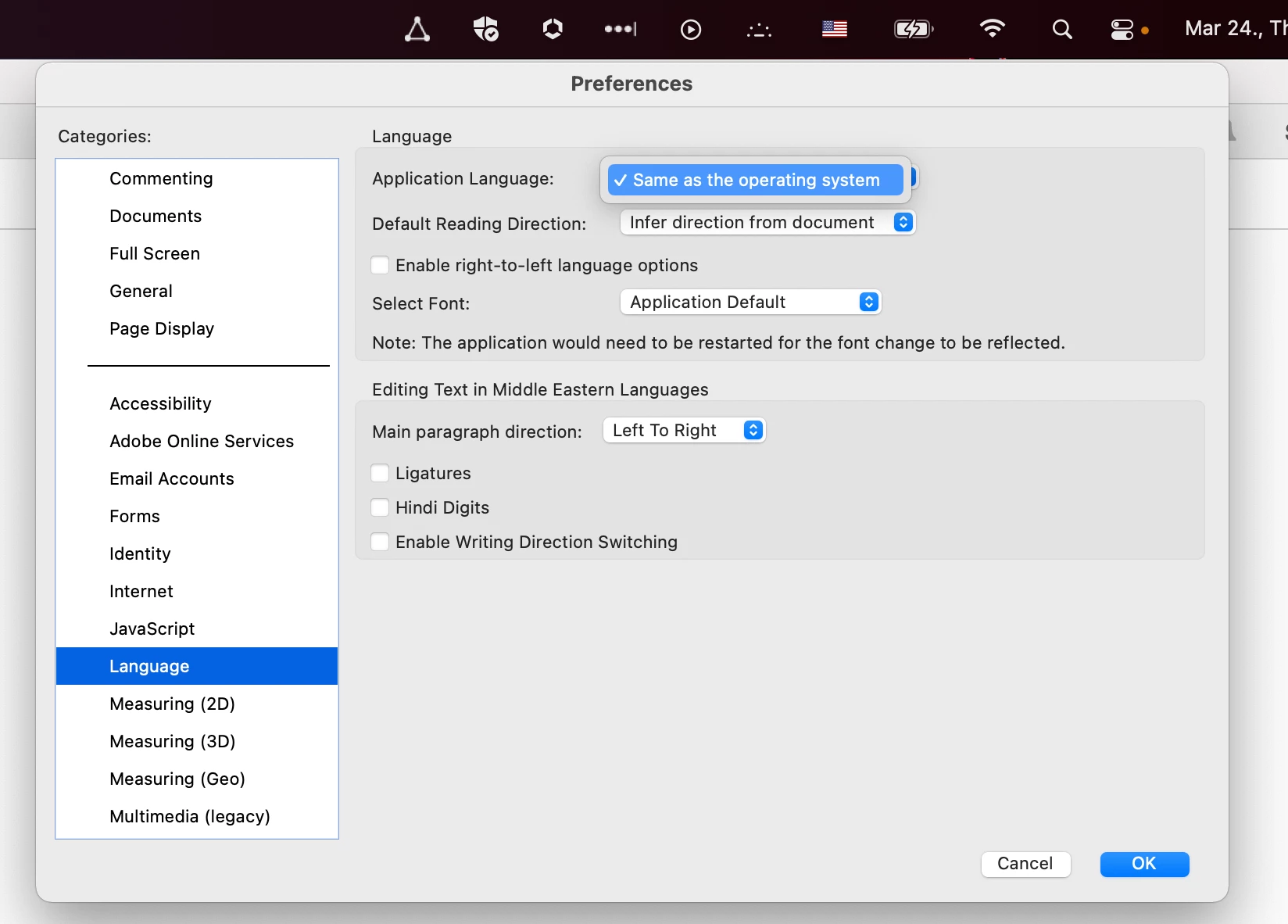
And in Adobe Reader the only option for language I have is "Same as operating system", so that's not the issue:
How can I get the Fill and Sign tool back?


 AdChoices