
Question
Adobe PDF Printer Preferences Disabled, Missing "Adobe xx.00" folder
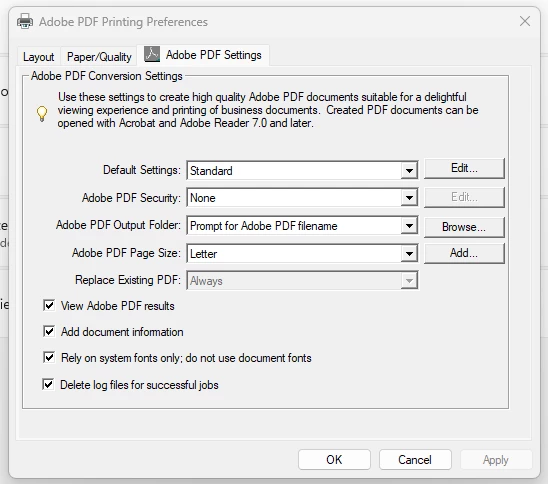
Adobe PDF Settings in Adobe PDF Printing Prefrences seem to be disabled since the icon is greyed out and the settings are not applied to file.
My co-workers who have a working PDF Printer (Red Icon) are able to properly print to PDF.
Mine however, makes some slight changes that flags my files with the building department, and they dont accept them.
It also seems like the "Acrobat xx.00" folder disappeared from my "Program Files (x86)/Adobe" directory. And the PDF printer depended on .inf file from that directory.
 AdChoices