
Copy link to clipboard
Copied
Help!
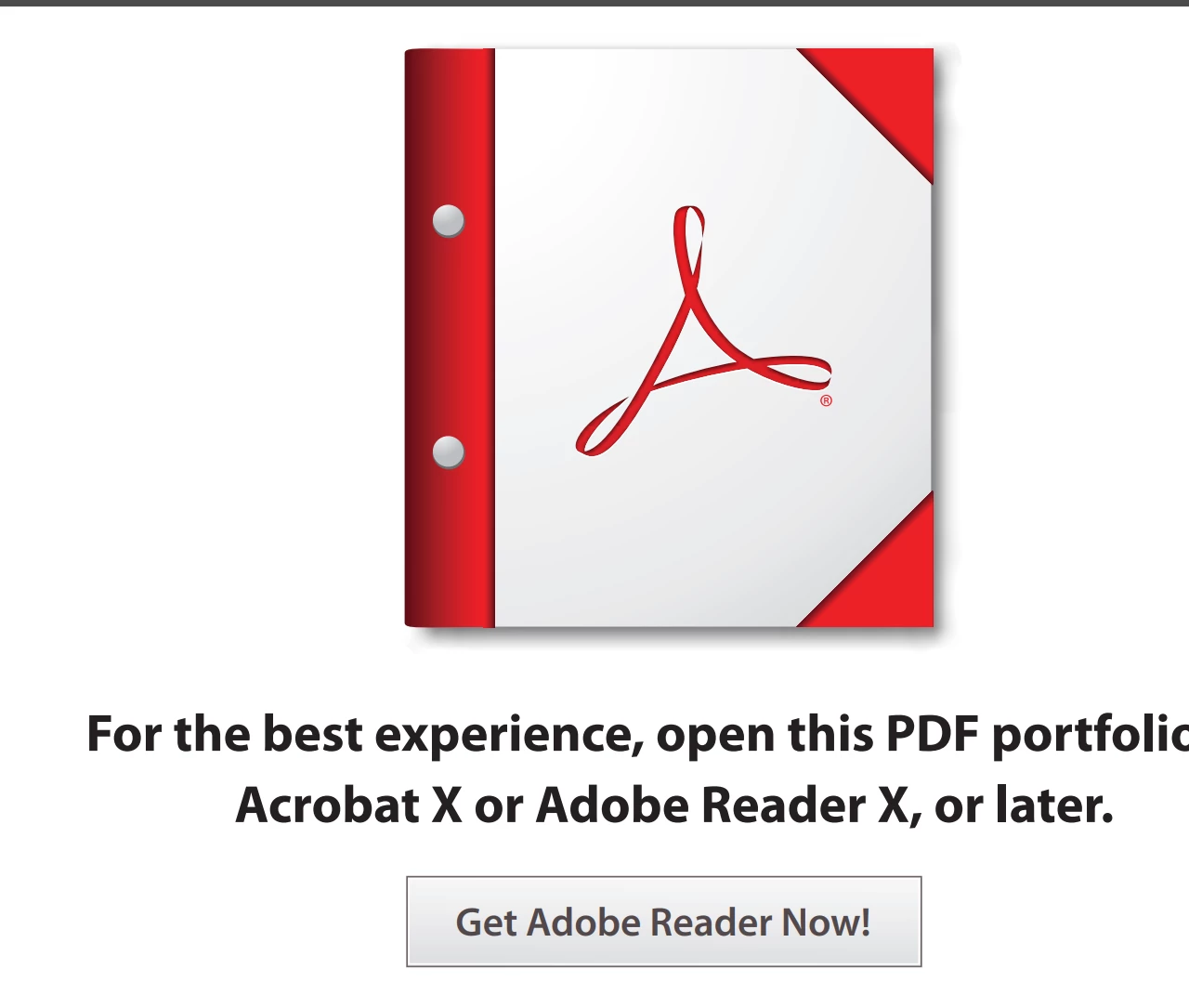
I have Adobe Pro and have created a portfolio to submit invoices. However, the accounting team (who uses adobe) cannot open the files. They get this: They won't pay me now & I don't know how to fix this issues.
Copy link to clipboard
Copied
Hi there
Hope you are doing well and thanks for reaching out.
If you are trying to open the PDF portfolio on the web browser, try downloading and saving it to your computer locally and then try opening it via Acrobat Reader (a free app) or Acrobat Pro and see if that works.
You may also go through the steps shared in the correct answer here https://adobe.ly/3XHzTRy
~Amal
Copy link to clipboard
Copied
They must open the file in Acrobat Reader.
Copy link to clipboard
Copied
Yes, they should be able to open the file in Adobe Reader. But the Adobe Portfolio item I created will not open for my users with a simple Acrobat Reader. Adobe is sending a message trying to require them to create an official Adobe account. What is going on? What are the requirements for a user to be able to open an Adobe Portfolio item? If they must create an account, then Adobe Portfolio is useless to me.
Copy link to clipboard
Copied
You don't need an account to open a PDF portfolio!
Copy link to clipboard
Copied
Exact same idiot light that doesn't work. Achilles heel of Acrobat Pro which I rely on all the time in my business. If you discover a fix please let me know. Thanks
Copy link to clipboard
Copied
Hi there
Hope you are doing well and thanks for reaching out.
If you are trying to open the PDF portfolio on the web browser, try downloading and saving it to your computer locally and then try opening it via Acrobat Reader (a free app) or Acrobat Pro and see if that works.
You may also go through the steps shared in the correct answer here https://adobe.ly/3XHzTRy
~Amal
Find more inspiration, events, and resources on the new Adobe Community
Explore Now