

AI Assistant for Acrobat is now available on all devices!
AI Assistant for Acrobat is now available on all devices!
Our AI Assistant for Acrobat is now available across desktop apps, web, browser extensions, and mobile (beta)!
Now you can ask your document for quick answers and one-click summaries to create impactful content and increase productivity.
ASK AI ASSISTANT
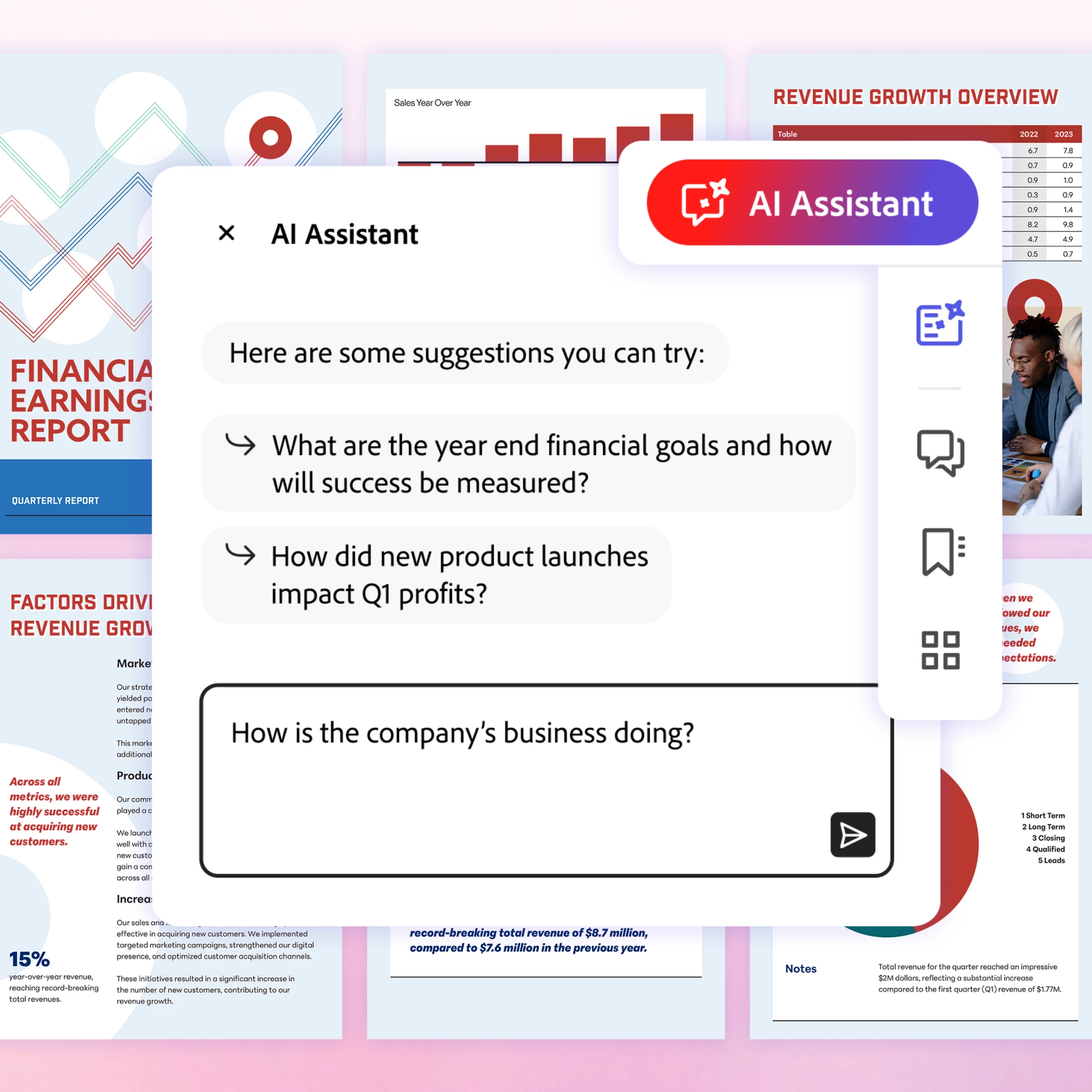
Ask your questions and get quick answers linked to sources from your document. Then, use the responses to craft emails, presentations, and more to become an expert in seconds. And with voice prompts on the Acrobat mobile (Beta) app, working on the go is easier than ever.
SUM IT UP QUICK
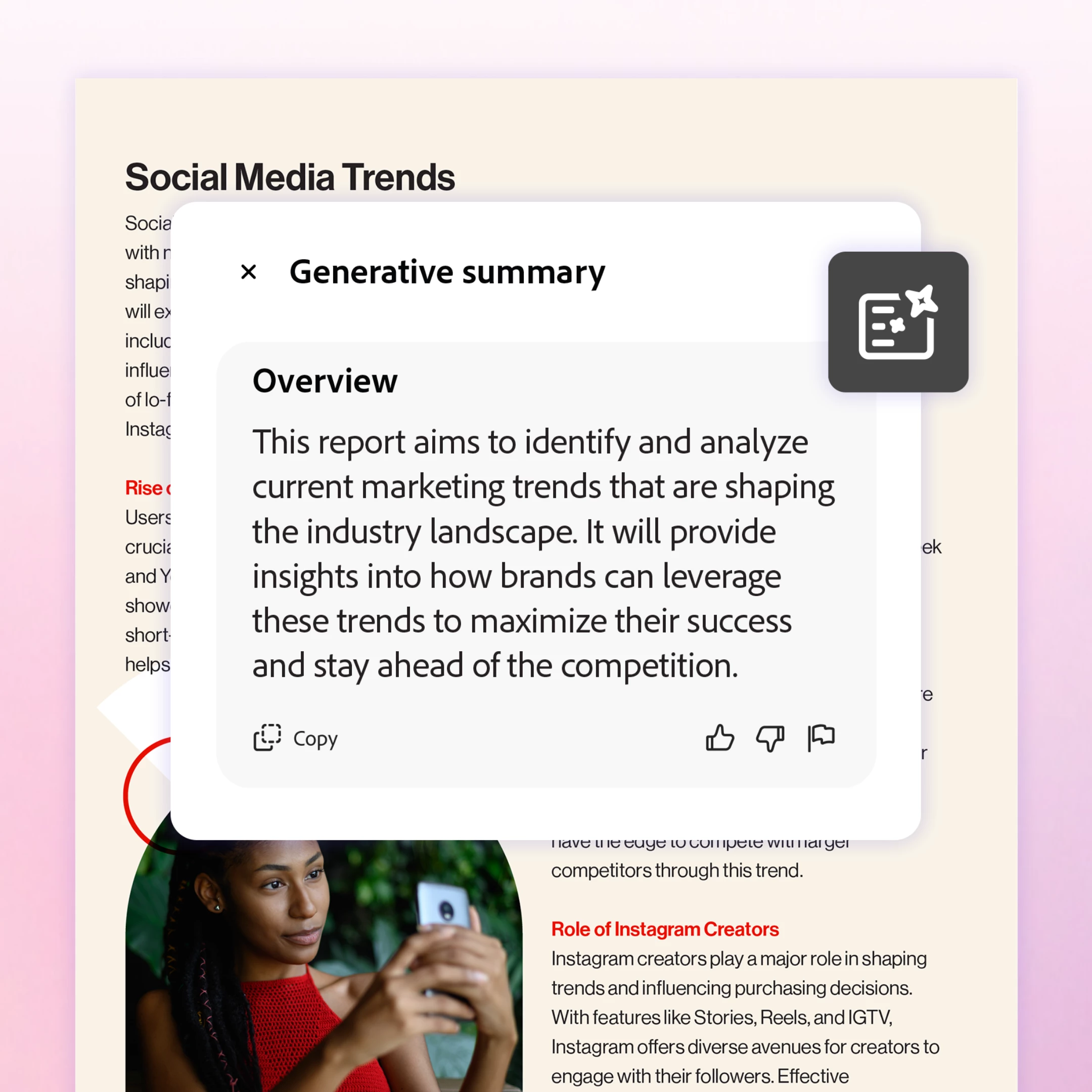
Save time and accomplish more. A one-click generative summary automatically highlights key points to help you navigate your documents and quickly access important information.
Try the AI Assistant for Acrobat in your favorite Acrobat apps today across desktop apps, web, browser extensions, and mobile.
Resources:
- AI Assistant for Acrobat User Guide
- Use Case Video Library
- For more information and FAQs, visit adobe.com


 AdChoices