
Question
Annoying Access Denied popup on Acrobat for Chrome
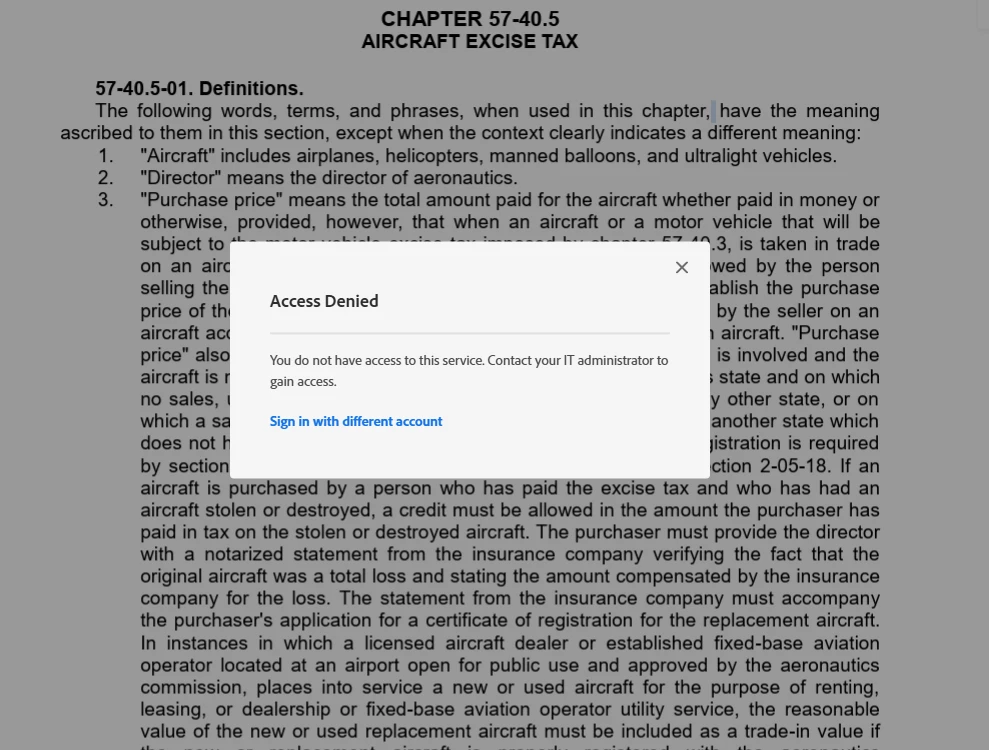
Recently, I have been getting a very annoying "Access Denied" popup when viewing PDFs in Acrobat for Chrome. This occurs on publicly accessible PDFs, so there are no permission issues. I also do not know what triggers it. I can view a PDF without any problems for a while, and then the popup will suddenly appear and interrupt my workflow.
Refreshing the page or clicking the X in the corner makes the popup disappear, allowing me to continue my work, but it remains extremely frustrating.
I have a subscription to Adobe Acrobat through my employer. I have tried signing in and signing back out, clearing browser cache, etc. Is there anything else I can try?
 AdChoices