
Participant
August 4, 2024
Question

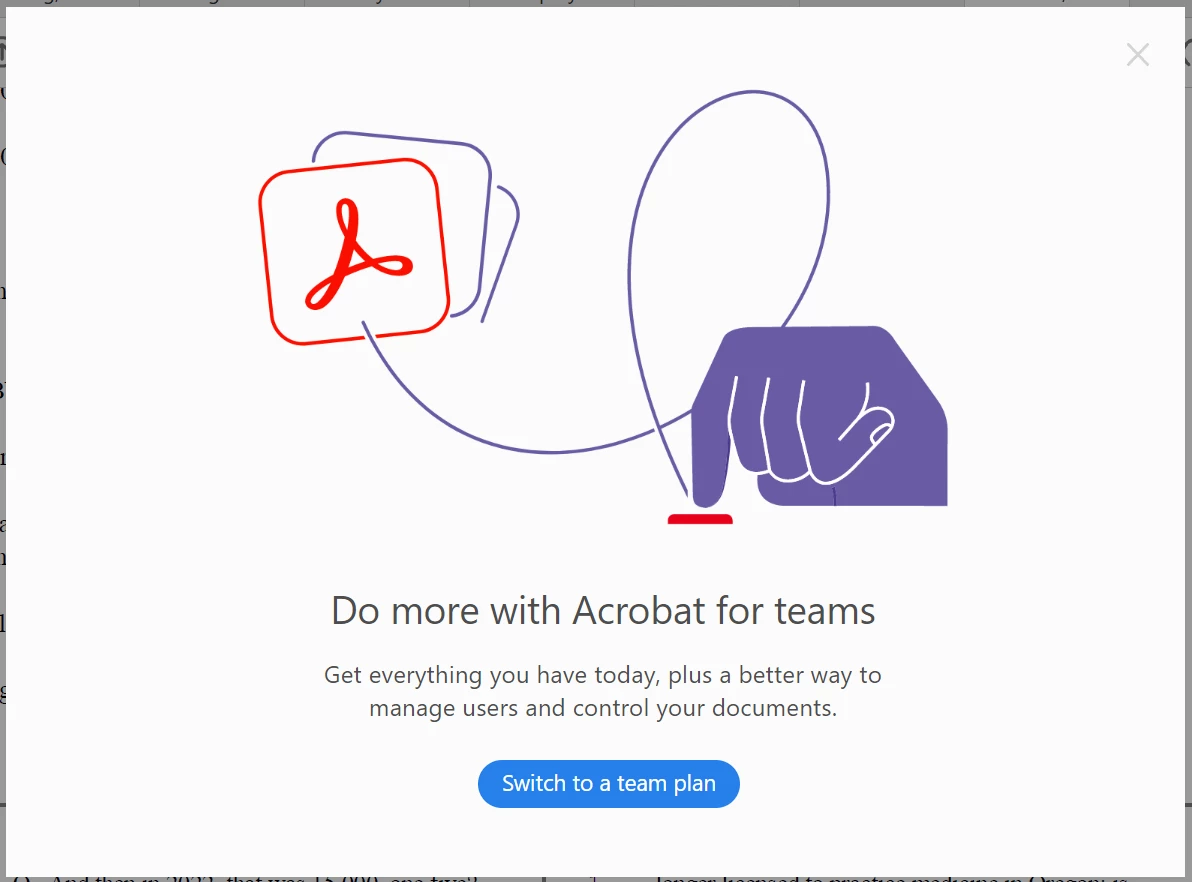
Any way to disable sales popup on start?

  • August 4, 2024
  • 3 replies
  • 2380 views

On  start up I keep getting this full age ad for a product I am never going to buy. I'm an attorney working on products for trial and I don't need anything making my work software less usable. Is there anyway to disable or permanently dismiss this? Am I just stuck clicking through an ad at start up?


This topic has been closed for replies.

3 replies

Adobe Employee
August 5, 2024

Thank you for flagging this, Josh and providing your feedback. This seems to be an issue with incorrect targeting. We shall take care of this upgrade modal at our end.

creative explorer
Community Expert
Community Expert
August 5, 2024

@Josh32298156wc9k is the Acrobat verion that you are using a trial version? If so, that may be the reason why the pop-ups are popping up encouraging to buy the full version and the pop-ups would go away. If you no longer need the trial version of Acrobat, I would then un-install the application and the pop-ups should be removed.  You should remove the application correctly through your adobe cloud account, or at least use the Adobe CC cleaner, https://helpx.adobe.com/photoshop-elements/kb/elements-installation-error-CC-cleaner-tool.html


m
Participant
August 5, 2024

It is not a trial. I pay $20/mo for Adobe Acrobat Pro. Despite this, when I open the program for work I am served with a full page add for "Acrobat for Teams," hence my frustration.

S_S
Community Manager
Community Manager
August 5, 2024

@Josh32298156wc9k You shouldn't be seeing this on the next launch. 


Let me know if you still see the pop-up.


-Souvik

Participant
August 4, 2024
The document provided does not contain specific information on blocking pop-ups. However, to block pop-ups in general, you can follow these steps depending on the browser you are using:

Google Chrome:

1. Click on the three dots in the top-right corner.
2. Go to "Settings."
3. Scroll down and click on "Advanced."
4. Under "Privacy and security," click on "Site settings."
5. Scroll down and click on "Pop-ups and redirects."
6. Toggle the switch to block pop-ups.

Mozilla Firefox:

1. Click on the three horizontal lines in the top-right corner.
2. Go to "Options."
3. Select "Privacy & Security" from the left menu.
4. Scroll down to the "Permissions" section.
5. Check the box next to "Block pop-up windows" to enable pop-up blocking.

Safari:

1. Click on "Safari" in the top menu bar.
2. Select "Preferences."
3. Go to the "Websites" tab.
4. Click on "Pop-up Windows" on the left sidebar.
5. Choose to block pop-ups for specific websites or enable general pop-up blocking.

By following these steps in your respective browser settings, you can effectively block pop-ups while browsing the internet.


Get Outlook for iOS<>
Participant
August 4, 2024

To clarify, this isn't a browzer pop up issue. 


When I open the adobe acrobat program that I have installed, I keep getting this full page ad. It seems to set to happen once on startup every 24 hrs. I'm trying to get rid of it.