
Participant
June 21, 2020
Question

Applying redactions whites out the whole page except the black redacted boxes

  • June 21, 2020
  • 2 replies
  • 5049 views

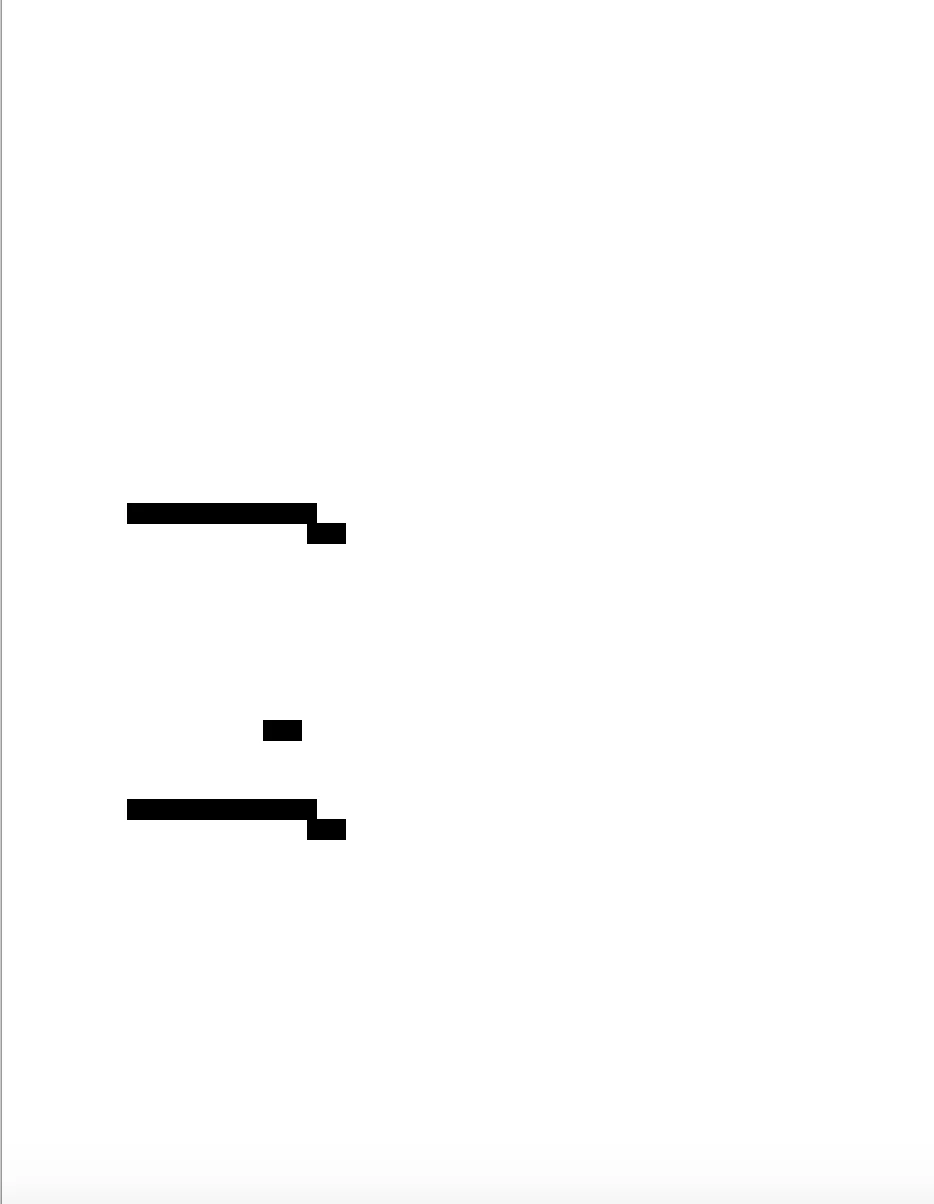
I pay for Adobe Acrobat Pro DC, largely to be able to redact.  I am running it on a MacBook Pro which is running MacOS Mojave 10.14.16.  I can use the tool to redact, but when I apply the redactions, it makes the entire page blank except for the black boxes where the redaction has been applied.  Obviously, this is a problem, since I need to see the rest of the page.  I have tried doing it more than once, and tried different ways of effectuating the redaction and get the same result every time.  It looks like this:


.
 

2 replies

Participant
November 4, 2024

I'm also experiencing the same issue with a photocopy-to-PDF that was sent to me - was there ever a resolution to this?

Community Manager
January 10, 2025

Hi @katarina_6480


Sorry for the troubled experience, and delayed response.


In earlier cases where the users shared files with us, it turns out the files were not mainly generated using Adobe Solutions and had some structural problems, including some structural problems. If you are still experiencing this issue, please share a few sample files with us, and we will review them and share our observations with you.


~Tariq

Adobe Employee
June 22, 2020

Hi,

Sorry for the inconvenience here. 

Do you see this issue with every file or just this one file? Can you please share one such sample file where we can reproduce the issue. 

Also share the Adobe Acrobat DC version you are using.

You can share sample files via Adobe Send https://documentcloud.adobe.com/link/send/ or any medium you are comfortable with. 

Thanks,

Charu Karwa 

SJwithQsAuthor
Participant
June 23, 2020

I am using Adobe Acrobat Pro DC Continuos Release Version 2020.009.20067


Based on your question, I tried redacting another document.  For this second document, I created a Word file with some different sentences on it I could redact, and exported it to PDF.  When I tried to redact, it worked perfectly.  No problems.


The first document, the one I couldn't redact yesterday, was a print to pdf of a receipt I was accessing through a website.  So, to experiment, I tried printing to pdf another page from the internet and I had a similar problem - it whited out most of the page except what I was redacting.  I will try to send you the original and the redacted version of that to you through Adobe Send.  But, it seems it's not happening with all the PDFs...


Thanks,

Sonia


Participant
July 6, 2023

Hi,

Sorry for the inconvenience here. 

Do you see this issue with every file or just few files? Can you please share one such sample file.

Also share the Adobe Acrobat DC version you are using.

Thanks,

Charu Karwa


Hello,

I am experiencing the same issue, was there ever a fix for this?

Thanks