Participant
September 28, 2018
Question

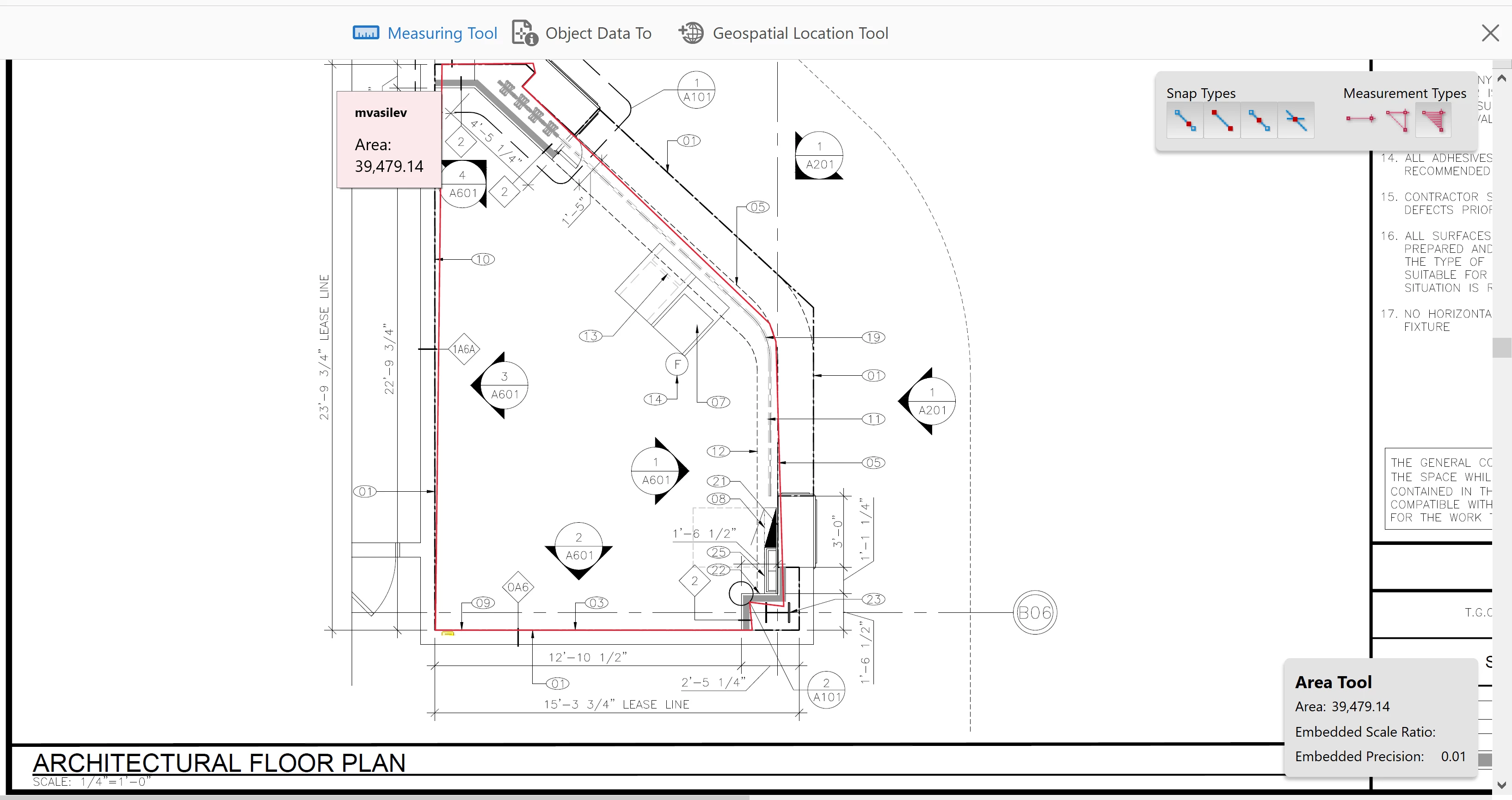
Area Measure Tool not showing Square Footage

  • September 28, 2018
  • 2 replies
  • 4048 views

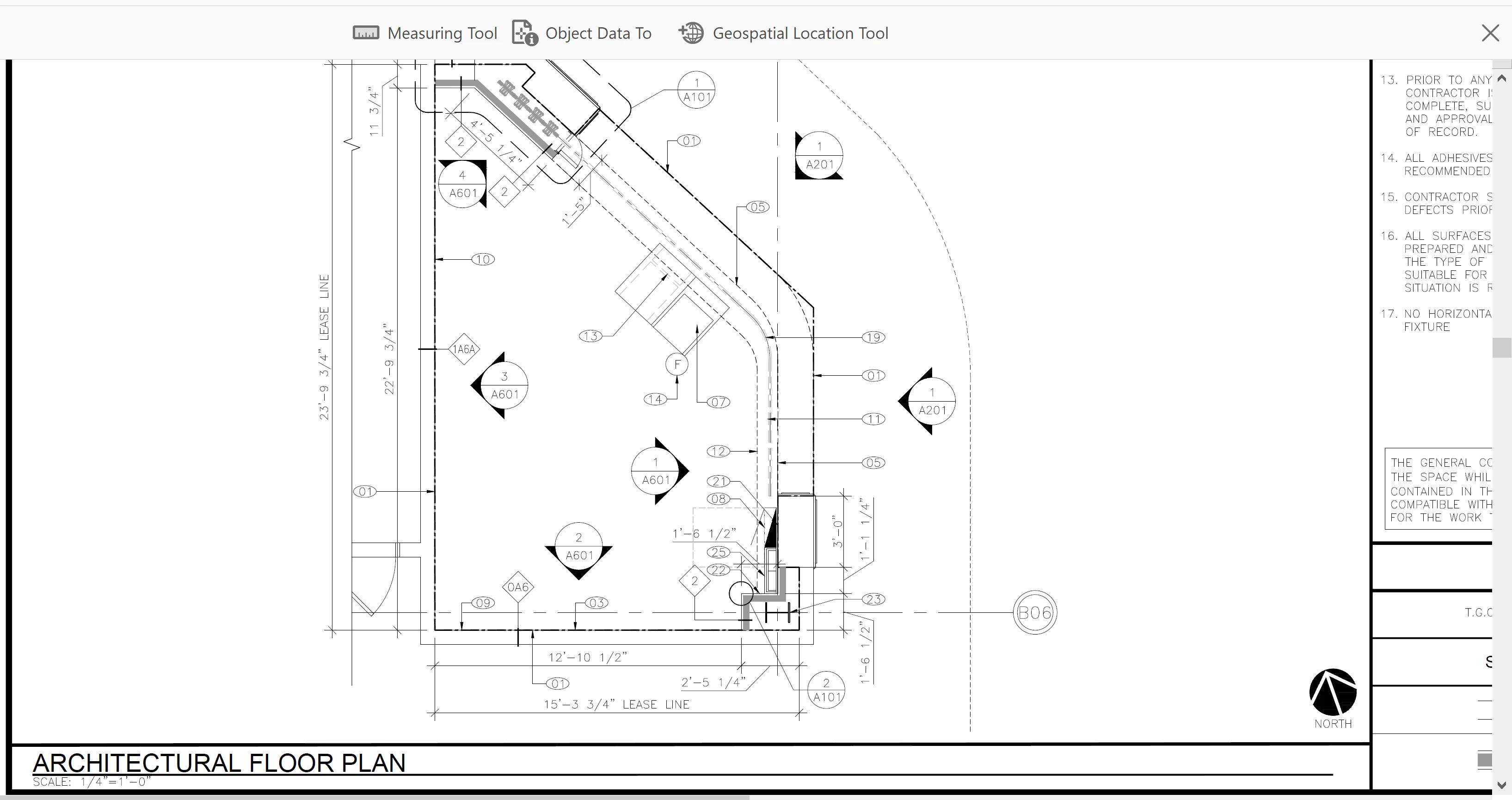
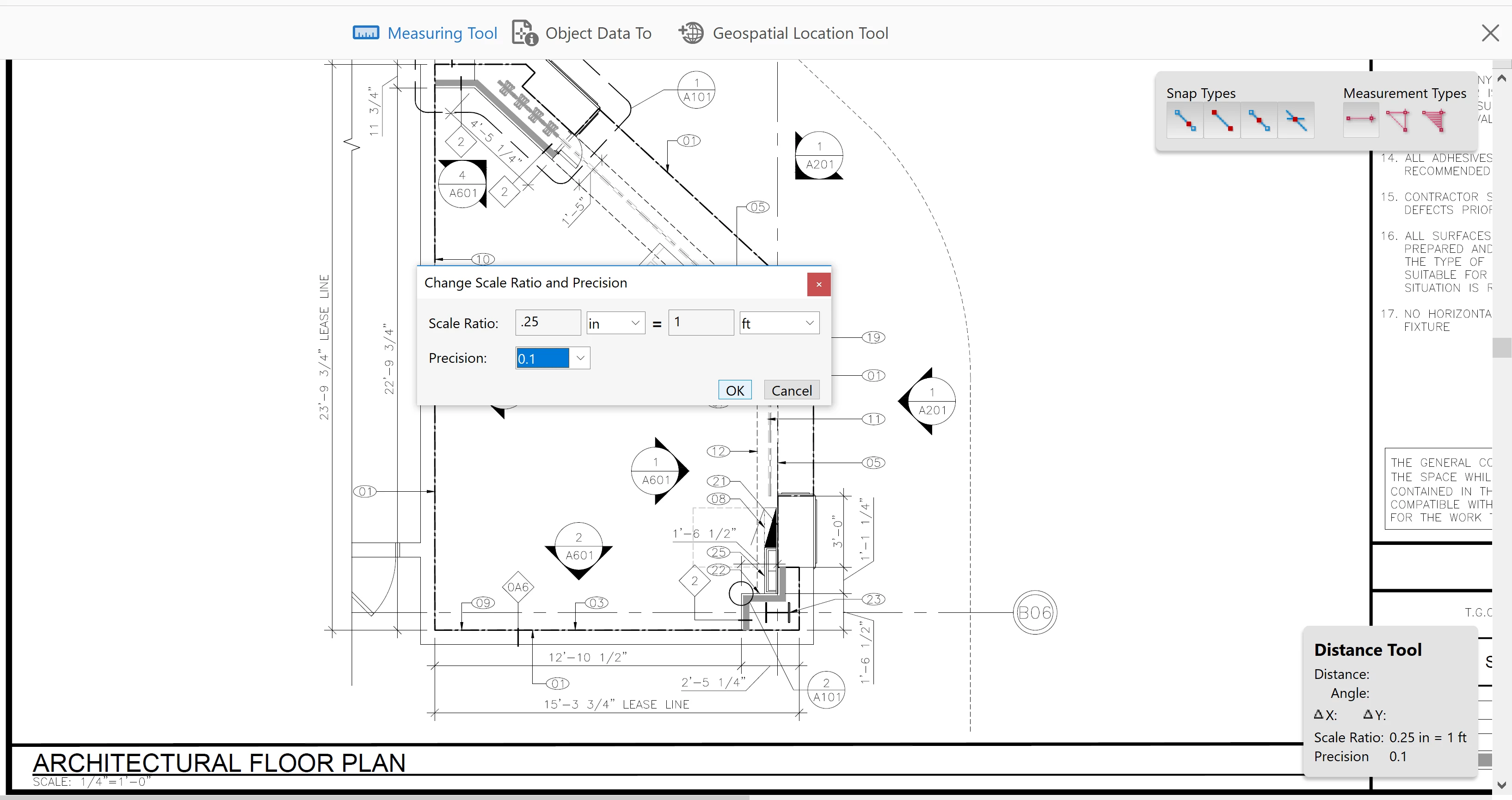
I'm having an issue where the measurement tool isn't showing square footage, it's just showing a random number (or at least what I think is random). I'm guessing/know i'm doing something wrong, but not sure what just yet. Any help would be appreciated. I've attached the process I've been told to do to measure the square footage.
2 replies

Participant
July 8, 2022

The random number you speak of is square inches and I'm looking for an answer myself on how to have that show me square footage instead.  Since I'm sure you're still not pondering this 4 years later,  for anyone else coming across this question,  divide the "random number" 😉 by 144 to get square footage.   Simple enough,  but annoying that it doesn't just read in square footage... I'll continue the search!

Participant
April 7, 2023

Hello!! I'm having the exact same problem, did you find another solution for this? Thanks!

Participant
July 2, 2024

Same problem here

Inspiring
September 28, 2018

It's strange that there are no units shown. There may be an embedded scale ratio. If so, you can set a preference to ignore it by selecting: Edit > Preferences > Measuring (2D) > Use Scale and Units from Document (when present) [deselect]

Then you can decide whether using the embedded scale makes sense to use or you can set up your own in Acrobat like you show.