

Artefacts/lines around figures in pdf created in MS Word
Hi,
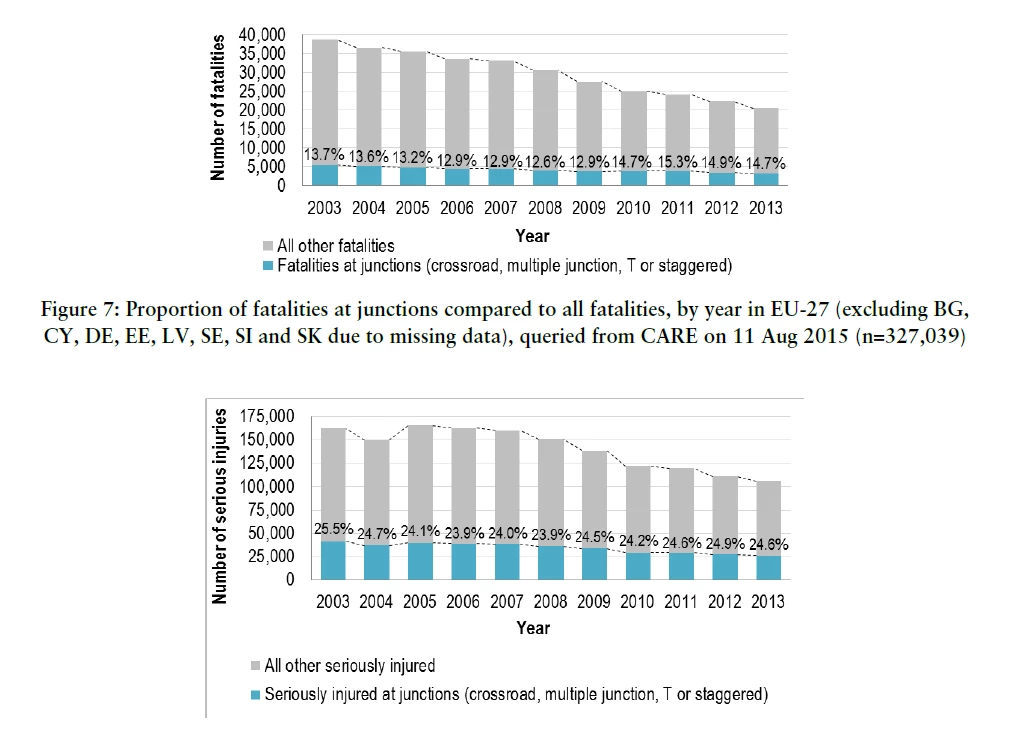
I have converted a large Word file (350 pages) to a pdf. In the pdf file, no matter which image compression setting is set, there are lines and borders appearing around some figures. See the example below, where the lower image has the borders, although it should look like the upper one. They only appear on the screen, but not when I print it. Also, the lines do not become larger when I zoom in. However, I would like to have a clean digital version.
So my workaround was to print the document as pdf instead of converting it. The result is that the lines disappear, which is great. But then I lose my bookmark/heading links in the table of contents. So at the moment, I can choose between awkward ghost borders around figures or no bookmarks.
Do you have any solution or ideas? Can I add links to a printed pdf? Or can I remove those border lines somehow?
Thank you!
Philippe
 AdChoices