
Participant
August 16, 2022
질문

AutoCad Pdf can not be printed in HP Officeject 7110

  • August 16, 2022
  • 2 답변들
  • 962 조회

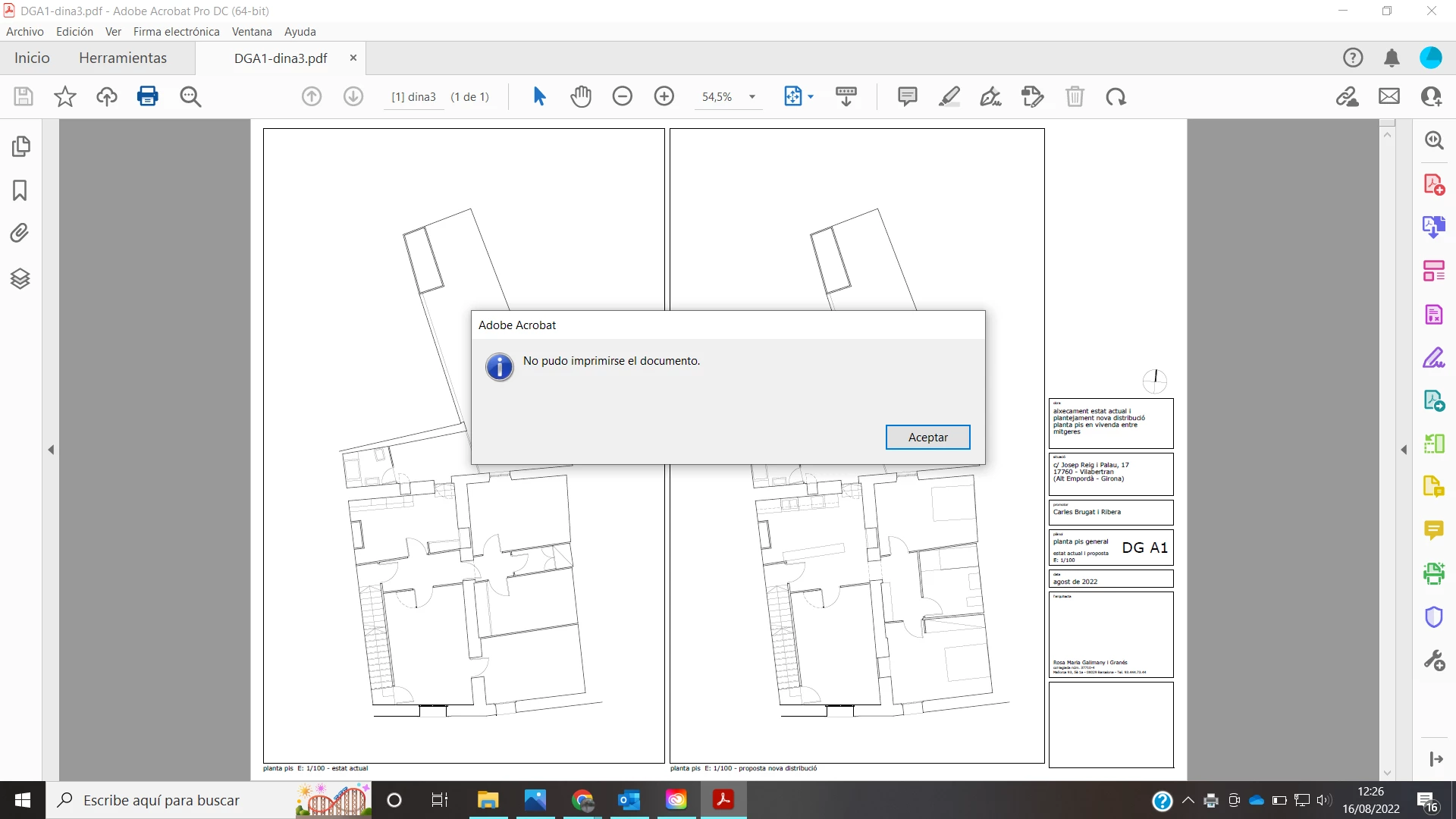
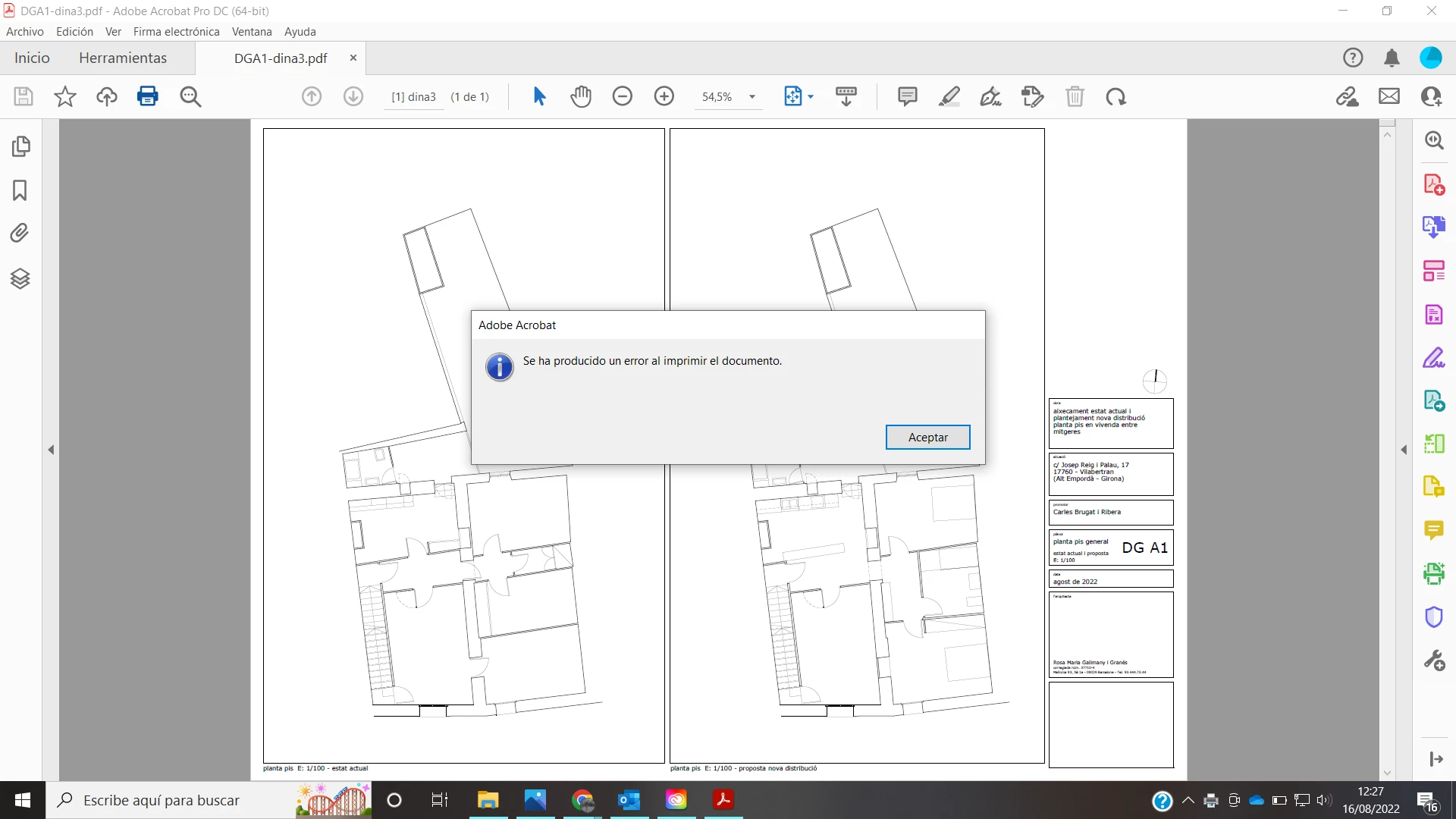
I was used to print my AutoCad drawings first using Adobe Acrobat DC and then sending it to my printer HP Officejet 7110 but now, when new actualizations were installed, it's impossible. The system tells me there's a problem and there's no communication between my Windows 10 system's and my printer. Appears a message error. I think it's only for DIN-A3 printing size but I'm not sure. Can you please help me? Thanks
 

이 주제는 답변이 닫혔습니다.

2 답변

Participant
August 23, 2022

This error always appear when I try to print in a paper format type different from 'Normal'. Only with special sizes of paper. For example, I'm going to attach here a pdf file created in a DIN-A3 size paper without margins, to be printed in my HP Officejet 7110 chosing this kind of paper, the fully printed.

When I create a pdf file from Autocad I follow these steps:

And when I try to print the file in my HP Officejet 7110 printer, I follow these steps:

And then appear the two error messages that I attached in the previous message.

My OS version is: Microsoft Windows 10 Pro, v. 10.0.19044 compilation 19044.

My Acrobat version is: Adobe Acrobat DC (64-bit), v. 22.002.20191


Hope that of all this could help you to know what happens to my system and printer.

Thanks for your attention and your responses,


Rosa

Meenakshi Negi
Community Manager
Community Manager
August 19, 2022

Hi Rosa,


Thank you for reaching out.


Could you please confirm if the error occurs only when you print this file? Or does it appear with other PDFs too?

Please share the steps you do to create the PDF and print it. Would you mind sharing a sample PDF with us?

Share the Acrobat and OS versions on the machine.


Thanks,

Meenakshi

Participant
August 20, 2022

Hi Meenakshi,

Thanks for your reply. The error always occurs and I think it's related to the size of paper: when it's related to a paper without margins, fully printed then appears the error message and the pdf couldn't be printed. In the past this kind of error didn't appeared. Never. But now it seems that pdf couldn't be printed without margins. I proved different files and the same error message appears, it doesn't matter if it's a DIN-A4 or a DIN-A3. All that is different from 'Normal' size is impossible to be printed in my HP Officejet 7110 printer.

The steps I follow to create a pdf from AutoCad are:

And the steps I follow to print the pdf file previously created are:

Then appear the two error messages that I've sent in the previous message, at the start of this conversation.

OS version: Microsoft Windows 10 Pro v. 10.0.19044, 19044 compilation.

Acrobat version: Adobe Acrobat DC (64-bit) v. 22.002.20191


I attach you here a pdf file that give me error message when I try to print in my HP Officejet 7110 printer.


Thanks a lot for your attention and your responses,


Rosa