Answered
Autofill - how to turn off
New user  - just created my 1st fillable form and tested it out, and now I'm getting an autofill or suggestive fill box, how do i turn this off?
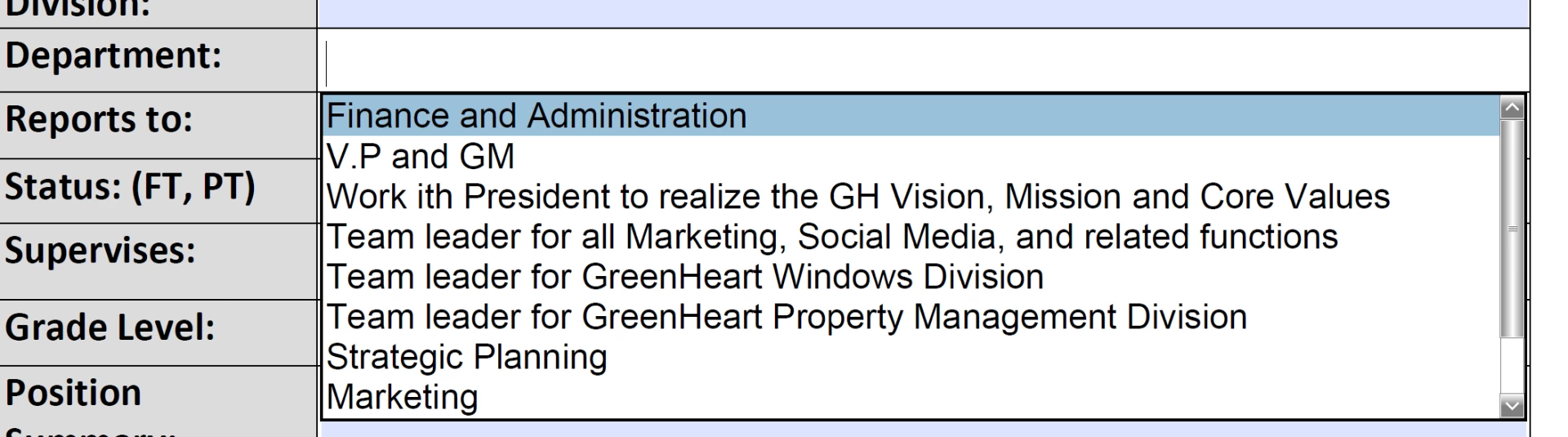

New user - just created my 1st fillable form and tested it out, and now I'm getting an autofill or suggestive fill box, how do i turn this off?
Go to Edit - Preferences - Forms and turn Auto Complete to Off.
Already have an account? Login
Enter your E-mail address. We'll send you an e-mail with instructions to reset your password.
 AdChoices