
can't access files on acrobat.com
Hello,
I am new to this forum, so please forgive me if my problem has been solved before!
Recently, I bought a nex laptop.
I have Acrobat XI Pro on my old laptop working perfectly.
Installed Acrobat XI Pro on the new one as well (Windows 11) and got it updated to version 11.0.23 after some tries...
This gave me, at start-up, the option to load a file from acrobat.com back. Hooray so far.
However, when clicking on this option, I do no see my saved files in the Adobe cloud (and there are several!) but a screen that asks me to sign in.
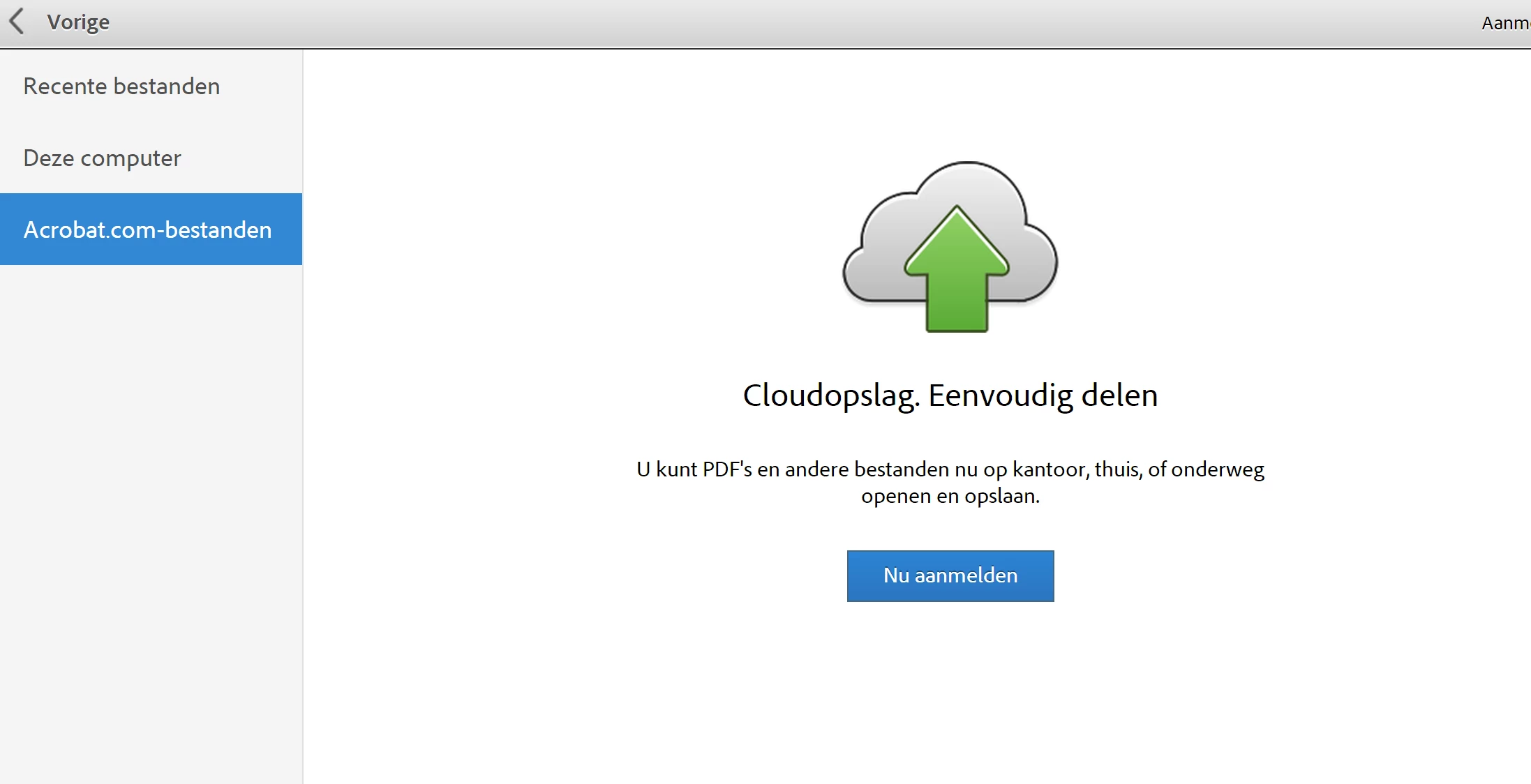
As I have an account, no prob you would think.... However....
When clicking on sign-in button I get this screen:
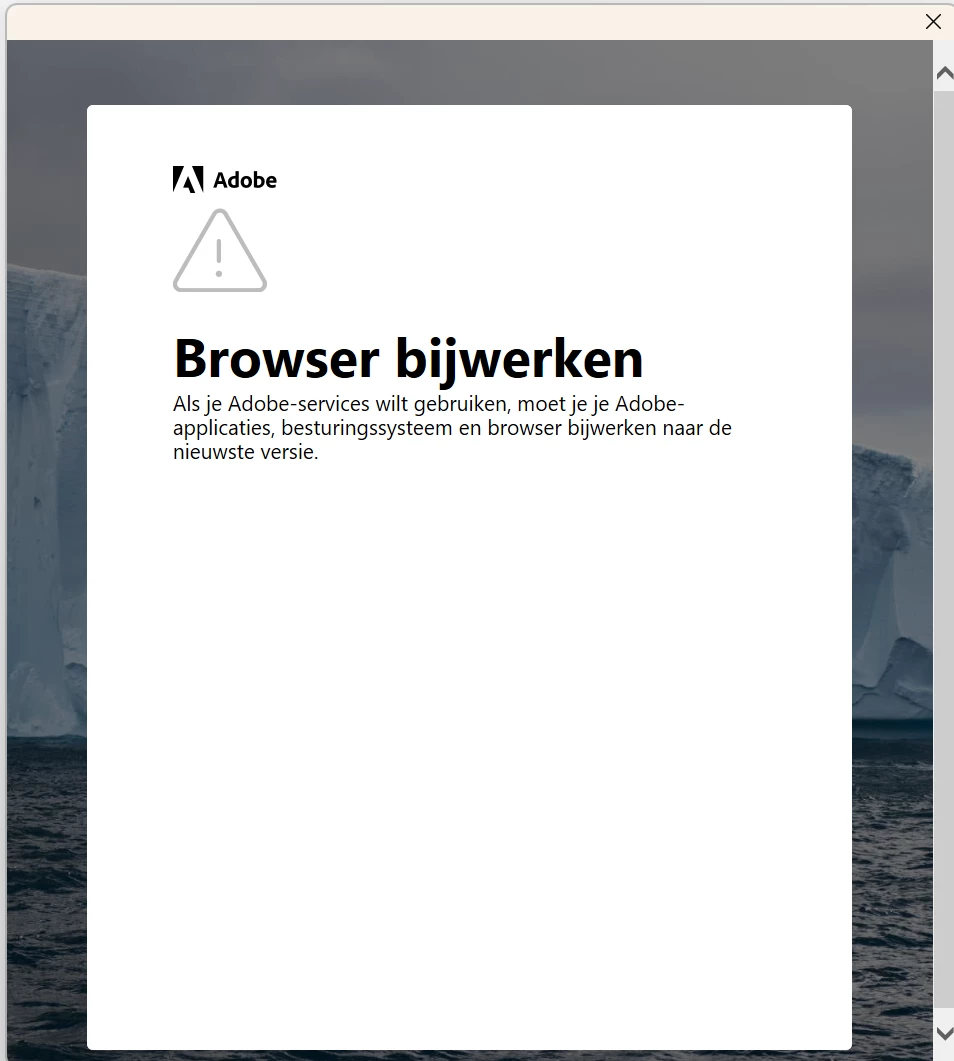
And that's it... Fully stuck!
I can close this pop-up, but this returns me to the start screen.
Anybody who can help me?
I can see the files in the web browser and on my old laptop so they do exist!
Reached out to helpdesk of Adobe, but they kindly and friendly told me to find out for myself... 😞
Looking forward to replies...
Thanks
LVL
 AdChoices