Answered
Can't change fill color
Suddenly all my fields (except button) changed from white to light brown color and I can't change it anymore, whatever color I choose it doesn't change.
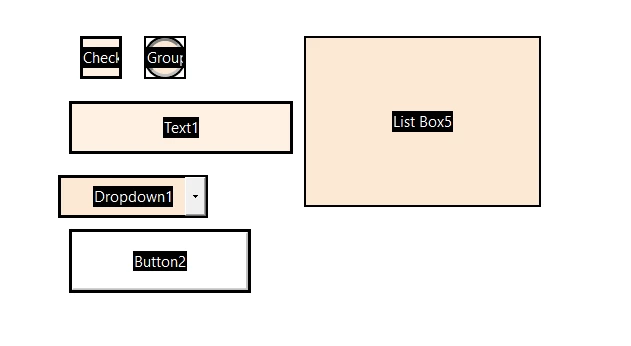

Suddenly all my fields (except button) changed from white to light brown color and I can't change it anymore, whatever color I choose it doesn't change.
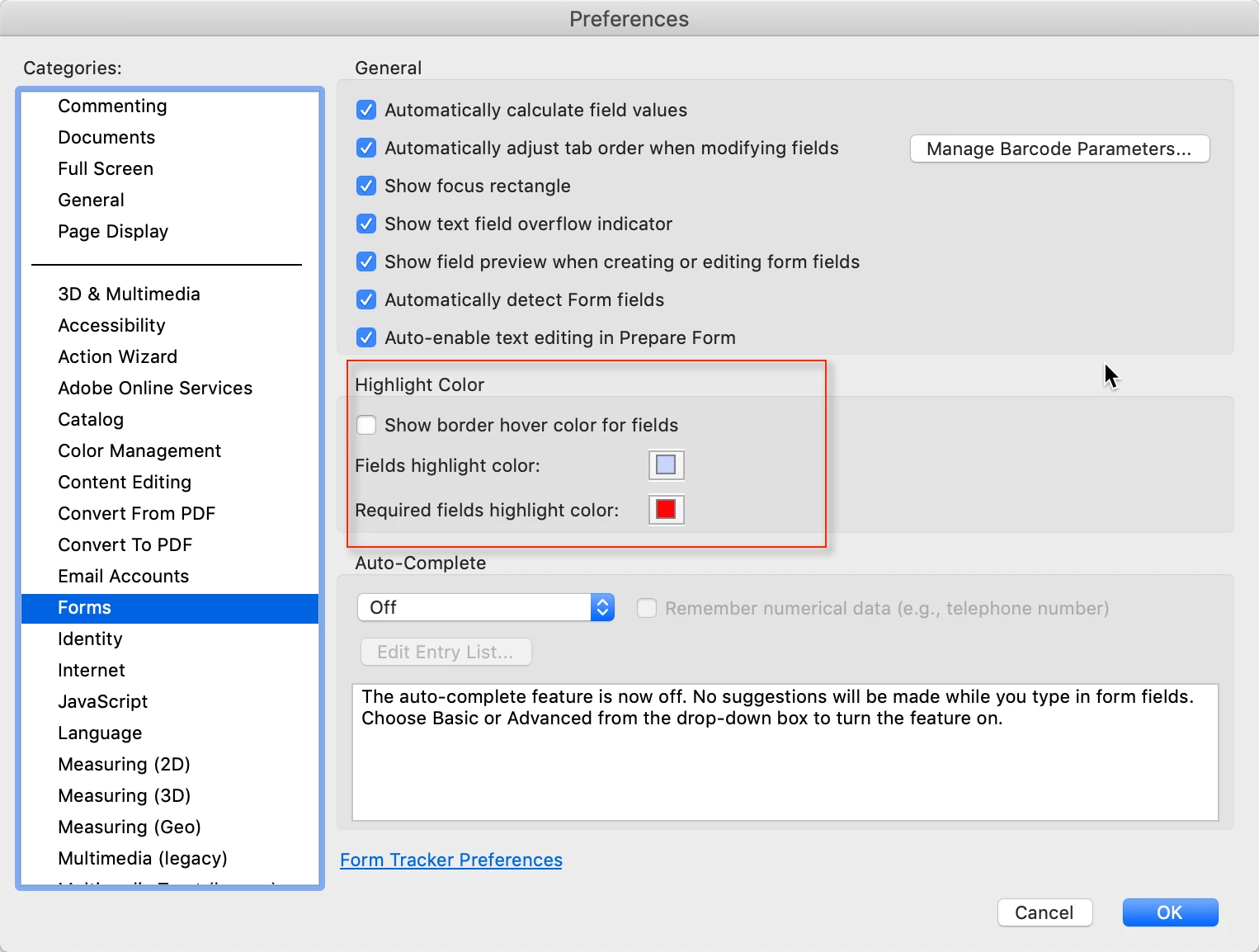
This looks like the "field highlight color". You can turn this off in Acrobat's preferences:
Already have an account? Login
No account yet? Create an account
Enter your E-mail address. We'll send you an e-mail with instructions to reset your password.


 AdChoices