
Participant
May 7, 2024
Question

Can't figure out how to clear all fields on a fillable form once...

  • May 7, 2024
  • 2 replies
  • 1663 views

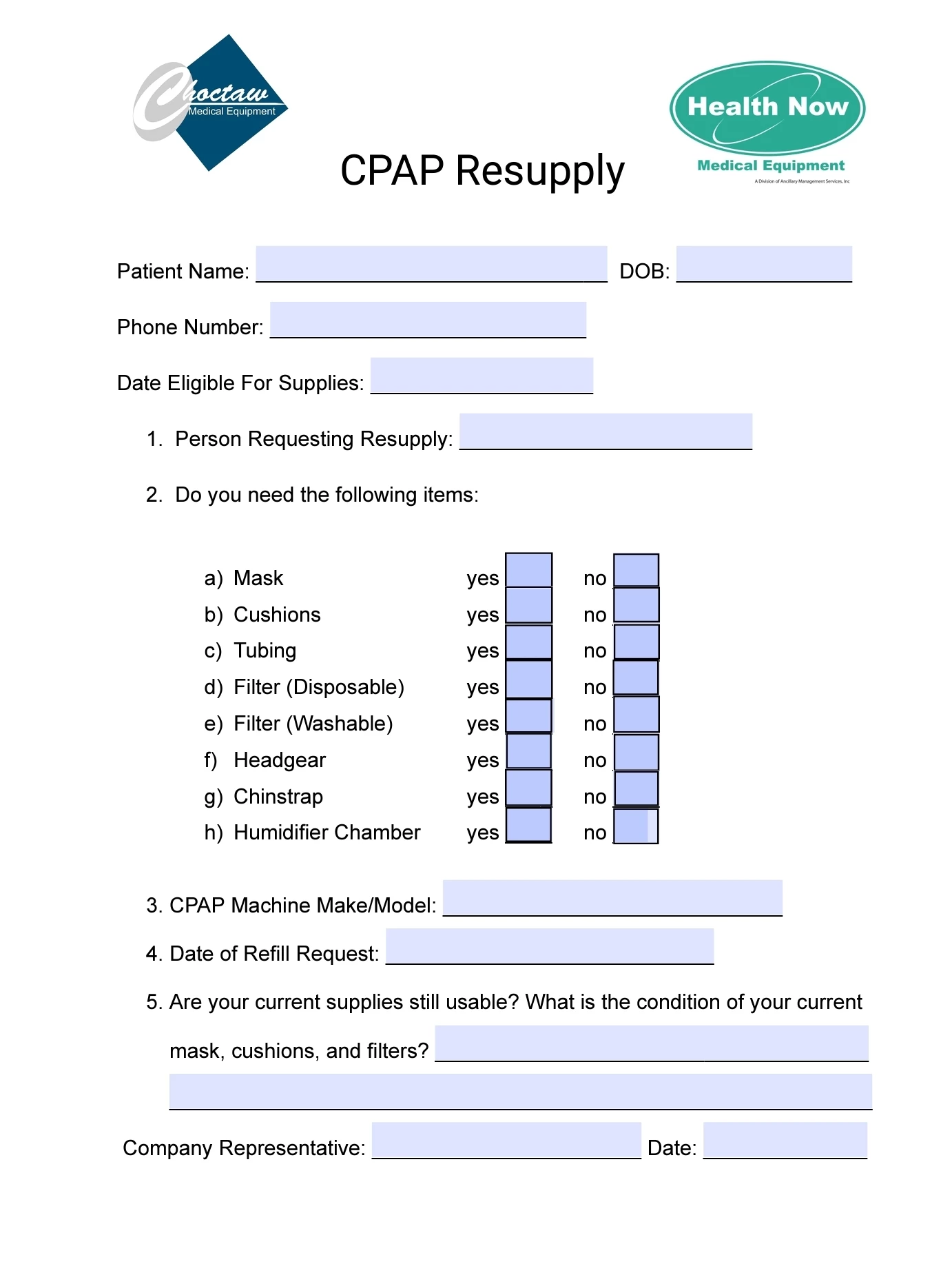
I created a fillable form that I need to use over and over to send in order requests for CPAP supplies. Every time I go to make a new form I have to clear all the fields before I start entering the patient's info. How can I clear all fields at once on the Android Adobe Acrobat app (pro mode)?
This topic has been closed for replies.

2 replies

JR Boulay
Community Expert
Community Expert
May 7, 2024

Search "Clear Form" in the Form edition tools.

Acrobate du PDF, InDesigner et Photoshopographe
Participant
May 7, 2024

Is that on the Android app?

Participant
May 7, 2024

Fill and Sign app?

Bernd Alheit
Community Expert
Community Expert
May 7, 2024

Create a copy of the empty form and fill the copy.

Participant
May 7, 2024

Lol. I feel like a moron now. I got so wrapped up in trying to do it a certain way that I couldn't see the forest for the trees. Danke!