
Participant
February 3, 2020
Answered

Can the advanced search lock into the page?

  • February 3, 2020
  • 1 reply
  • 2099 views

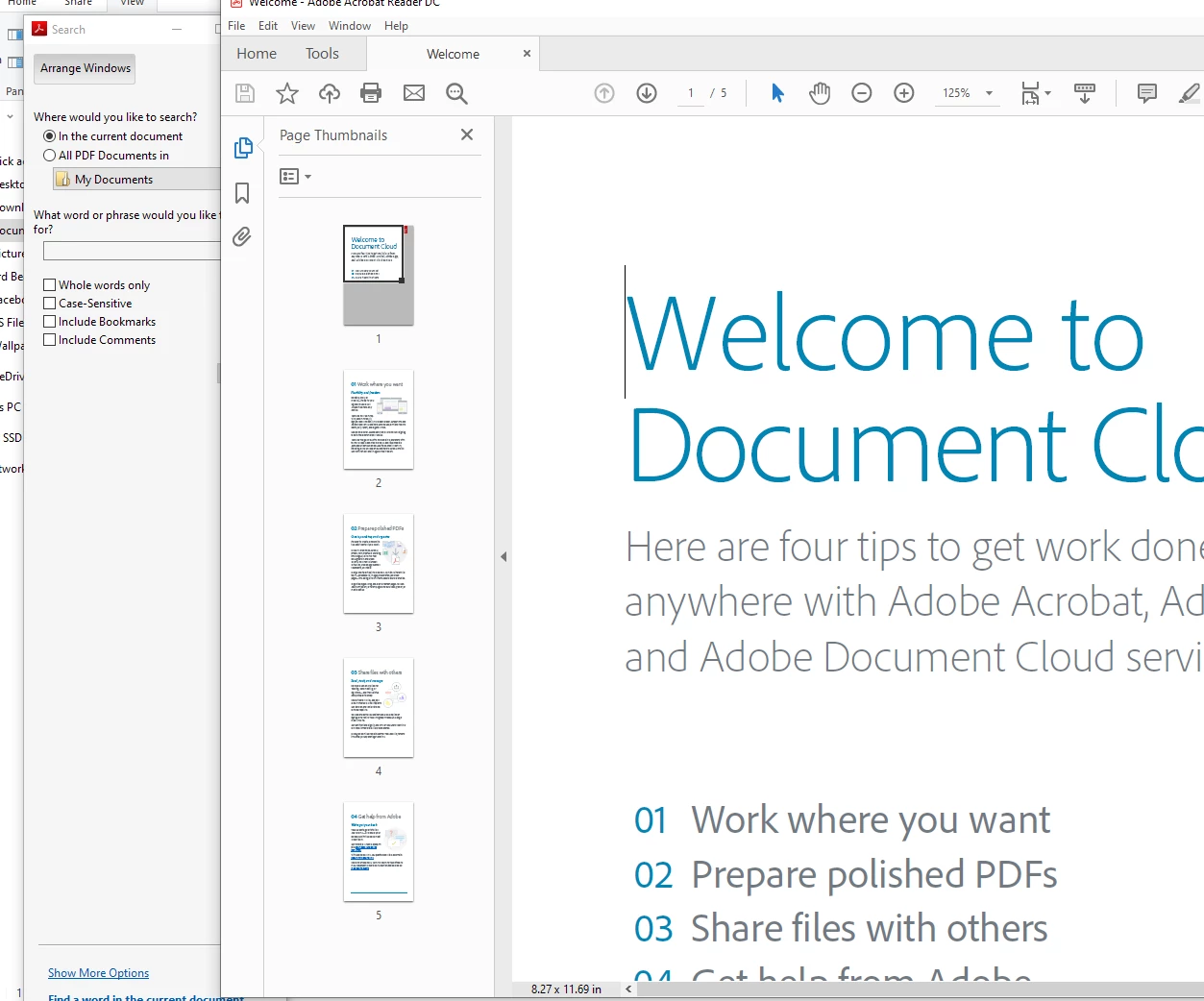
Is there a way to lock the advanced search onto the page so it doesn't get lost as I tab between multiple windows and documents?


At work it's common for me to have 5+ windows up on my monitor and I often need to search long PDFs. I'm extremely frustrated that everytime I minimize Adobe I need to deal with the advanced search window seperately. Is there an option I'm missing where it could dock onto the side bar or something?
 
This topic has been closed for replies.
Correct answer ls_rbls

Windows 10


I searched a lot on this and there is not even a known registry setting to make this advanced search open in the same work space or inside the same document like the simple Find option.


From what I read, it is basically a feature. It detaches from the main active document to allow the user to perform large and  more complex extensive queries that may involve catalogue and indexing, for example, while giving the user the ability to continue to work in the opened document while the search is doing its job.

1 reply

ls_rbls
Community Expert
Community Expert
February 5, 2020

Hi,


Are you defining a catalogue for searches in more than one document?


What options do you get when you click or double click on the Arrange Windows button?

Participant
February 9, 2020

Clicking Arrange Windows doesn't give me anything useful, it merely puts the search side by side with the document which doesn't solve my problem of wanting the search to be docked to the document.


I'm only searching in 1 pdf at a time generally

ls_rbls
Community Expert
ls_rblsCommunity ExpertCorrect answer
Community Expert
February 10, 2020

Windows 10


I searched a lot on this and there is not even a known registry setting to make this advanced search open in the same work space or inside the same document like the simple Find option.


From what I read, it is basically a feature. It detaches from the main active document to allow the user to perform large and  more complex extensive queries that may involve catalogue and indexing, for example, while giving the user the ability to continue to work in the opened document while the search is doing its job.