
Participant
August 9, 2021
Question

Cannot extract the embedded font work sans

  • August 9, 2021
  • 1 reply
  • 1050 views

Hi Team I am getting the error Adobe reader can not extract the font and some characters are nto displayed.
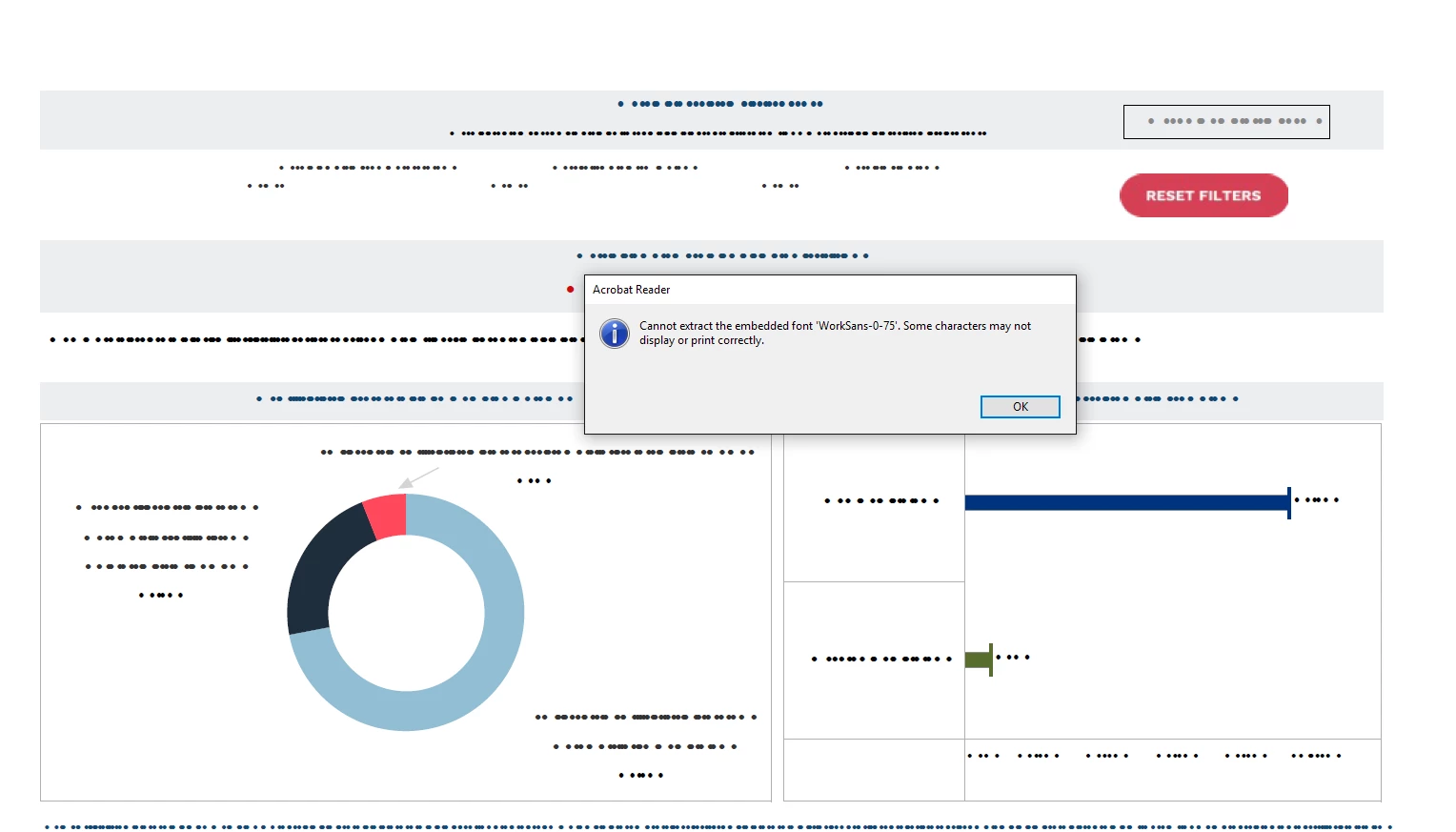
I am downloading this pdf from tableau view download option. When i open the file using browser i can  see them without any issues but when i open them through adove then i am having issus.

This topic has been closed for replies.

1 reply

Amal.
Community Manager
Community Manager
August 9, 2021

Hi Vilas


Hope you are doing well and sorry for the trouble.


It looks like the required font is not properly embedded into the PDF file or its not present on your system. Please go to Edit > Preferences > page Display > Under Rendering, Select 'use local fonts' > Click OK and reboot  the application and check.


For more information about font embedding and substitution please check the help page https://helpx.adobe.com/acrobat/using/pdf-fonts.html


Also, web browsers use their own PDF mechanisms to render and display the PDF content and they are not Adobe dependant.


Regards

Amal

vilas5EC6Author
Participant
August 9, 2021

Hi Amal,


Thank you for your response. I have tried the above steps and no luck with that. The font is installed in my local system.

The font that is diaplyed on the web page i am downloading also shows Worksans font


Thanks

Vilas

Amal.
Community Manager
Community Manager
August 10, 2021

Hi Vilas


A font can be embedded only if it contains a setting by the font vendor that permits it to be embedded. A font can be embedded only if it contains a setting by the font vendor that permits it to be embedded.

Please check the help page https://helpx.adobe.com/acrobat/using/pdf-fonts.html and see if that works.


Regards

Amal