Answered
Cannot see Thumbnails in Win 10 with XI standard 11.0.0
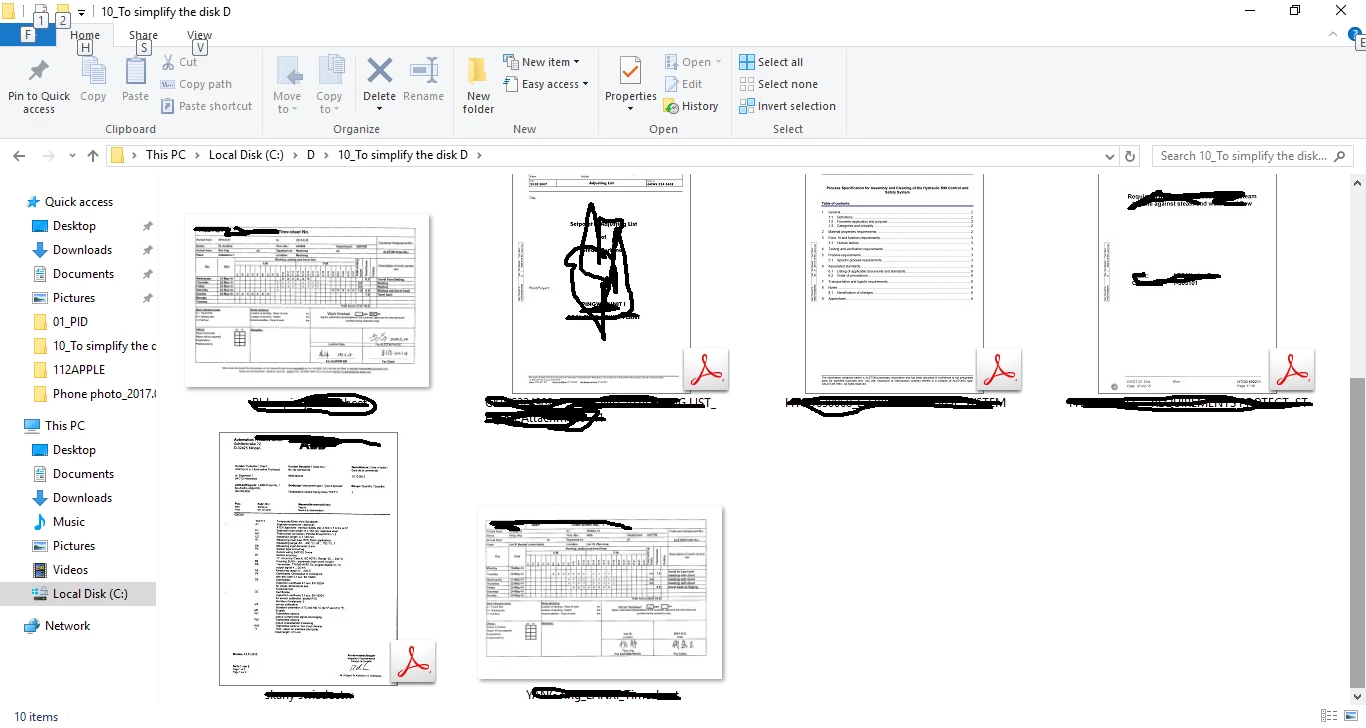
I cannot see Thumbnails in Win10 with XI standard 11.0.0, there is no options to set it? who can help me? thanks a lot!
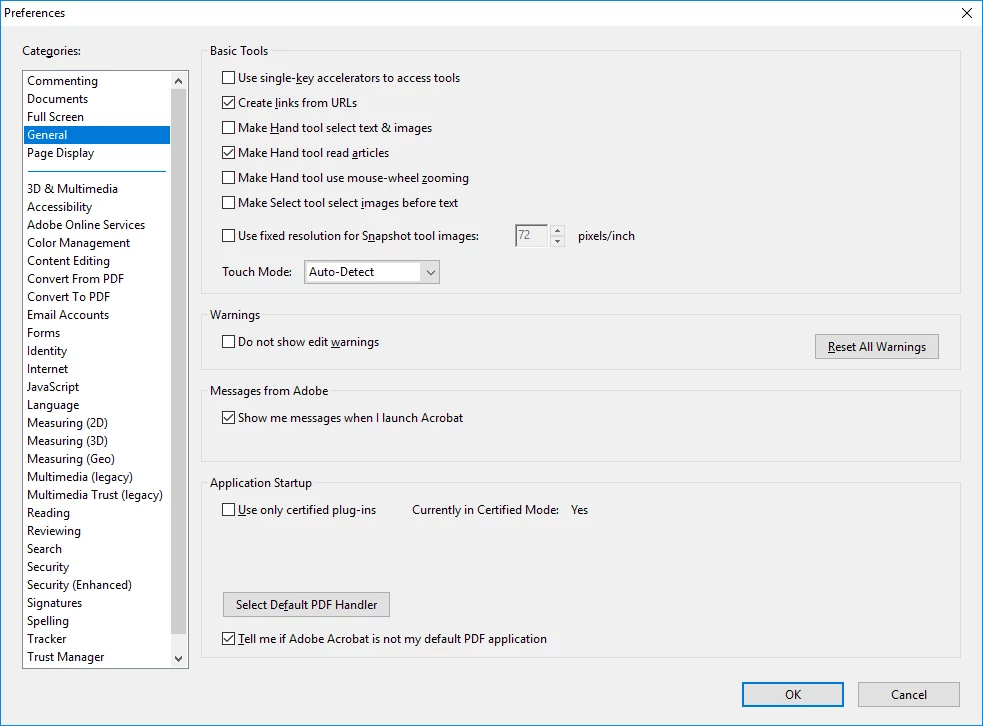

I cannot see Thumbnails in Win10 with XI standard 11.0.0, there is no options to set it? who can help me? thanks a lot!
you're missing something basic.
ask someone you know with some computer knowledge that can sit at your computer and have them read as much of this thread as they need to solve your problem.
Just few minutes ago, I got my problem solved, let repeat what happened:
I have license of Adobe acrobat XI standard which provided by my company, and I download it from the website of my company (it was repacked by my company), after installation, I don't have the option "Enable PDF thumbnail previews in Windows Explorer" in my Adobe software. Then I download the reader from my company website (it was repacked as well), install it and check update to make it up to date. The reader doesn't have the option as well. Then I delete all of them. I download the Reader DC from Adobe official website and install it, it has the option, but after I check the check box and then click OK in the bottom, there was some downloading pop-up window shown, I guess to enable this needs some fix similar with the one we saw on website which is not developed by Adobe.
My conflict here is I need the edit function of XI, but the XI doesn't have the option "Enable PDF thumbnail previews in Windows Explorer", or let's say XI doesn't have the fix of it. What all I need from the Reader DC is the fix of enabling the thumbnail previews.
So I don't think it's OS problem.
Suggestion for the guys have similar conflict with me is just download the Reader DC and do the above, then you have your thumbnail preview fix in computer, no matter which PDF software you are using, you can get thumbnail preview anyway.
Thanks anyway.
Already have an account? Login
Enter your E-mail address. We'll send you an e-mail with instructions to reset your password.
 AdChoices