
Comment appears in upper right corner and can't be moved (Adobe Document Cloud)
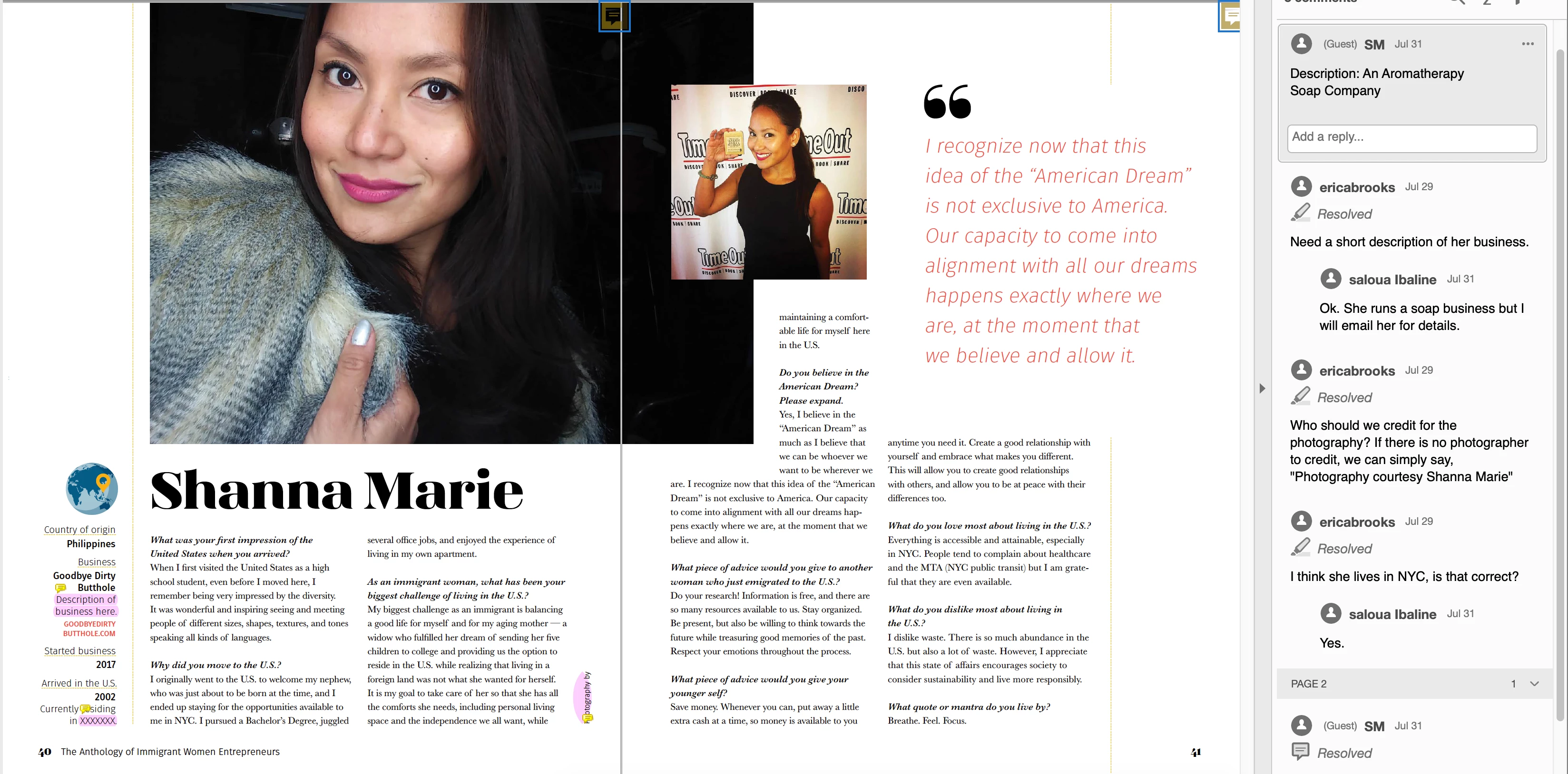
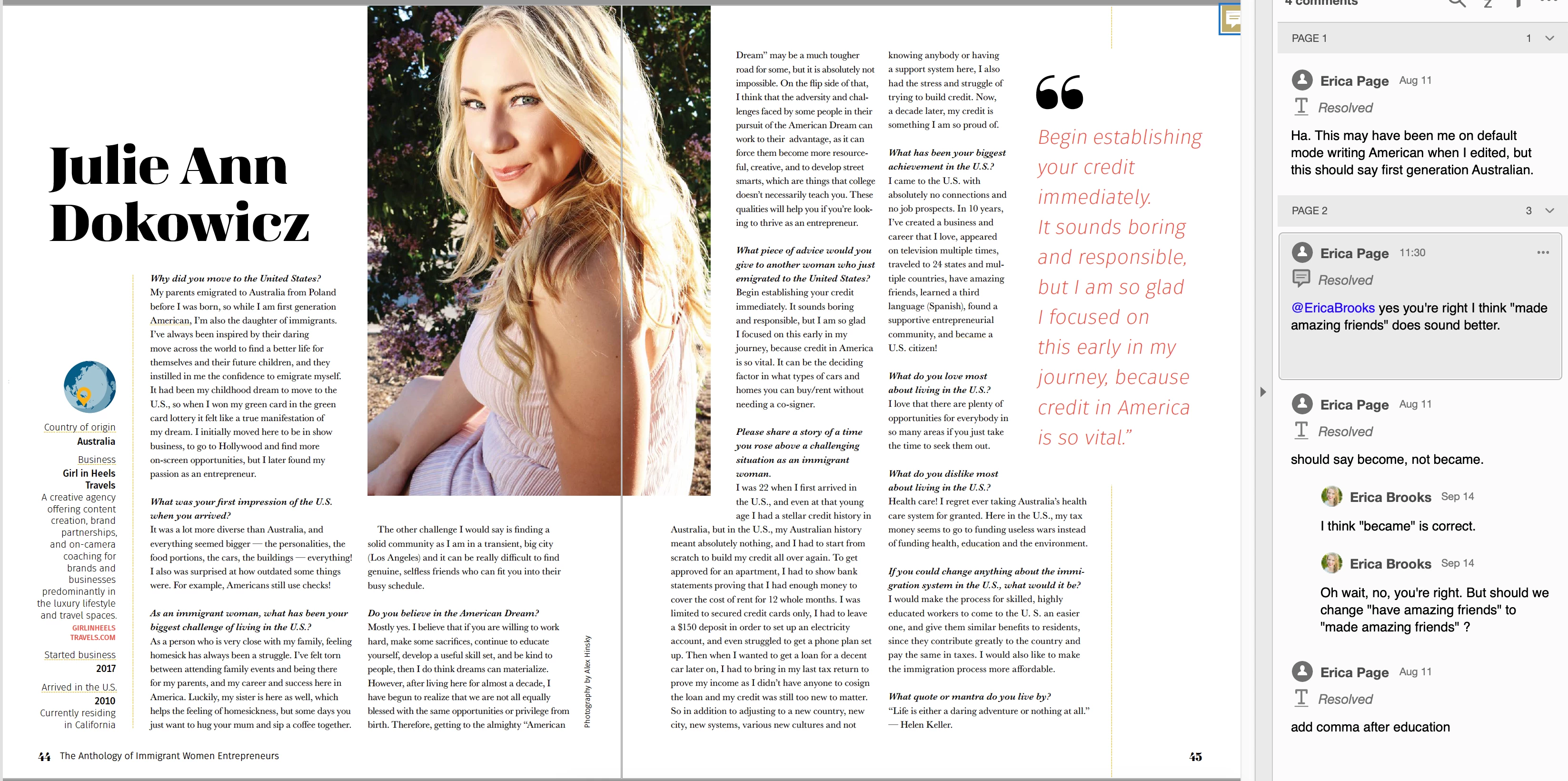
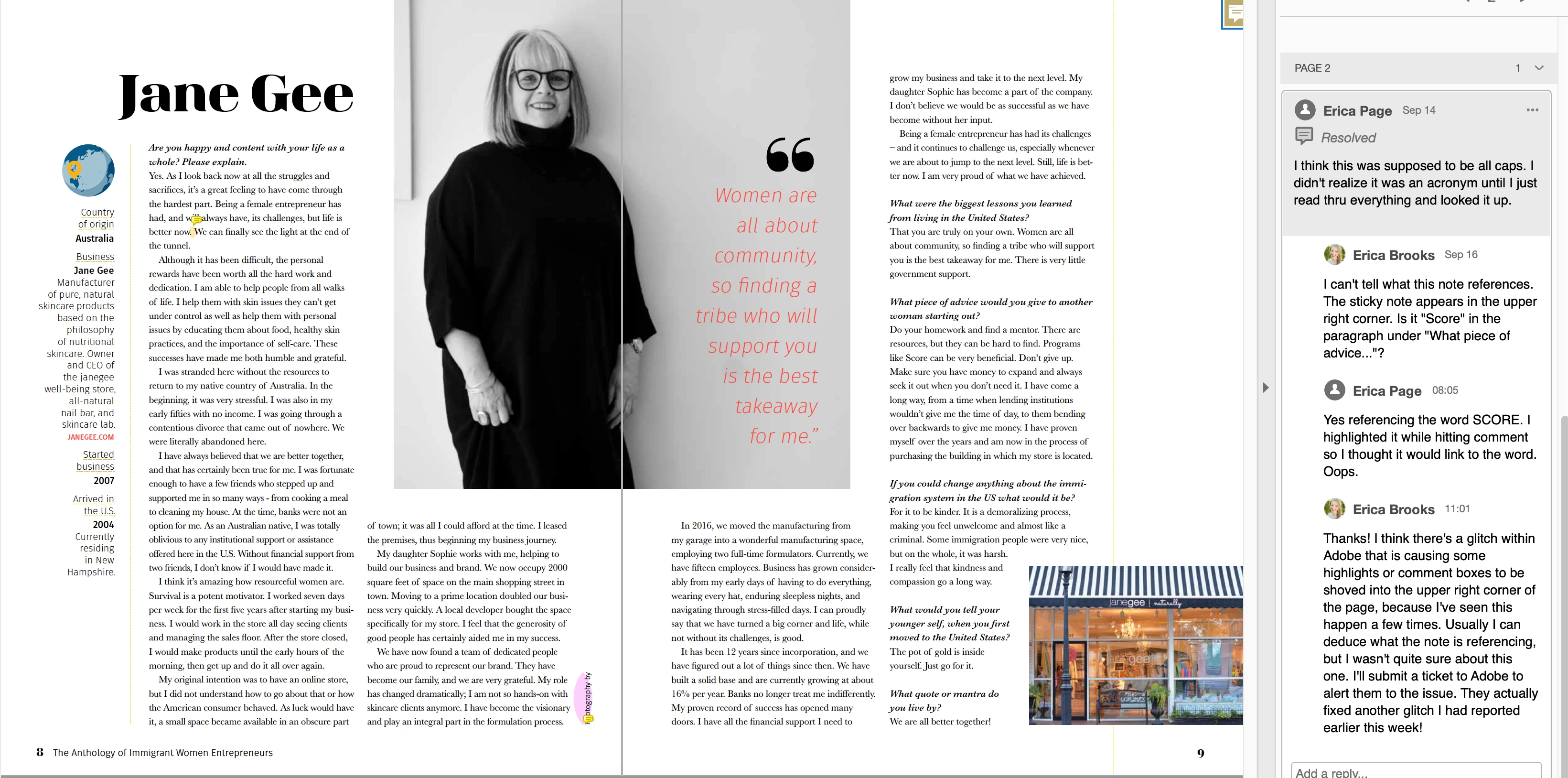
I've been noticing a consistent issue when sending a PDF for review to different people who use their web browser to make notes on a PDF in the Adobe Document Cloud. The comment box appears in the upper right corner of the page, and the position is locked; it cannot be moved to another location. This is happening with different reviewers, and I'm guessing they're using different systems. None of them were familiar with using Acrobat to comment and review documents before this project. One of the project collaborators reviewing each document said that for the note in question, she thought she had highlighted a specific word before leaving a comment. However, when I opened the document, the note was in the upper right corner and there was no highlight.
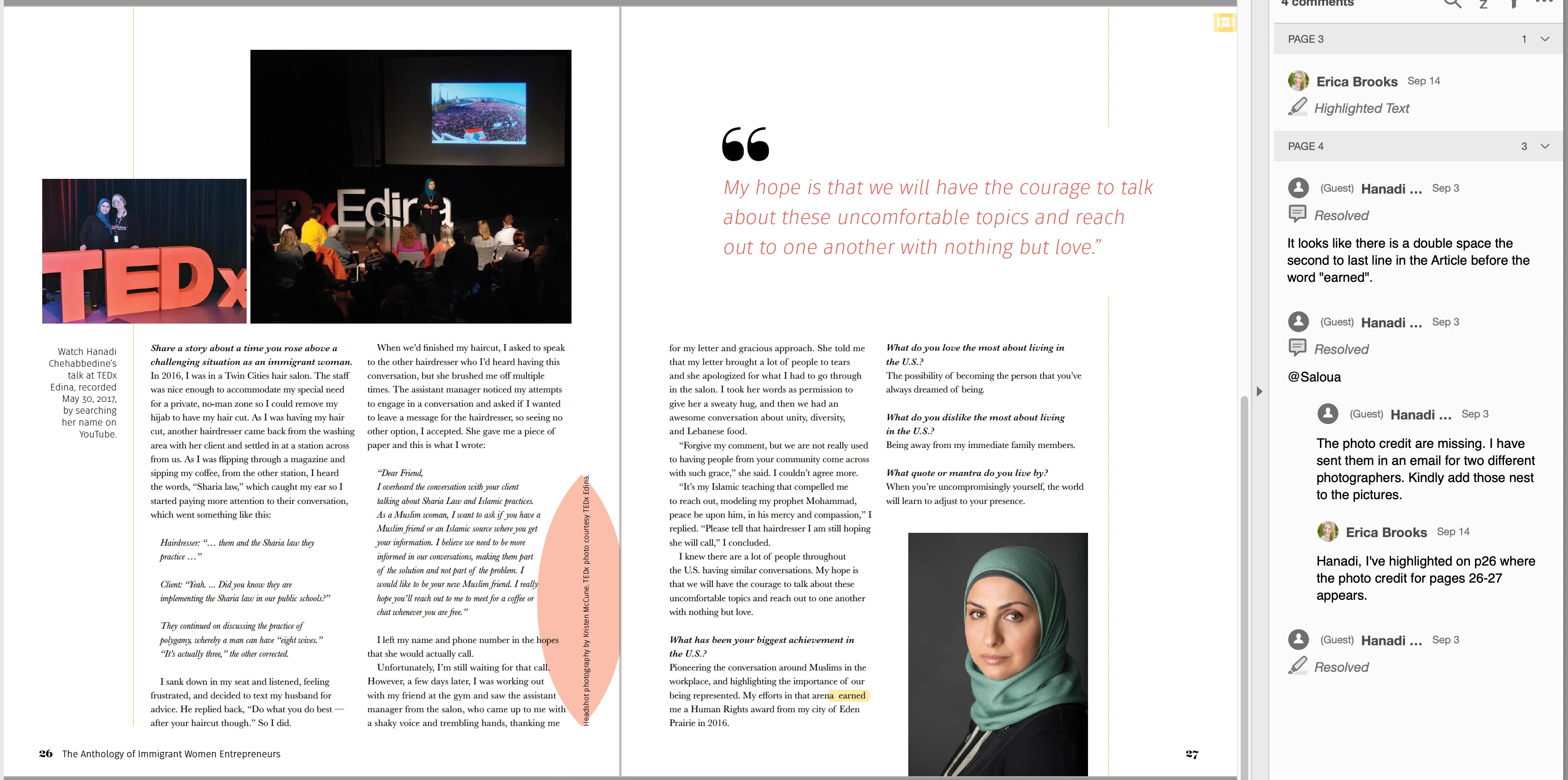
On a related note: It appears that highlighting vertical text causes the highlight to appear in a strange way.
Please see screenshots with examples.
Thanks for looking into this issue.
Erica
 AdChoices