I hope you're doing well, and thank you for contacting us.
Could you kindly provide more information about the issue you're having trouble with?
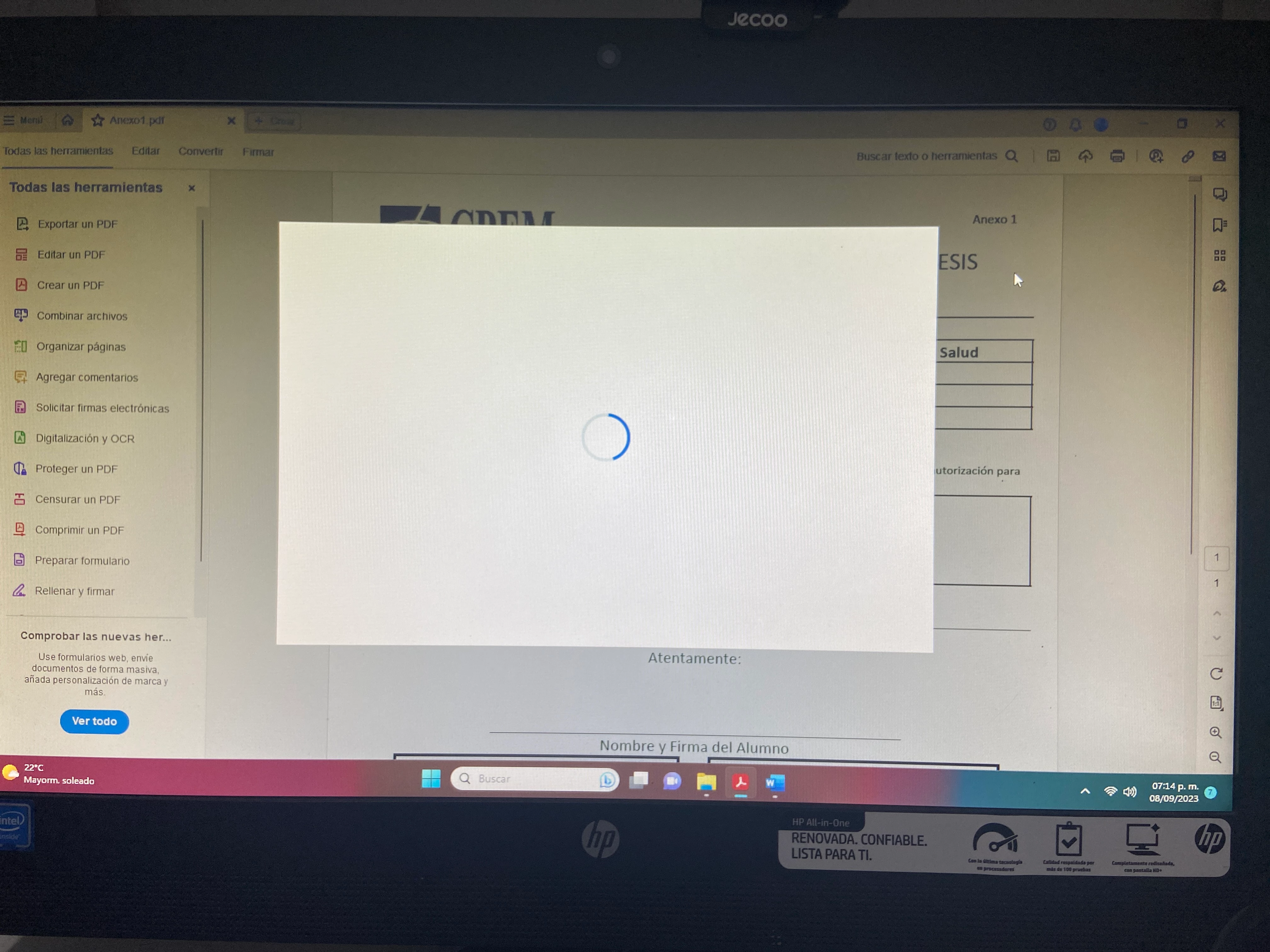
When does the blank pop-up window appear? Is it during an attempt to edit a PDF file or while filling out a PDF form (based on the screenshot you provided)?
Is it specific to one PDF or with all the PDFs?
Are you using Adobe Acrobat or the free Adobe Acrobat Reader? If so, what is the specific version of the application? You can find this information by going to "Menu > Help" and selecting "About Adobe Acrobat."
Could you also share the version of your operating system?
As a preliminary step, please try the following:
Close the PDF file and exit the application.
Restart your computer.
After restarting, open the application again and check if the issue persists.
Additionally, for testing purposes, you can go to "Menu > Preferences > Security (Enhanced)" and uncheck the options "Enable Protected Mode at startup" and "Enable Enhanced Security." Click "OK," restart the application, and see if this resolves the issue.
After testing the steps, please note that you should re-enable these enhanced security options.
We're here to assist you, and gathering more information will help us provide the most accurate solution.

 AdChoices