Participant
October 12, 2021
Question

Converting dwg to pdf some text and background areas invert

  • October 12, 2021
  • 1 reply
  • 2719 views

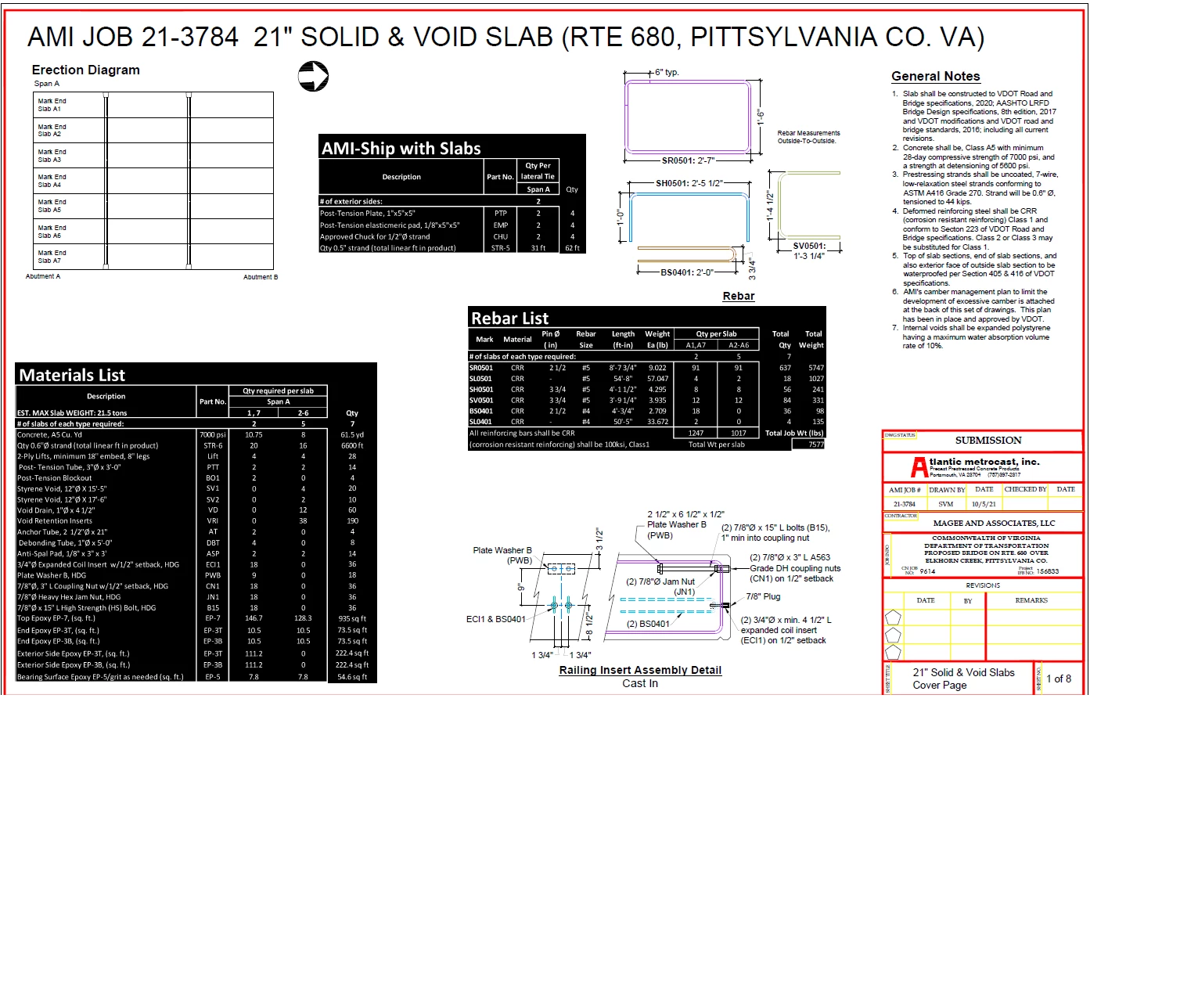
After converting my dwg to pdf , when I open file in Adobe all of my charts have invert colors (white text black background) see below. Everything else of the page is fine.  
This topic has been closed for replies.

1 reply

Amal.
Community Manager
Community Manager
October 12, 2021

Hi there


Hope you are doing well and sorry for the trouble. As described on converting dwg to pdf some text and background areas invert.


Would you mind sharing the workflow/steps you are doing to create the PDF foem the drawing document?  Please try to create the PDF via Adobe Acrobat pro DC and see if that helps.

For more info please check the help page https://helpx.adobe.com/acrobat/using/creating-simple-pdfs-acrobat.html


Is this an issue with a particular file or with the other files as well? Please try with a different file and check. If its a file specific issue please share the file with us for testing.


Also make sure you have the latest version 21.07.20099 installed. Go to Help > Check for updates and reboot the computer once.


Regards

Amal

Participant
October 13, 2021

While in Autodesk I ckicked export, PDF, choose where I want file located, save.

I tryed to do it thru my Adobe DC pro

Clicked file, create, PDF from file, file I wanted converted, open, ok

then a box comes up saying "Conversion of AutoCAD files to PDF has been disabled. Click 'Learn More' for steps to enable this feture. When I click Learn More and click web lenk in step 2 it says download is no longer available.

I've also tryed going to my Registry Editor and I clicked HKEY_LOCAL_MACHINE\SOFTWARE\(Wow6432Node)\Adobe\Adobe Acobat\DC  but once I get that far there is no FeatureState to click on.

Amal.
Community Manager
Community Manager
October 14, 2021

Hi there


We are sorry to hear that. Please go through the help page https://helpx.adobe.com/mt/acrobat/kb/disable-popup-autocad-to-pdf.html  and see if that works for you.


Regards

Amal
