
CROP PDF files permanently.
Hi everyone, I usually use the crop white margins command, but this function DOES NOT permanently delete the excess borders from the file, as it is always possible to go back. I don't like this because I then use a third-party program that counts the surface dimensions of my PDF. This program always detects the original size even if my PDF file has been cropped. I found a site where it can remove the white borders permanently, but it is very inconvenient to load 20 files at a time every time and then if they are heavy the waiting time becomes too long. I imagine this site uses ACROBAT commands and so I wonder if they can do this job because I can't do the final cutting of the white edges with the same ACROBAT PRO tool?
There's no way ACROBAT isn't so powerful that it can do a very trivial thing.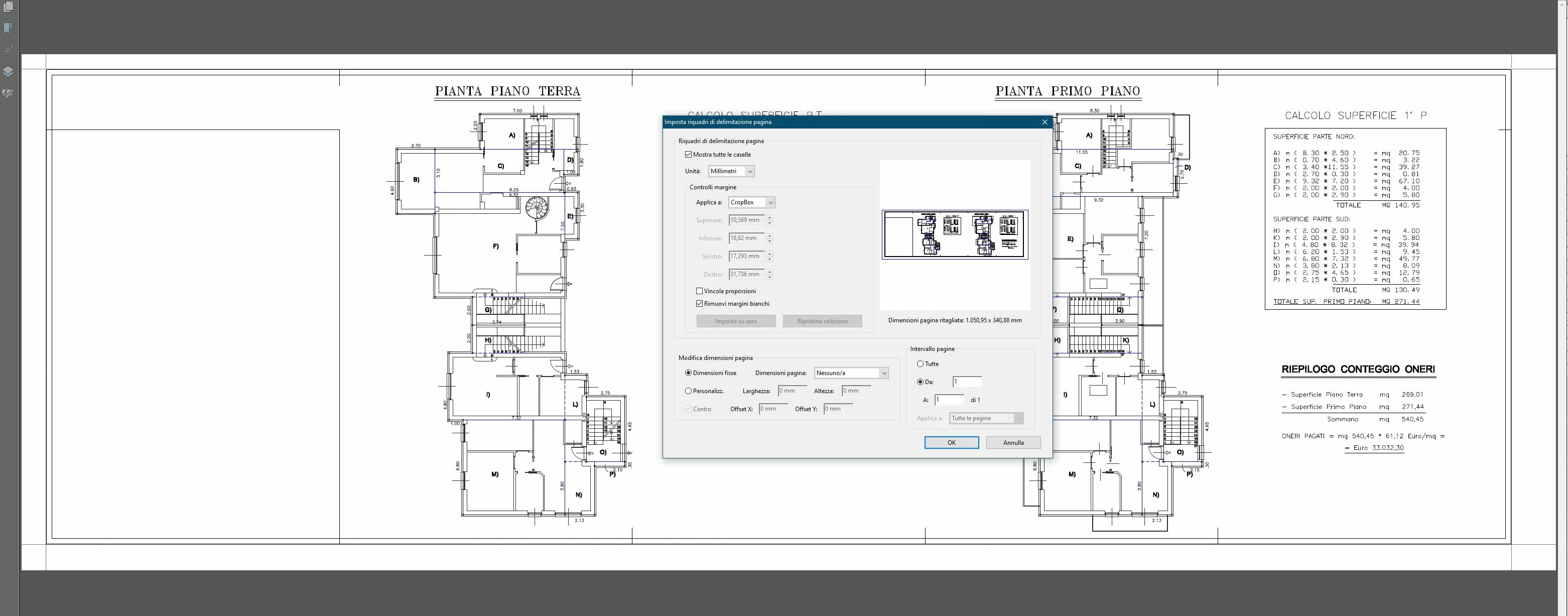
 AdChoices