Participant
March 15, 2025
Answered

data in PDF shows up blank or as white text on white page.

  • March 15, 2025
  • 3 replies
  • 2093 views

opening the pdf results in all the fields being blank. 

Tried reinstalling acrobat as well as rebooting. same results.

documents opened fine in acrobat right before i updated to latest version.

documents still open fine using "preview" in mac.
Correct answer Amal.

Hi there,

Thanks for reaching out.

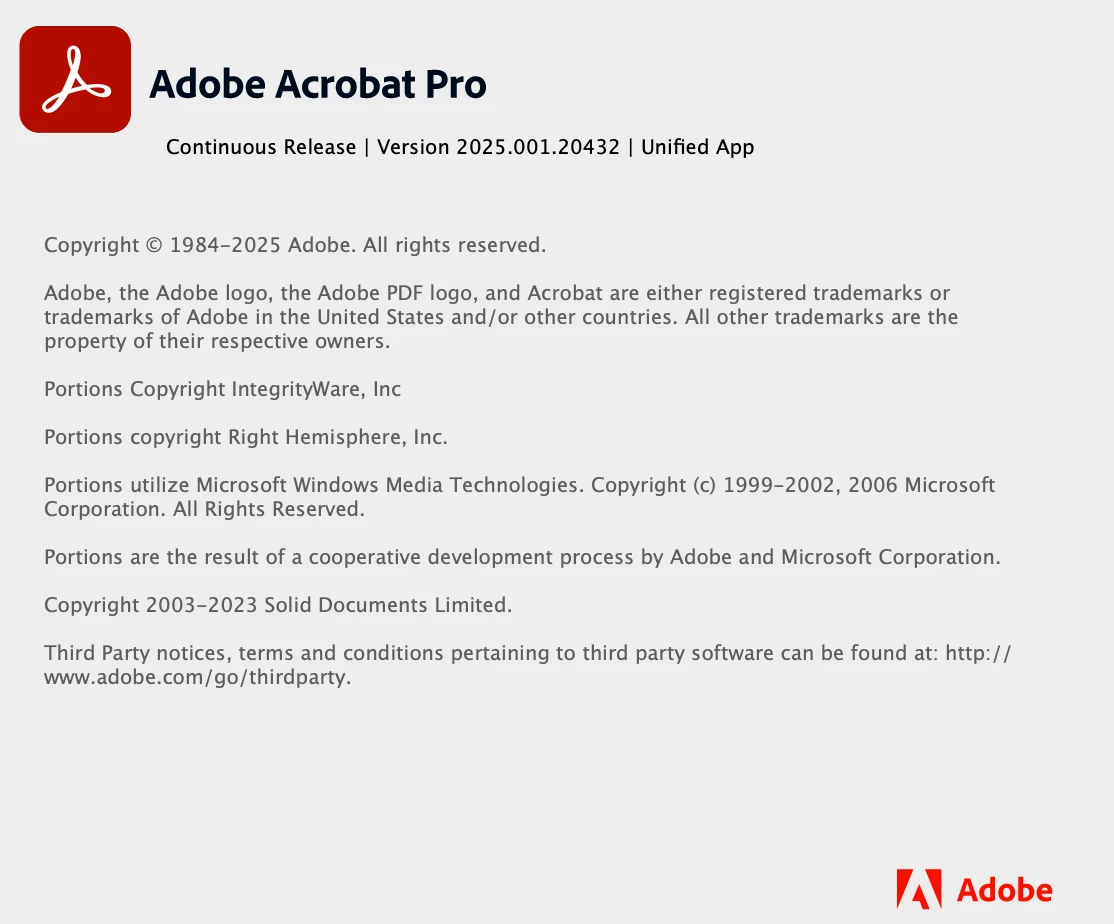
This issue has been resolved in the latest version 25.001.2043x of the application. Please follow these steps to update:

  1. Open the application and navigate to Help in the top menu.
  2. Click on Check for Updates and install any available updates.
  3. Once the update is complete, restart your computer to ensure the changes take effect.

3 replies

Amal.
Community Manager
Amal.Community ManagerCorrect answer
Community Manager
March 21, 2025

Hi there,

Thanks for reaching out.

This issue has been resolved in the latest version 25.001.2043x of the application. Please follow these steps to update:

  1. Open the application and navigate to Help in the top menu.
  2. Click on Check for Updates and install any available updates.
  3. Once the update is complete, restart your computer to ensure the changes take effect.
Participant
March 28, 2025

Hello,

I have the latest version of Adobe, just uninstalled and re-installed the application and am still running into the same issue. Please advise.

Participant
April 13, 2025

I'm having the same issue and I'm at the current version of Adobe, as well.

Participant
March 17, 2025

Just started having this issue last week as well, very annoying 😕😕

creative explorer
Community Expert
Community Expert
March 17, 2025

@VancouverSean that's a rendering issue. Try to save the PDF using the "print to PDF" function in preview, which could potentially fix the rendering issue. Or another temporary workaround, you could try reverting to a previous version of Acrobat if possible, or look for an option in Acrobat preferences related to form display or rendering. 

m
Community Manager
March 17, 2025

Hi @VancouverSean,


Sorry for the troubled experience, and for reporting this issue. 

We are aware of this issue, however the issue is not reproducible in-house and is currently being triaged. 


Please share some sample PDF files that exhibit the behavior at your end, while you share the files please provide the following details:

  •  Acrobat version installed: https://adobe.ly/41vLAwu
  •  OS name and version.
  •  When did this issue start to appear for you?  


~Tariq

Participant
March 20, 2025

I am having the same issue.  I have the latest version of Adobe (version 25.1) and the latest Mac Update (Sequoia 15.3.1).  This started happening early this week.  It is hit or miss as to whether they will be blank.