
Participant
November 23, 2020
Answered

Discombobulated PDF

  • November 23, 2020
  • 3 replies
  • 497 views

When I open PDF files in Acrobat Pro DC, the text/figures appear jumbled and discombobulated. When I open the same PDF via Chrome, it appears with no issue. See screenshots for Pro DC vs. Chrome, original file here. This is not a single-file issue, it's occured 20+ times on every PDF I've recently tried to open. Thank you!
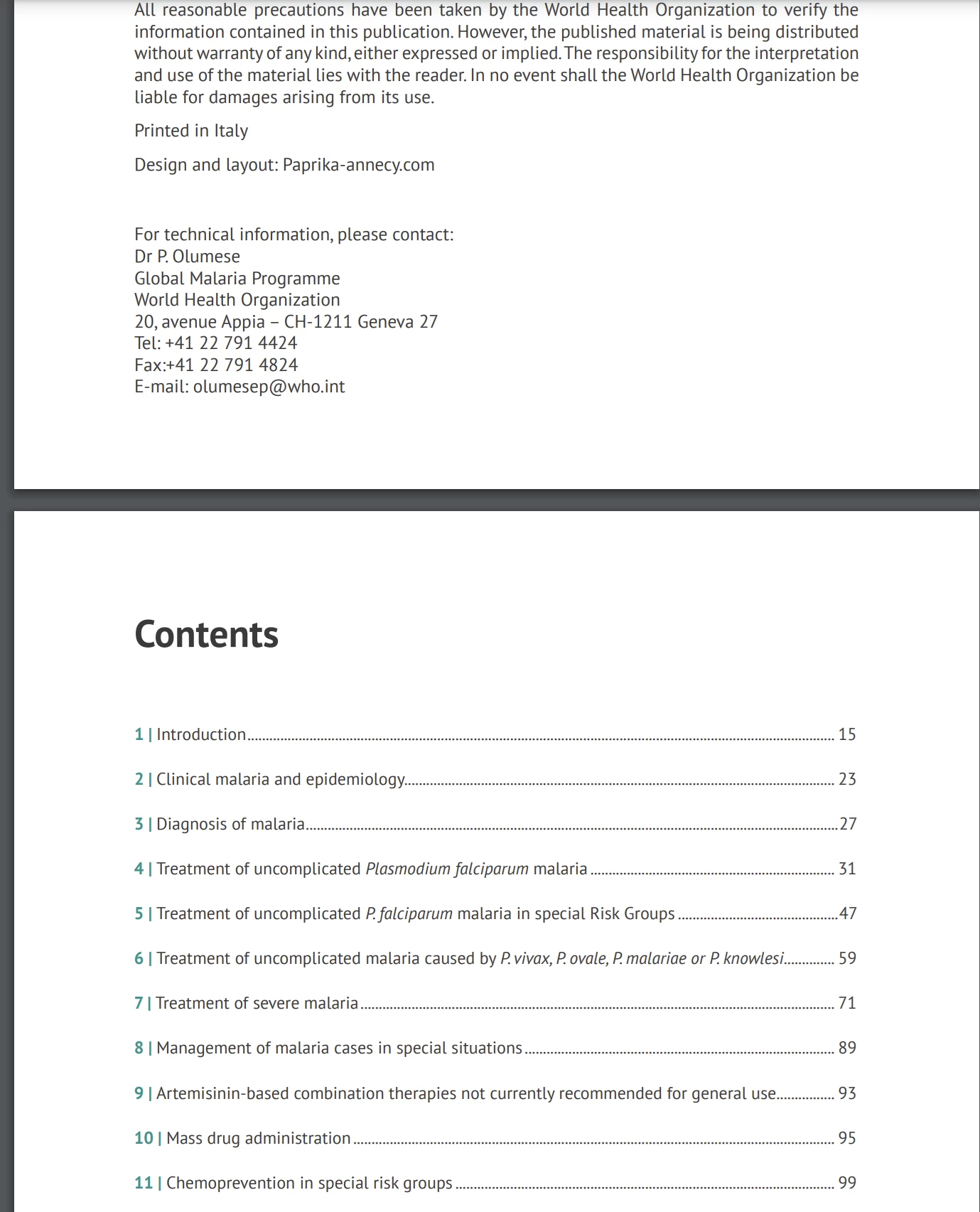
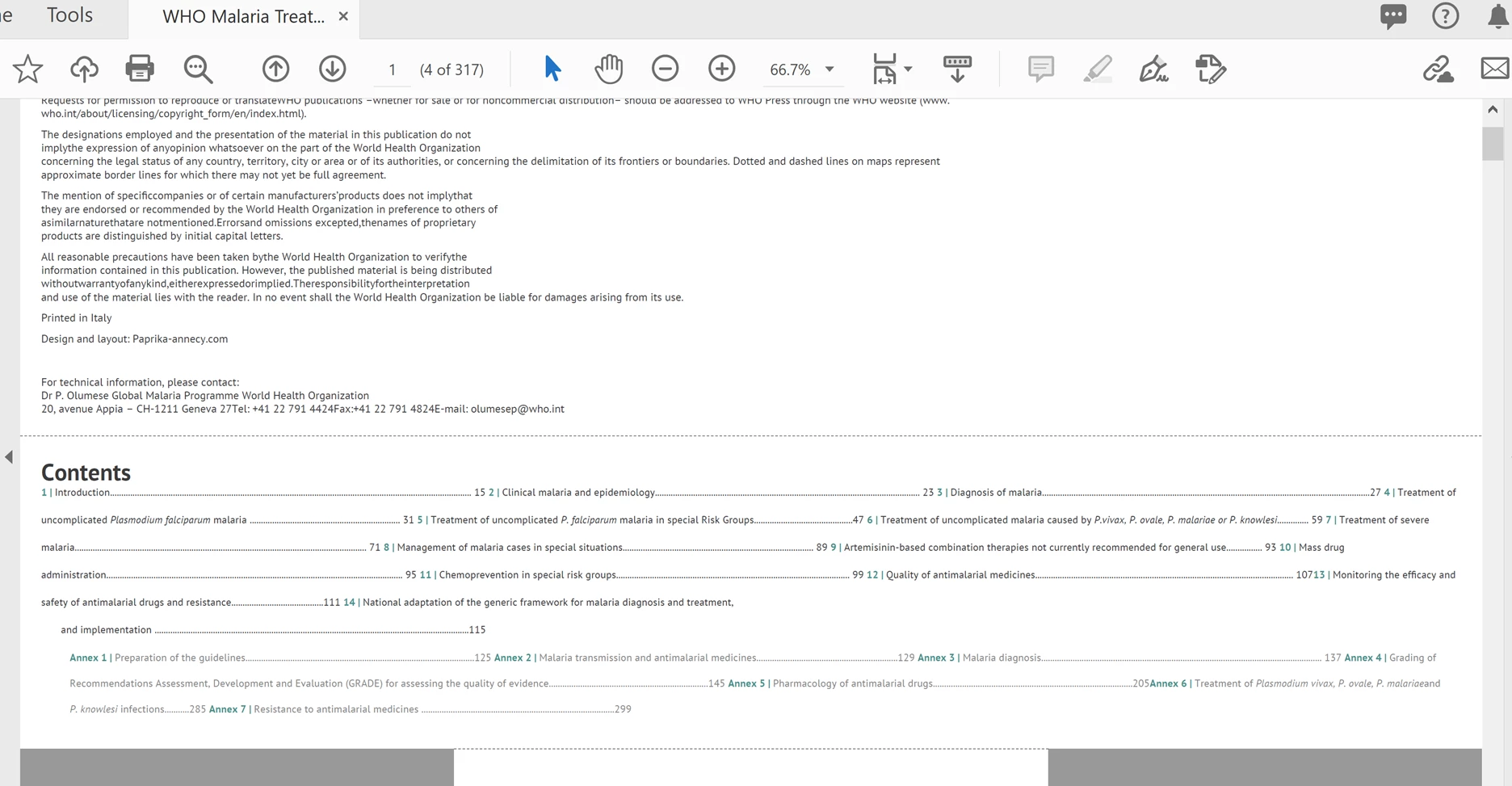
    This topic has been closed for replies.
    Correct answer try67

    It looks like you entered Reflow Mode. Go to View - Zoom and click on Reflow. This can also happen if you press Ctrl+4.

    3 replies

    Participant
    November 30, 2020

    Thank you so much, worked like charm!

    try67
    Community Expert
    try67Community ExpertCorrect answer
    Community Expert
    November 23, 2020

    It looks like you entered Reflow Mode. Go to View - Zoom and click on Reflow. This can also happen if you press Ctrl+4.

    JR Boulay
    Community Expert
    Community Expert
    November 23, 2020

    This file looks OK in my Acrobat Pro DC.

    Acrobate du PDF, InDesigner et Photoshopographe