
Participant
November 7, 2024
Question

Diverse Fehlermeldungen in Acrobat Pro

  • November 7, 2024
  • 1 reply
  • 655 views

Wir haben aktuell bei zwei Geräten signifikante Probleme mit Acrobat Pro, welche den Betriebsablauf erheblich stören.


Die Probleme treten immer dann auf wenn schon seit längerer Zeit an einem Dokument gearbeitet wird:

Problem 1:
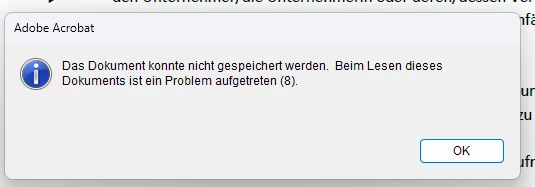
Die bereits bekannte Anleitung zum Windows Defender war hier nicht hilfreich. Wird von uns auch nicht verwendet, wir haben Bitdefender im Einsatz. Acrobat.exe ist in den Ausschlüssen eingetragen.
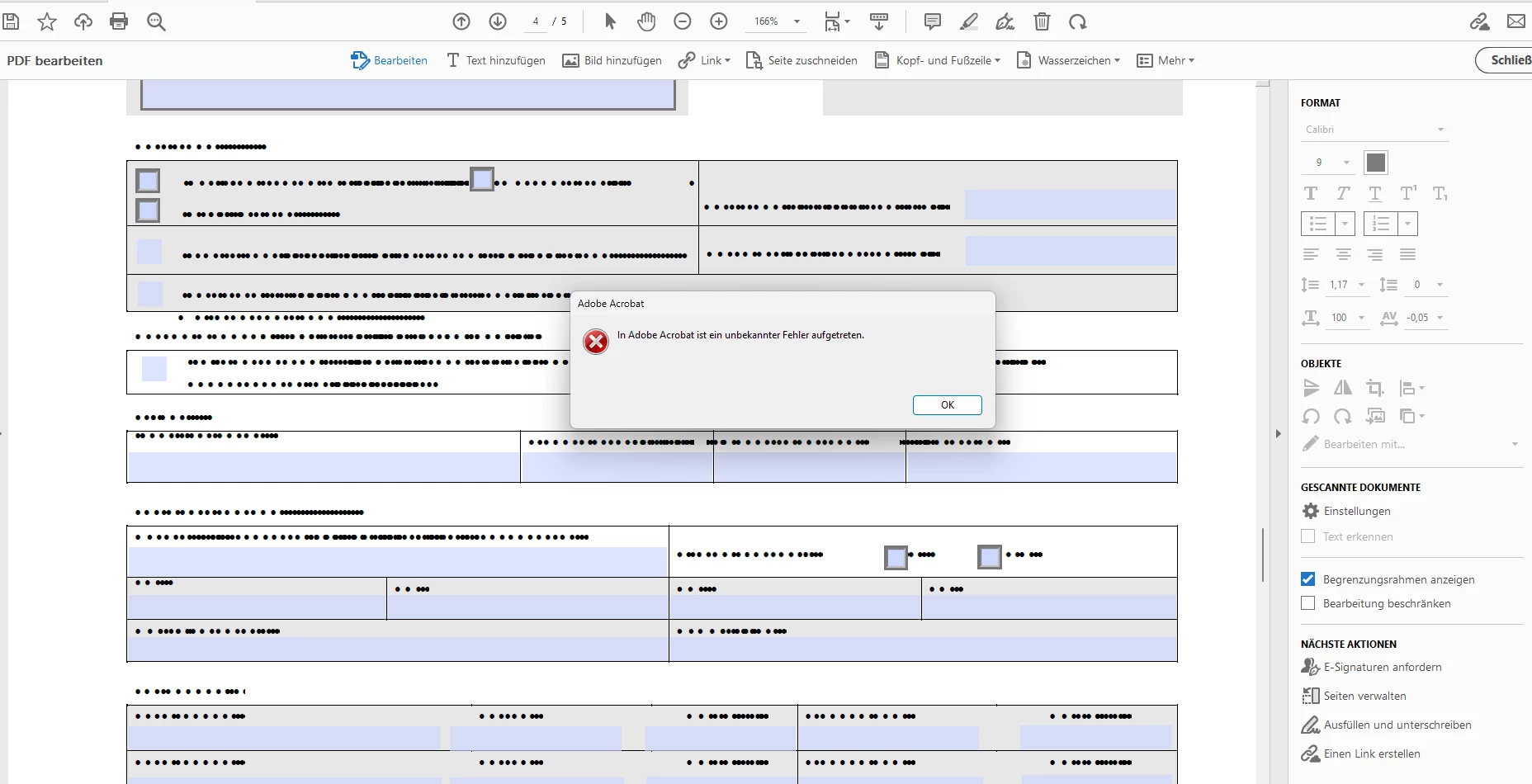
Der zweite Fehler tritt ebenfalls an mehreren Arbeitsstationen nach längerer Bearbeitung auf.
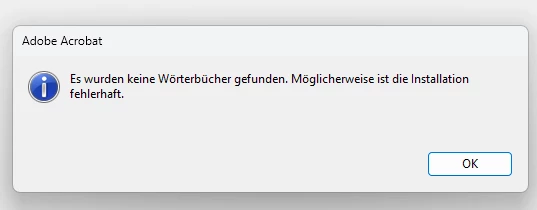
Beim Hinzufügen von Wörterbüchern werden auch keine hinzufügbare aufgelistet.

Ich finde auch nirgends eine Möglichkeit die Wörterbücher nachzuinstallieren


Was bereits getestet wurde:

Deinstallation des Produktes und anschließende Bereinigung von Programmverzeichnis, ProgramData, Appdata und Registry, danach Neuinstallation -> keine Besserung

Testweise ohne Virenscanner -> keine Besserung

Wechsel von neuer auf alter Oberfläche -> keine Besserung

Die Installationen selbst werden per Patchmanagement immer auf den aktuellen Stand gehalten.


Ich komme aktuell nicht mehr weiter und benötige Support

1 reply

Community Manager
January 9, 2025

Hi @Christian24403634vgzx


Sorry for the troubling experience. Following up to check if you have found a solution to the problem. 
It seems to me with the information provided, the issue seems to be related to the document. In a situation like this, you may try converting the file to postscript and then convert the postscript back to PDF using Acrobat Distiller: https://adobe.ly/3WaGRhC. Or try finding issues with the file using Acrobat Preflight: https://adobe.ly/4aa5yAG;


Please ensure your copy of Adobe Acrobat is updated, to check for any pending updates, launch Acrobat > Help > Check For Updates.

Also, try repairing the installation(Win only), launch Acrobat > Help > Repair Installation. 


Let us know if this fixes your problem.


~Tariq

Participant
January 10, 2025

Hi @Tariq Ahmad


The problem occurs with all PDF documents that are located on network drives. The error does not occur with local documents. Are there any “known problems” with this?

The installations are up-to-date and are maintained by a patch management system.

I have already carried out a repair installation several times. Without success.

On the computer with the missing dictionaries, I even removed all Adobe products and cleaned the registry and paths and then reinstalled Acrobat. Without success.

Community Manager
January 24, 2025

Hi @Christian24403634vgzx 

Sorry for the delayed response. Since you have found it is linked to Network drive, try troubleshooting protected mode: https://helpx.adobe.com/acrobat/kb/protected-mode-troubleshooting-reader.html 

If you have an enterprise agreement with Adobe, ask your Admin to contact your dedicated support, the missing dictionary may be linked with OS Image(assuming in the situation). This will require in-depth troubleshooting and that is not possible over Community. 

Thank you for reaching out and for your continued patience.

~Tariq