
Drawing Tools not printing
I have a very specific phrase that I have to include on certain documents, and it must be bordered by a box. In the past I have typed the phrase, gone into drawing tools on the comment toolbar, selected rectangle, bordered my phrase and everything was hunky-dory. I also need to circle certain dates.
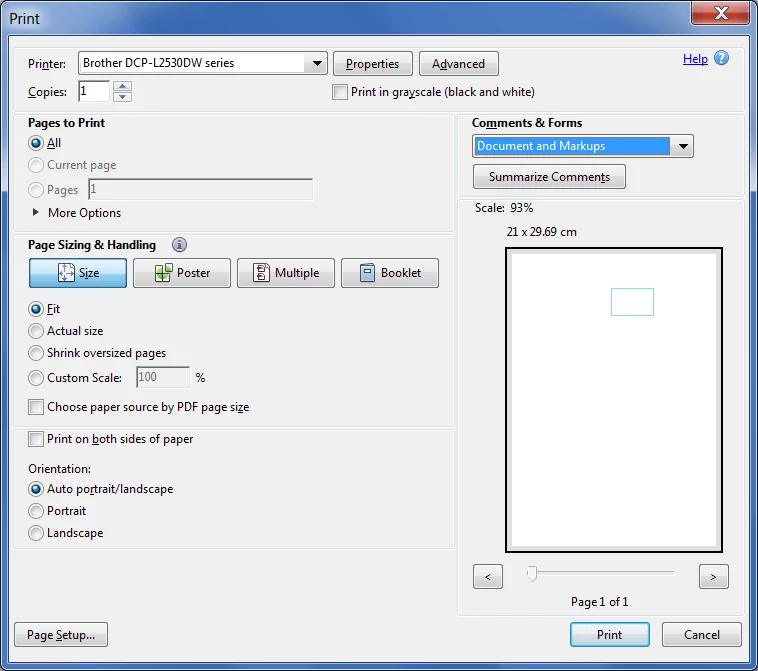
Suddenly none of my drawing tool markups print.
This is getting beyond frustrating. Does anyone have an idea how I can get these to print? I have repaired the installation of the product. I am using Adobe Acrobat Pro DC Continuous Release and I keep it updated every time an update is released.
Thank you to anyone who can help me!!
Moving from Using the Community (which is about the forums) to the correct forum... Mod
To ask in the forum for your program please start at https://community.adobe.com/
 AdChoices