
Answered
Edit PDF Tool - Vector Quality Destroyed
I have created a high quality vector PDF from AutoCAD from a technical drawing. When you zoom in the linework is flawless with zero aliasing. So therefore, the PDF is obviously not scanned.
When clicking on the Edit PDF tool in my current version of Acrobat Pro 2017 I now get a message "Converting Scanned Page to Editable Text and Images".
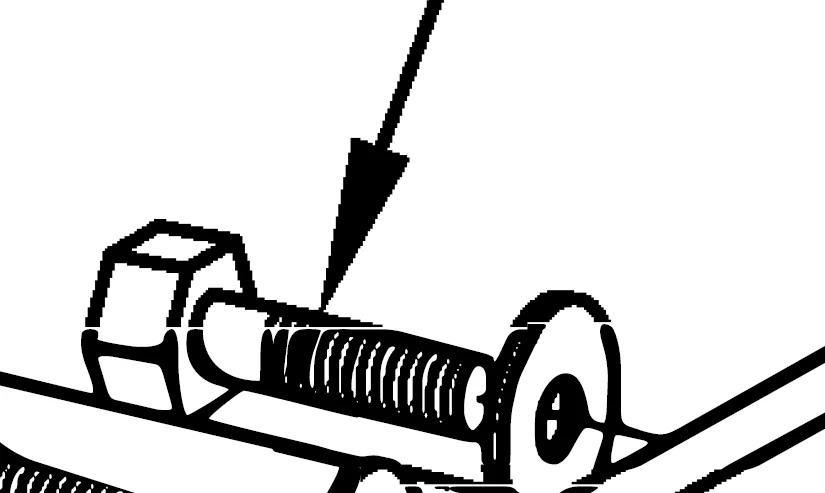
This did not happen in previous versions of Acrobat Pro. In previous versions I was able to go into edit mode, select the high quality graphics and copy paste them to another PDF, scale, move, etc. and maintain the high quality. Now the quality is gone as soon as I hit the Edit PDF tool. Is there any option to go back to the previous quality editing that was possible?
Before

After


 AdChoices