

Errors During Update to Version 21.007.20091
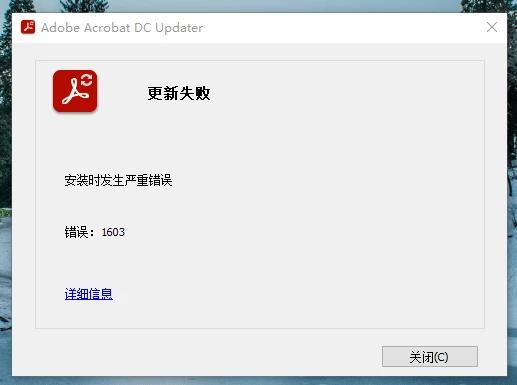
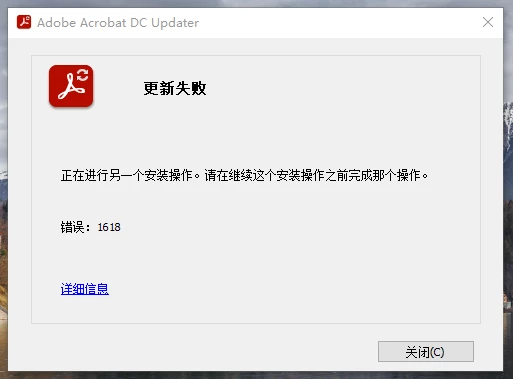
The auto-updating of Acrobat DC to Version 21.007.20091 is collapsed due to the error code 1603 (A fatal error occurred during installation). By searching it I have known this requires shutting down Microsoft Office and all web browsers. Then, in Acrobat or Reader, choose Help > Check for Updates. However, another error code: 1618 (Another installation is already in progress. Complete that installation before proceeding with this install) will arise when I execute the solution.
I also tried to uninstall and re-install the software, but nothing changed for this error. I finally tried to download the update file and install it directly, but I found there may be some access issues that the Update Program cannot write some RBF files. And these files may impact the updating and installation repairing procedures.
Now I cannot update and repair the installation of Acrobat DC desktop app. Plus, reinstalling via Adobe CC turned out not to be the latest version. It's extremely odd. Is there anyone who can provide come assistance?
 AdChoices