
Participant
January 22, 2024
Question

Fill and sign doesn't show on Adobe [Acrobat] on Mac

  • January 22, 2024
  • 1 reply
  • 663 views

FILL AND SIGN doesn't show on my MAC.

I have a new MacBook Air 14.1.

I have a user on ADOBE, and when I downloaded the software, it was ok.

After a few days, the fill and sign is gone - and it's not available to use it on any document.

I tried to uninstall and reinstall- after a day still the fill&sign disapear.

PLEASE HELP!


For example:

I created a plain doc. as shown below:
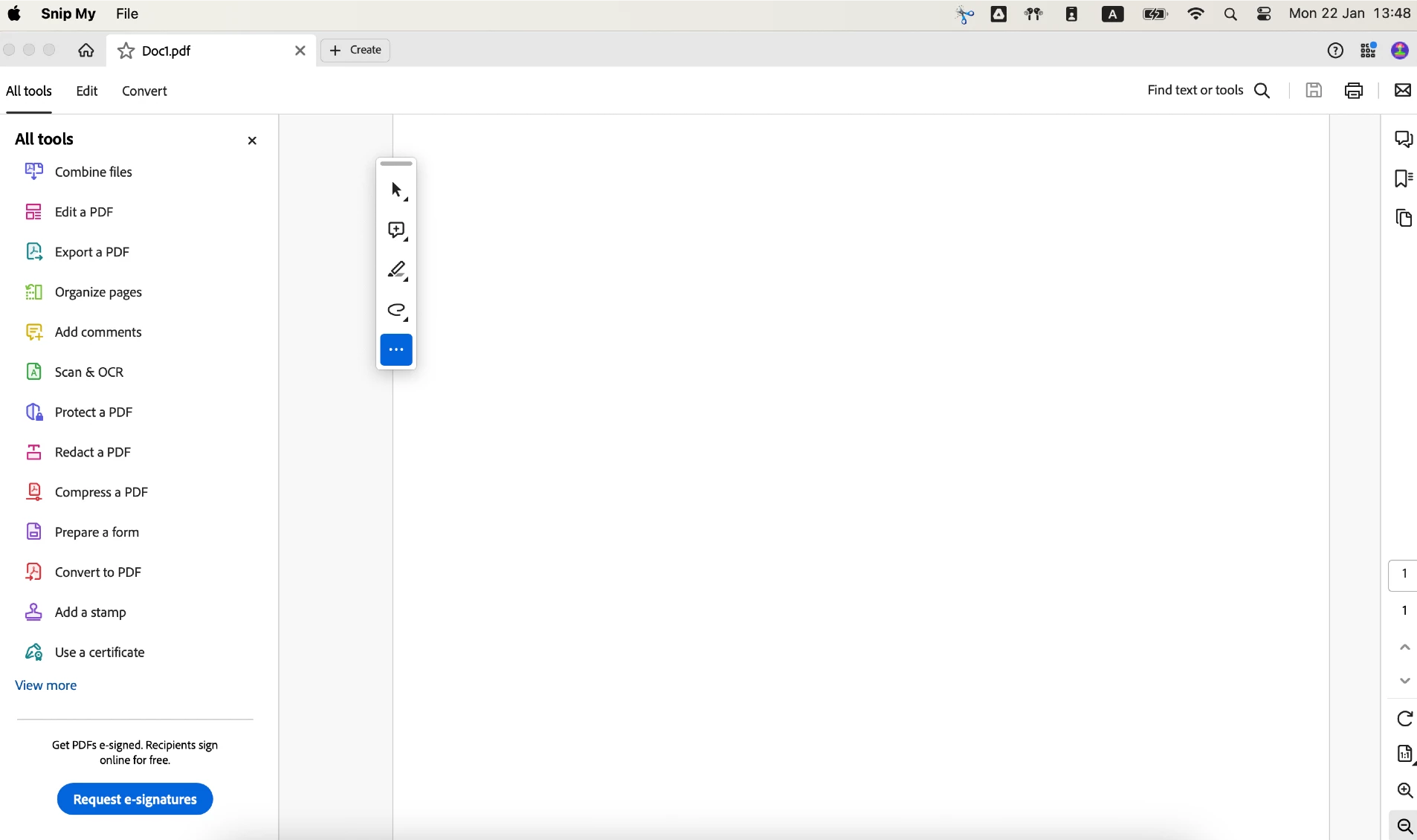
 

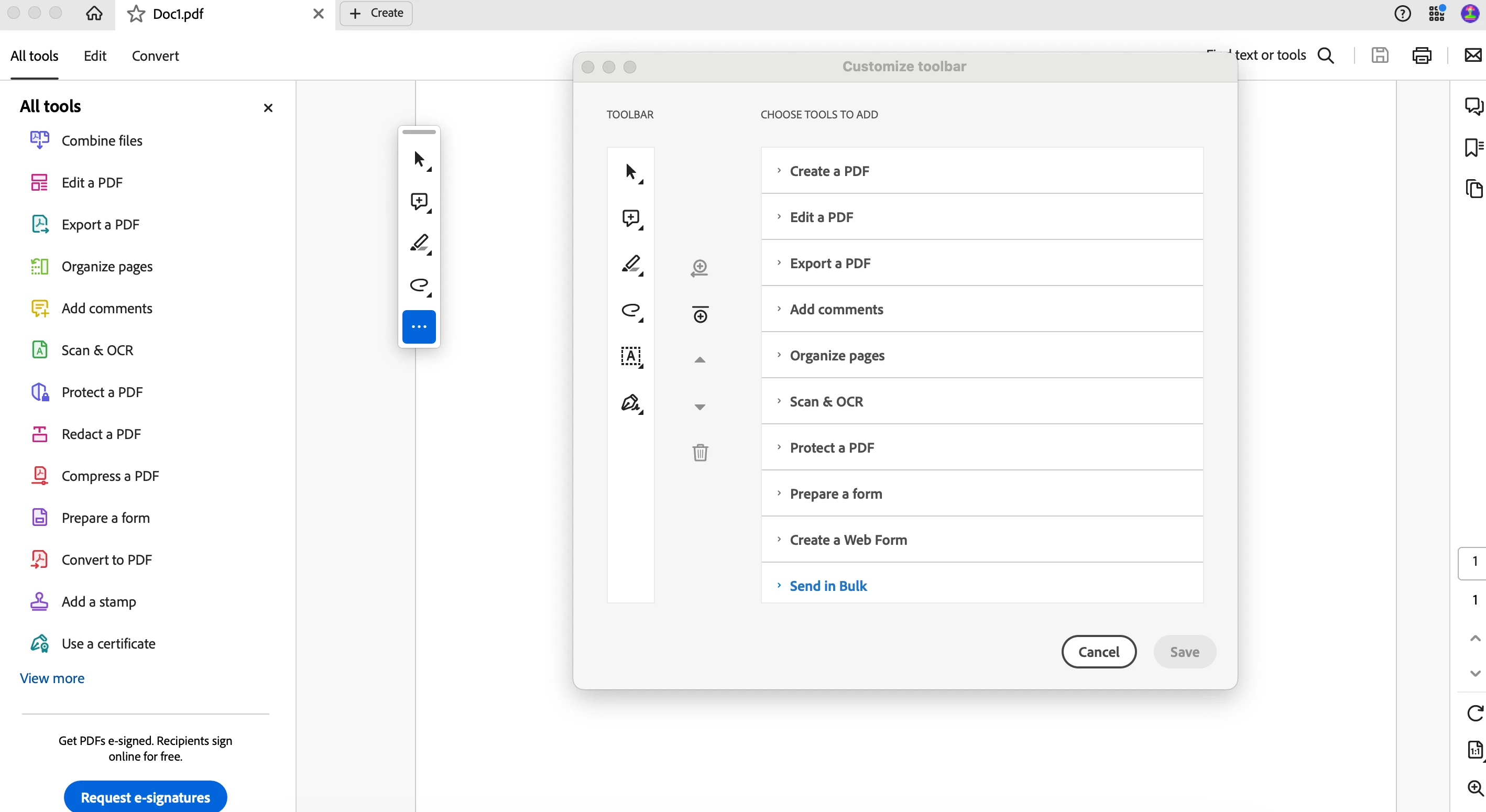
The fill& sign does'nt show on the tool bar, but shows on the setting of the tool bar:
 

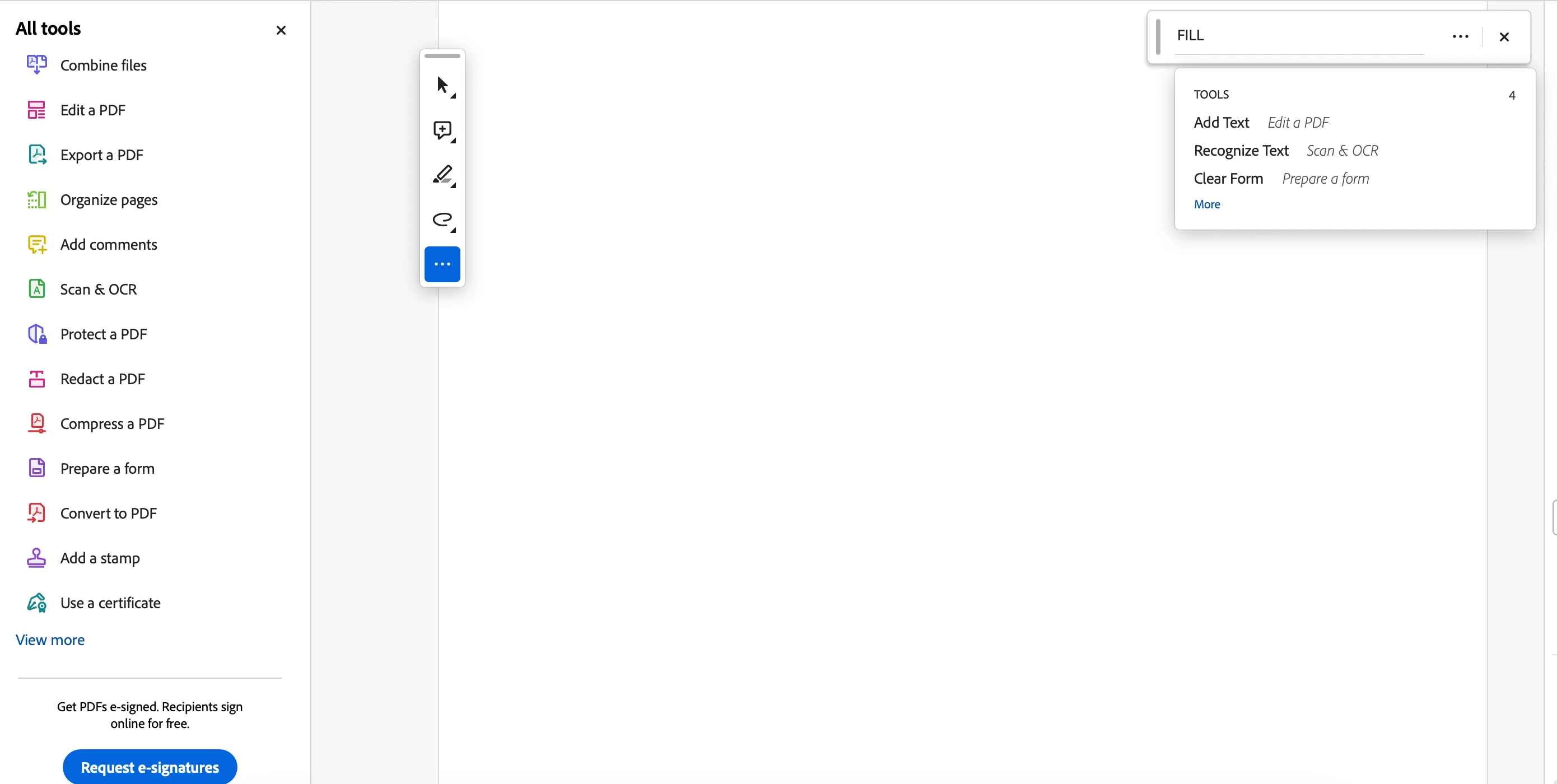
also dosn't show on the side bar:
 

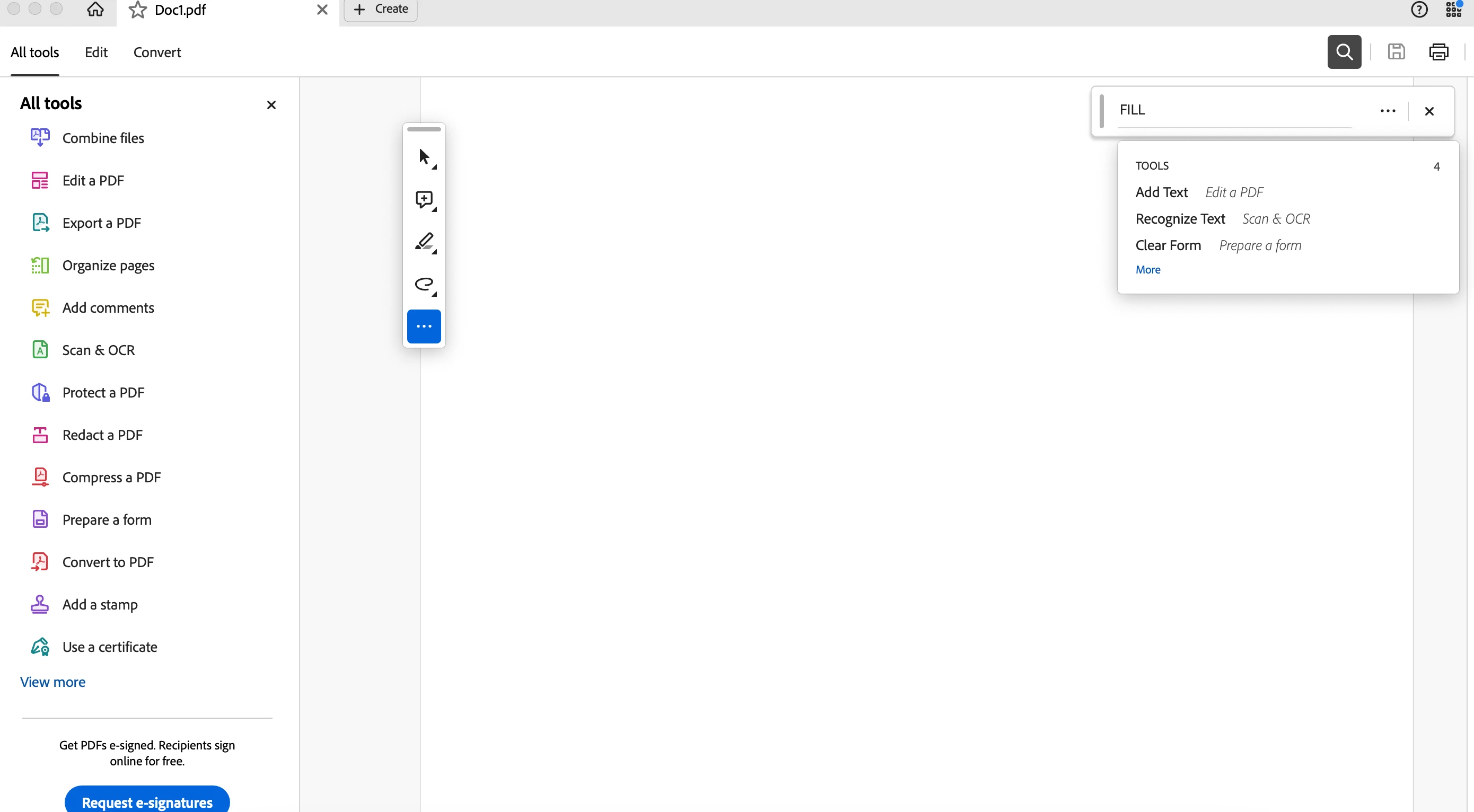
also doesn't show when I tried to serch for it:


[Subject edited to include name of application]


This topic has been closed for replies.

1 reply

jane-e
Community Expert
Community Expert
January 22, 2024


I have a user on ADOBE,

By @Idan30981937ndq0


Adobe is a company; Acrobat is the application. I've moved your post from Using the Community (for forum questions) to the Acrobat forum for you.


You didn't say if you are using the New Experience or not. This help page explains Fill & Sign:

https://helpx.adobe.com/acrobat/using/fill-and-sign.html


At the top is a link to follow if you have disabled the New Experience.

The link with the alternative set of directions is here:

https://helpx.adobe.com/acrobat/current/fill-and-sign.html


Do either of these Help pages answer your question? If not, please ask again!


Jane


Participant
January 30, 2024

Hi Jane,


Thank you for your response!


It's still doesnt work.