
Participant
January 17, 2024
Question

Forms - How to get form field names to appear in preview

  • January 17, 2024
  • 3 replies
  • 2300 views

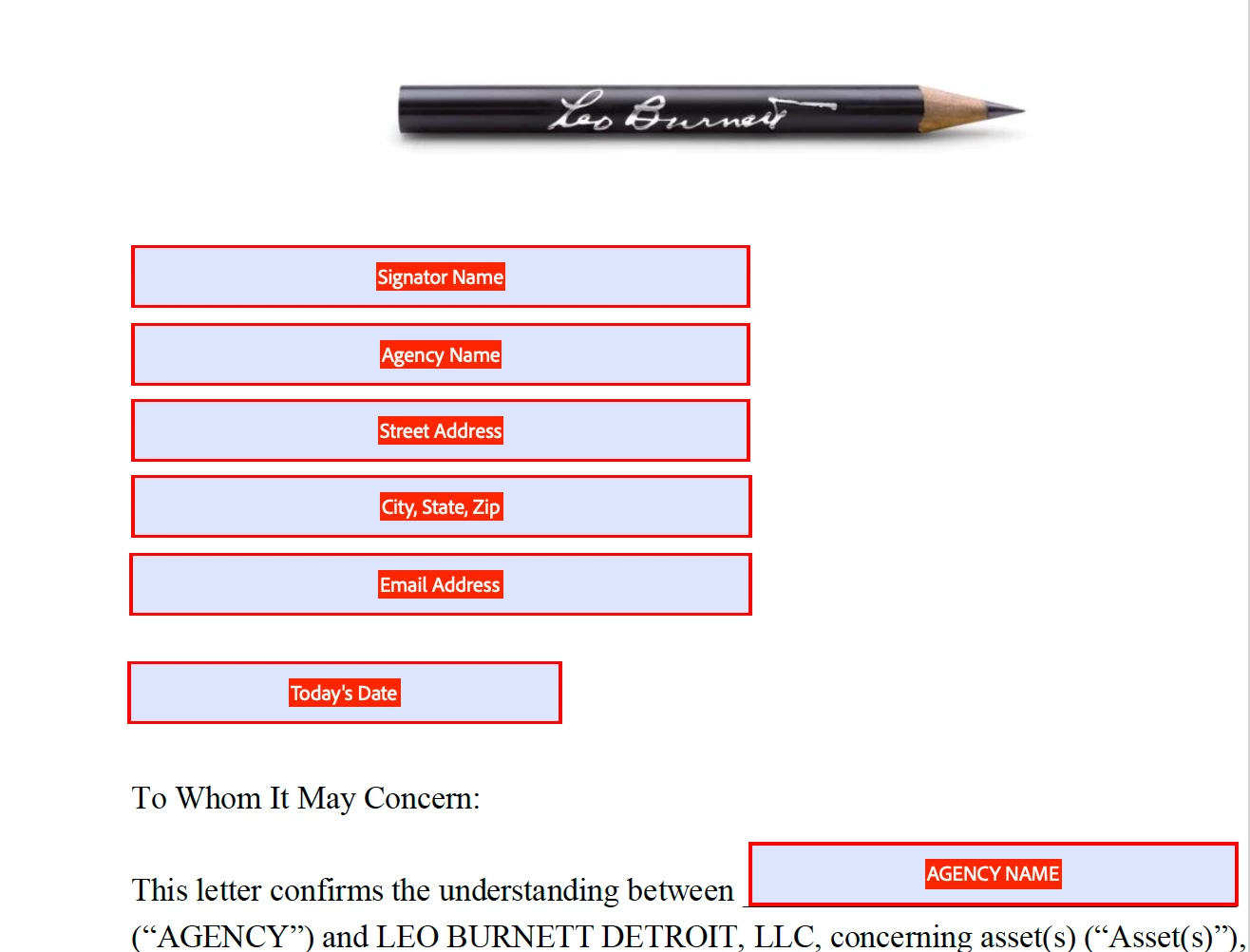
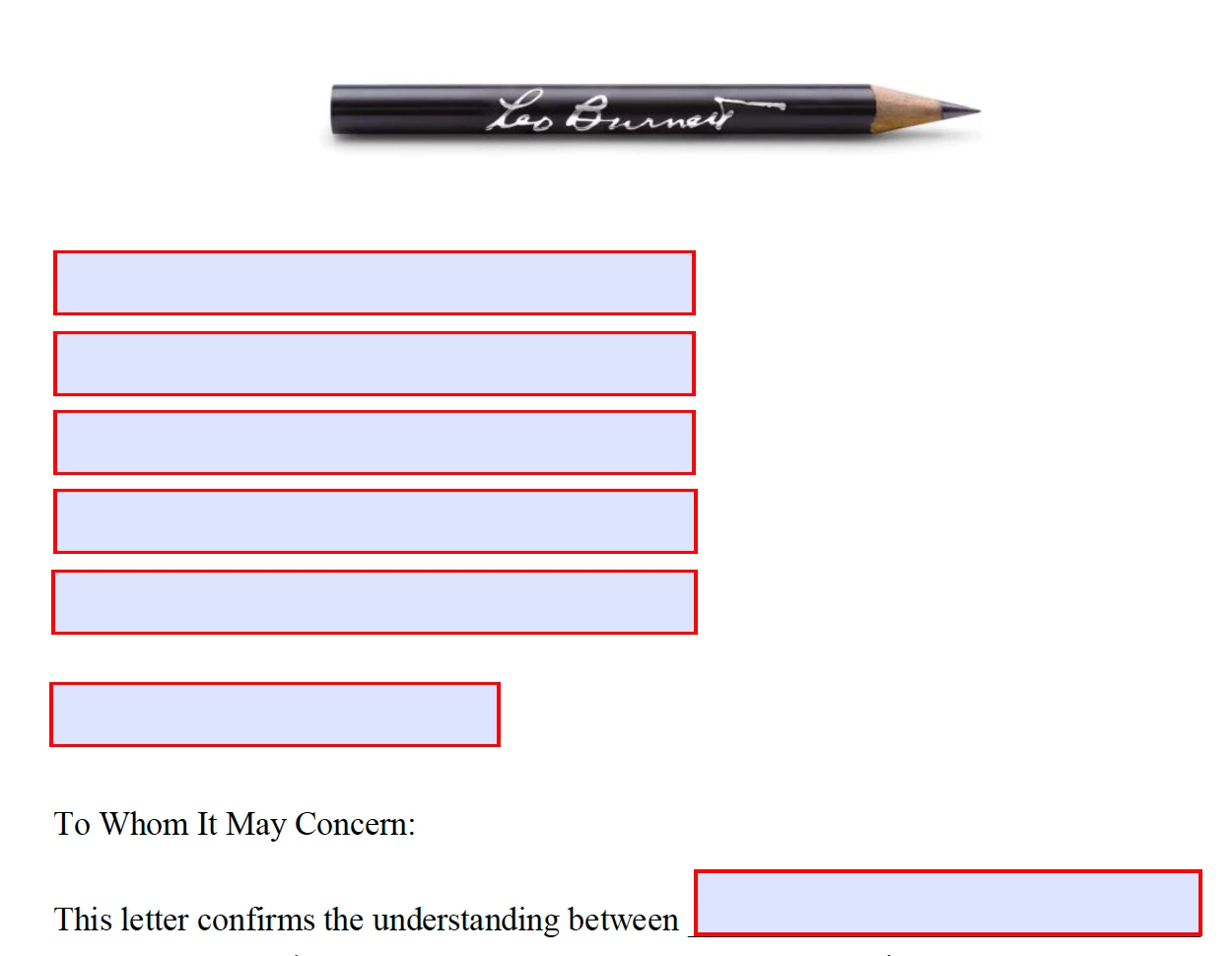
I've used the forms feature in Acrobat for years, but with the latest version, I cannot figure out how to get the form field names to appear in the preview. I feel like this used to be a default. Below are screen shots of the fields while preparing the form and then the preview. The fields aren't locked. Please advise. Thank you!
 

3 replies

Participant
August 20, 2024

Did you ever figure this out? I am having the same exact issue! Older versions I never had so much dificulty creating a form! 

try67
Community Expert
Community Expert
January 17, 2024

I tried it in multiple versions of Acrobat and in none of them the field names appeared in Preview mode, only in Prepare Form mode. Are you sure this is how it was for you before?

Participant
January 17, 2024

I could have sworn it was a default option in past versions. Maybe I'm losing my mind?

try67
Community Expert
Community Expert
January 17, 2024

It doesn't really make sense. The whole point of the Preview mode is to show how the form fields actually look like on the page, I thought.

But personally I never use it, I must say. I just exit Prepare Form mode and view the actual file, instead.

JR Boulay
Community Expert
Community Expert
January 17, 2024

What do you mean by "latest version"?

Is it the January update?

Acrobate du PDF, InDesigner et Photoshopographe
Participant
January 17, 2024

It's company software so it was an auto-update:


JR Boulay
Community Expert
Community Expert
January 17, 2024

The current version is

Acrobate du PDF, InDesigner et Photoshopographe