


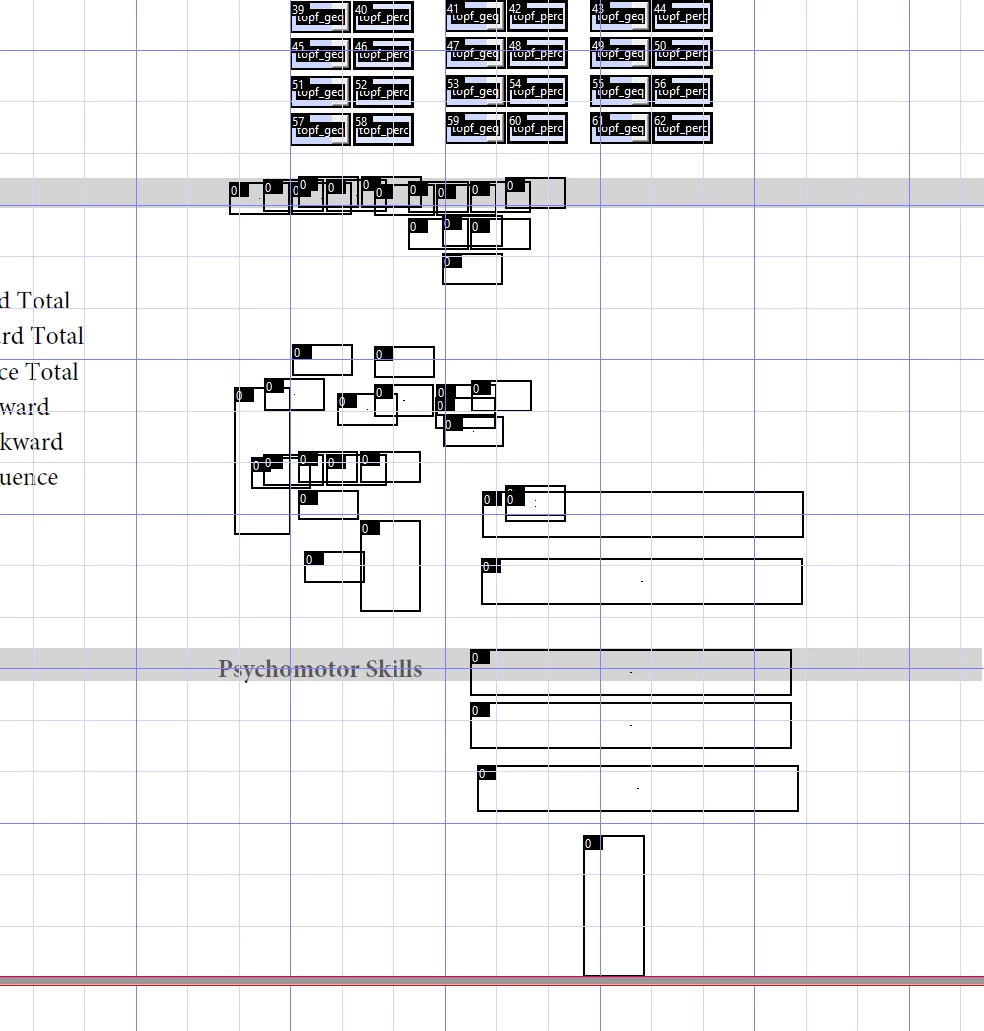
Ghosts of form fields past cluttering the document
I'm creating a PDF using form fields, but Acrobat keeps pasting extra fields and when I delete them, they still show up.
The tab number of deleted fields is 0 now and they don't show up in the "fields" pane, but they do get in the way with working with other objects. I deleted with right-click -> delete. Now all the fields have ? in the properties (as in adobe thinks they have no attributes/don't exist). I've restarted and resinstalled Adobe over 4 days and they continue to built up. I even started over from scratch and they built up on the new PDF as well. I tried changing the properties to 'hidden', resizing them, etc. and all the options do nothing or don't work.
How can I delete these object ghosts? I'm not understanding where the memory of them is within the PDF document/javascript code so I don't know how to delete.

 AdChoices