
Answered
Graph Paper Overlaying my Acrobat Documents
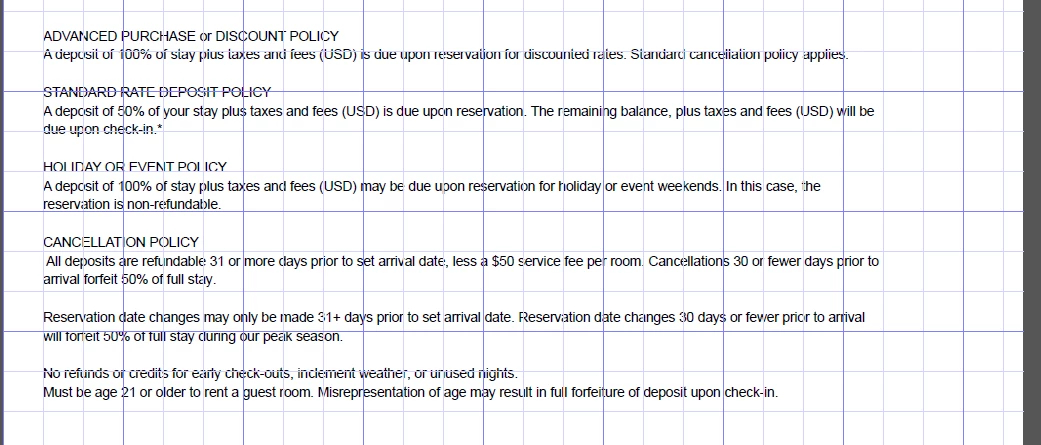
I recently downloaded Acrobat documents from a client's sharefile. The two documents appeared with what looks like a graph paper overlay on the document. In addition, from that point forward, every Acrobat document I create or even open on my computer appears with this overlay. See below. Does anyone know why this happended or how to remove this overlay? Thanks.


 AdChoices